
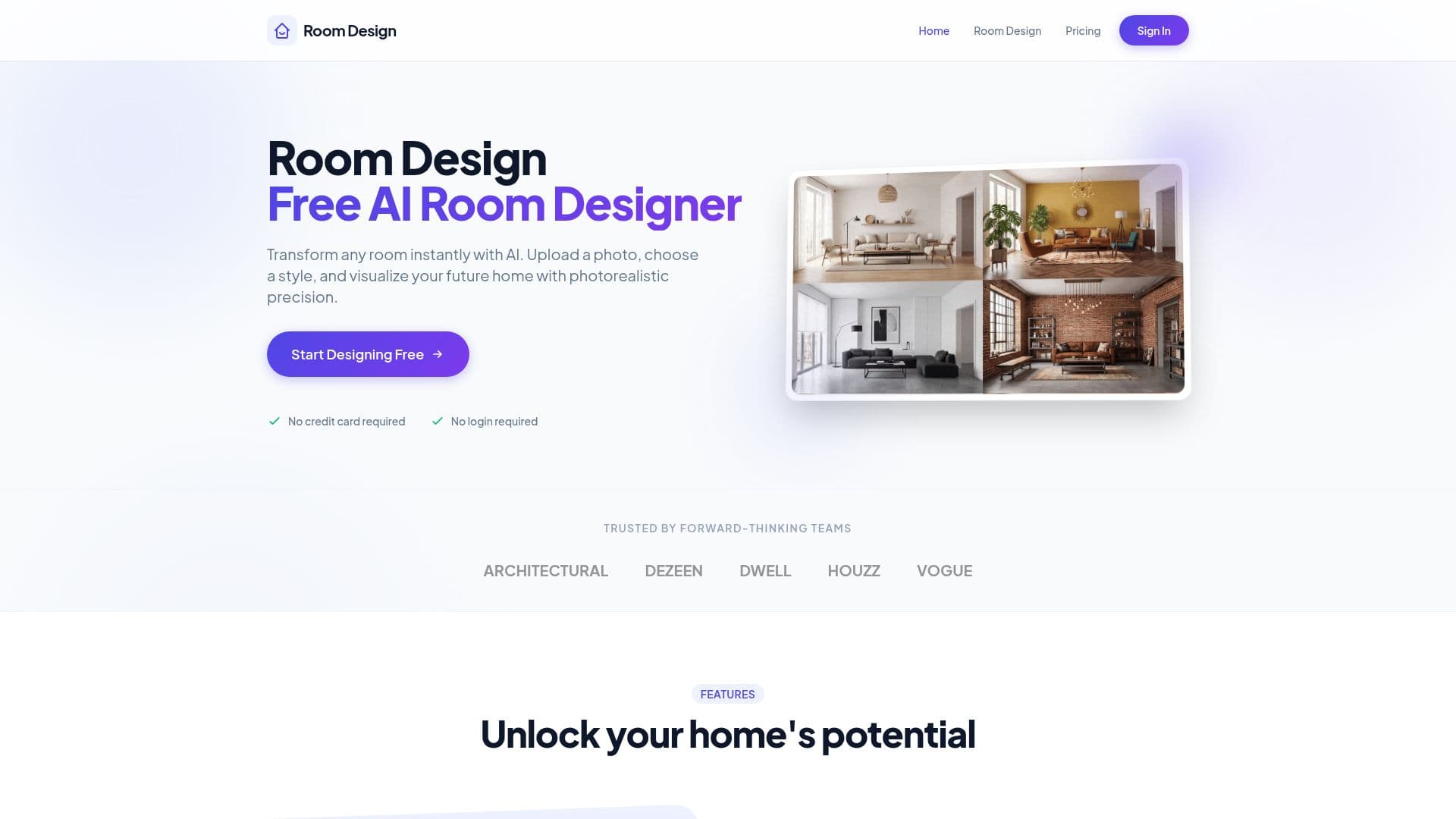
Description
Room Design is a free AI room designer that transforms any room instantly from a photo. Upload an image, choose a style or describe your vision, and the AI analyzes the room's geometry to produce photorealistic 4K renders in seconds that you can download, share, or refine with new prompts.
Read More
The tool offers 30+ professionally curated styles from modern minimalism to cozy Scandinavian, virtual renovation and staging with structural-aware modifications, smart furniture matching tailored to your room's layout, and intelligent color and lighting suggestions. A targeted editing mode with AI-powered magic erasing lets you change only what you want, such as swapping sofas or repainting walls, while keeping the rest of the room intact.
Room Design is aimed at homeowners and interior designers. It offers five free generations daily with no login required to try, plus paid Starter, Pro, and Plus subscription tiers that add more monthly credits, all design styles, 4K exports, custom prompts, and priority support.
- CategoryAI Interior & Architecture Design
- Pricing ModelFreemium
- DeploymentCloud
- PlatformsWeb
Room Design's Core Features
Photorealistic 4K room renders from a single photo
30+ professionally curated interior styles
Virtual renovation and staging with structural-aware modifications
Smart furniture matching to your room's layout and style
Intelligent color and lighting suggestions
Targeted editing with AI-powered magic erasing
Custom prompts to describe your own vision
Five free generations daily with no login required
How to use Room Design?
Upload a photo: Take or upload an image so the AI can analyze the room's geometry.
Select a style: Choose a preset style or describe your vision in a custom prompt.
Get results: Receive 4K renders in seconds.
Download or refine: Save, share, or refine the result with new prompts.
Room Design's Use Cases
- Room makeovers
- Virtual renovation
- Virtual staging
- Targeted updates
- Furniture and color planning