
Description
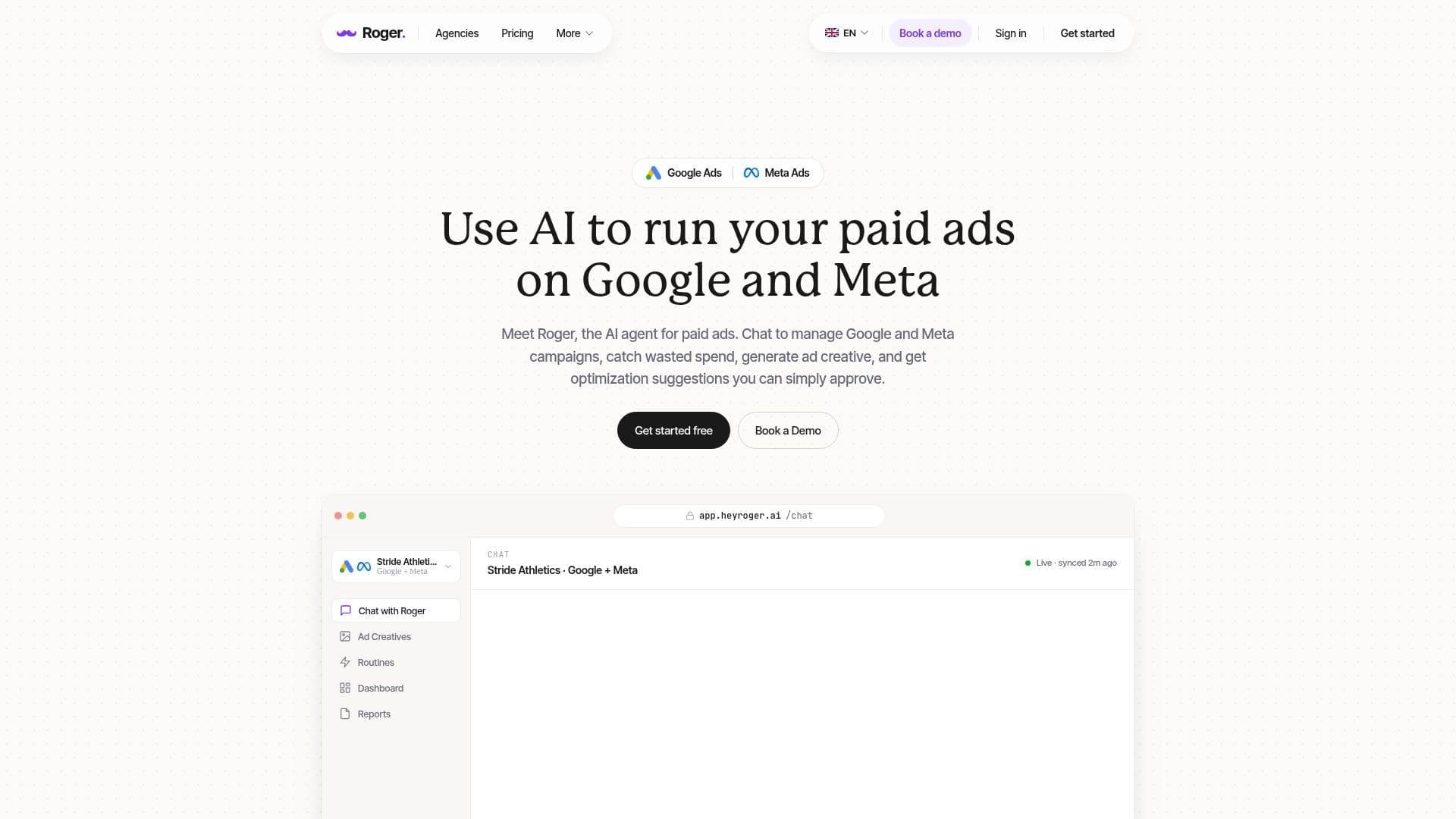
Roger is an AI agent specifically built for managing paid ads on Google and Meta platforms. It allows users to connect their Google Ads and Meta Ads accounts, enabling them to audit campaigns for wasted spend, generate ad creatives, and apply optimizations only after receiving user approval. By operating in a read-only mode by default, Roger ensures that users maintain control over their advertising strategies while benefiting from automated insights and suggestions.
Read More
The platform is designed for anyone running paid ads, including freelancers, in-house teams, and agencies. Roger simplifies the ad management process by allowing users to chat with the AI to manage campaigns, catch wasted spend, and generate creative assets. Users can review every asset before it goes live, ensuring that all content aligns with their brand messaging and objectives.
Roger offers various pricing plans based on the number of businesses managed, starting with a free tier that provides access to all features and 500 credits. Paid plans allow for more businesses and credits, catering to larger teams and agencies. The platform integrates seamlessly with Google Analytics 4, Google Tag Manager, and other essential tools, making it a comprehensive solution for digital marketers.
In addition to its core functionalities, Roger provides performance reports, routine audits, and anomaly detection, ensuring that users are always informed about their ad performance. With a focus on privacy and security, Roger is EU-based and GDPR-aligned, giving users peace of mind regarding their data management. Overall, Roger is built by experienced advertisers who understand the challenges of managing ad accounts and have created a solution that addresses these pain points effectively.
- CategoryAI Ad Generators
- Pricing ModelFreemium
- DeploymentCloud
- PlatformsGoogle, Meta
Roger's Core Features
Google Ads management
Meta Ads management
Ad creative generation
Wasted spend detection
Negative keyword suggestions
Approval-based change workflow
Performance reports
Google Analytics 4 integration
Search Console integration
Google Tag Manager integration
How to use Roger?
Connect your Google and Meta accounts to Roger.
Use the chat interface to ask Roger about your campaigns.
Review the ad creatives generated by Roger before approval.
Set guardrails for what changes Roger can make autonomously.
Receive performance reports and insights from Roger.
Adjust your ad strategies based on Roger's recommendations.
Monitor your campaigns for anomalies and wasted spend.
Disconnect Roger at any time through your dashboard.
Roger's Use Cases
- Ad Campaign Management
- Creative Asset Generation
- Performance Monitoring
- Budget Management
- Team Collaboration