Description
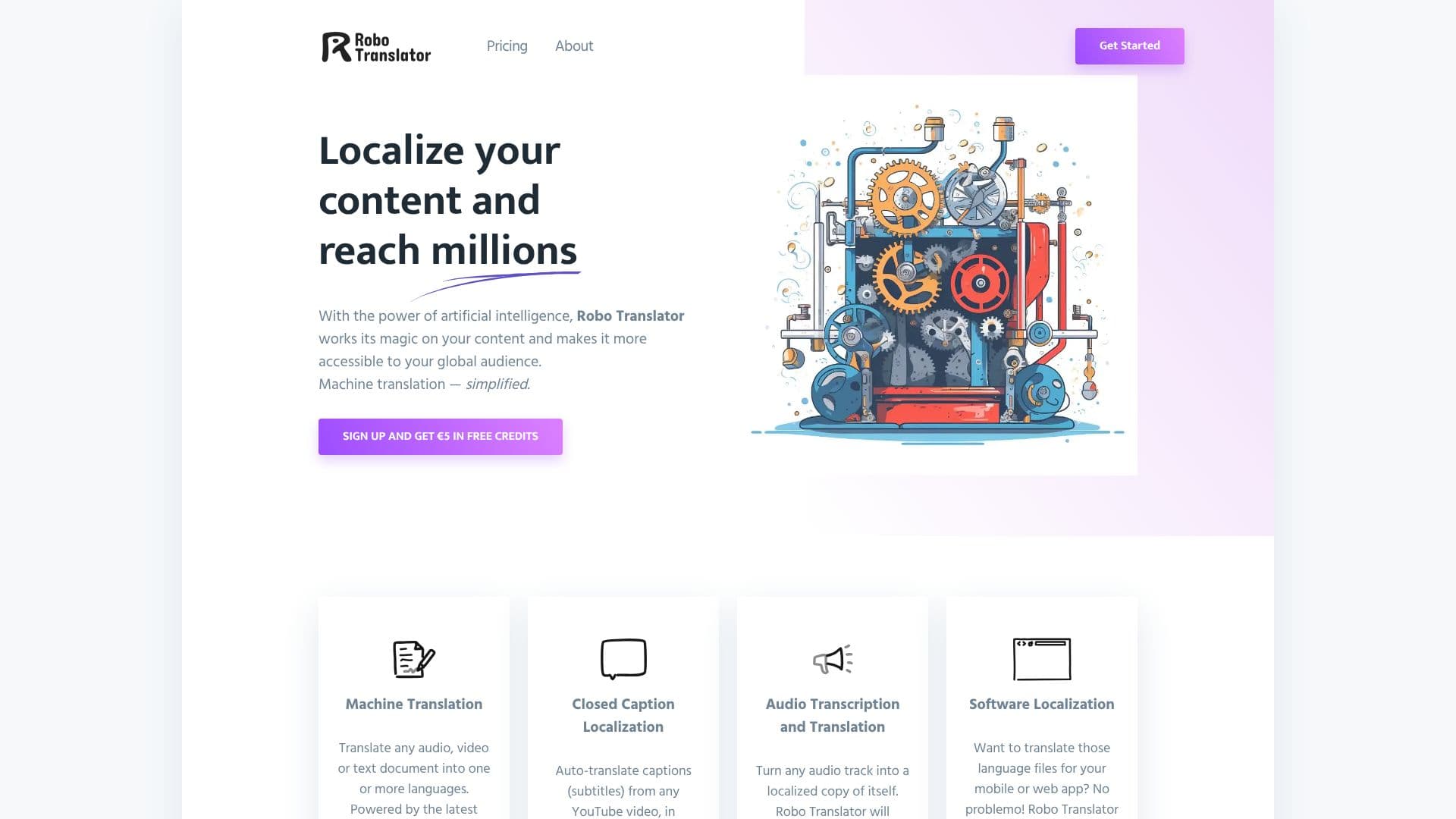
Robo Translator offers a comprehensive AI-driven solution for localizing content across various formats, enabling businesses and creators to connect with a global audience. The service simplifies machine translation by utilizing the latest OpenAI models for highly accurate results. Users can translate audio, video, or text documents into one or more languages, ensuring broad accessibility.
Read More
A key feature is its closed caption localization capability, which allows for the auto-translation of subtitles from any YouTube video in seconds. Furthermore, it can synthesize audio tracks in a chosen language and export them for use in platforms like YouTube Studio, facilitating multi-language audio content creation.
For audio content, Robo Translator provides an end-to-end solution: it transcribes audio tracks, generates captions, and synthesizes a new, localized audio track with a single click. This is particularly useful for making podcasts, lectures, or video voiceovers accessible in different languages.
Software localization is also streamlined, with the tool supporting popular internationalization (l11n) file formats such as .xml, .json, .plist, .php, and .properties. This makes it easier for developers to translate language files for mobile or web applications.
Robo Translator is built on state-of-the-art technology, including the latest OpenAI models for AI-powered translation and Azure for text-to-speech. It emphasizes speed, accuracy, and privacy with encrypted file uploads and short-lived storage. The platform operates on a pay-as-you-go pricing model, offering free credits upon signup.
- CategoryAI Translators
- Pricing ModelPay As You Go
- DeploymentCloud
- PlatformsWeb
Robo Translator's Core Features
AI-powered machine translation using OpenAI models
Translate audio, video, and text documents
Auto-translate YouTube video captions (subtitles)
Synthesize localized audio tracks for videos
Transcribe, caption, and translate audio files
Support for multiple software localization file formats (.xml, .json, .plist, .php, .properties)
State-of-the-art text-to-speech powered by Azure
Fast and accurate audio transcription and captioning
Encrypted file uploads for enhanced privacy
Short-lived storage for improved data security
Pay-as-you-go pricing model
Free credits offered upon signup
How to use Robo Translator?
Upload Content: Upload your audio, video, or text files, or provide a YouTube video URL.
Select Languages: Choose the target languages for translation and localization.
Process: Initiate the translation, captioning, or audio synthesis process.
Review & Download: Review the translated content, captions, or audio, and download the localized files.
Robo Translator's Use Cases
- Video Content Localization
- Audio File Translation
- Software Localization
- Document Translation
- Global Audience Reach
- Multilingual Content Creation