
Description
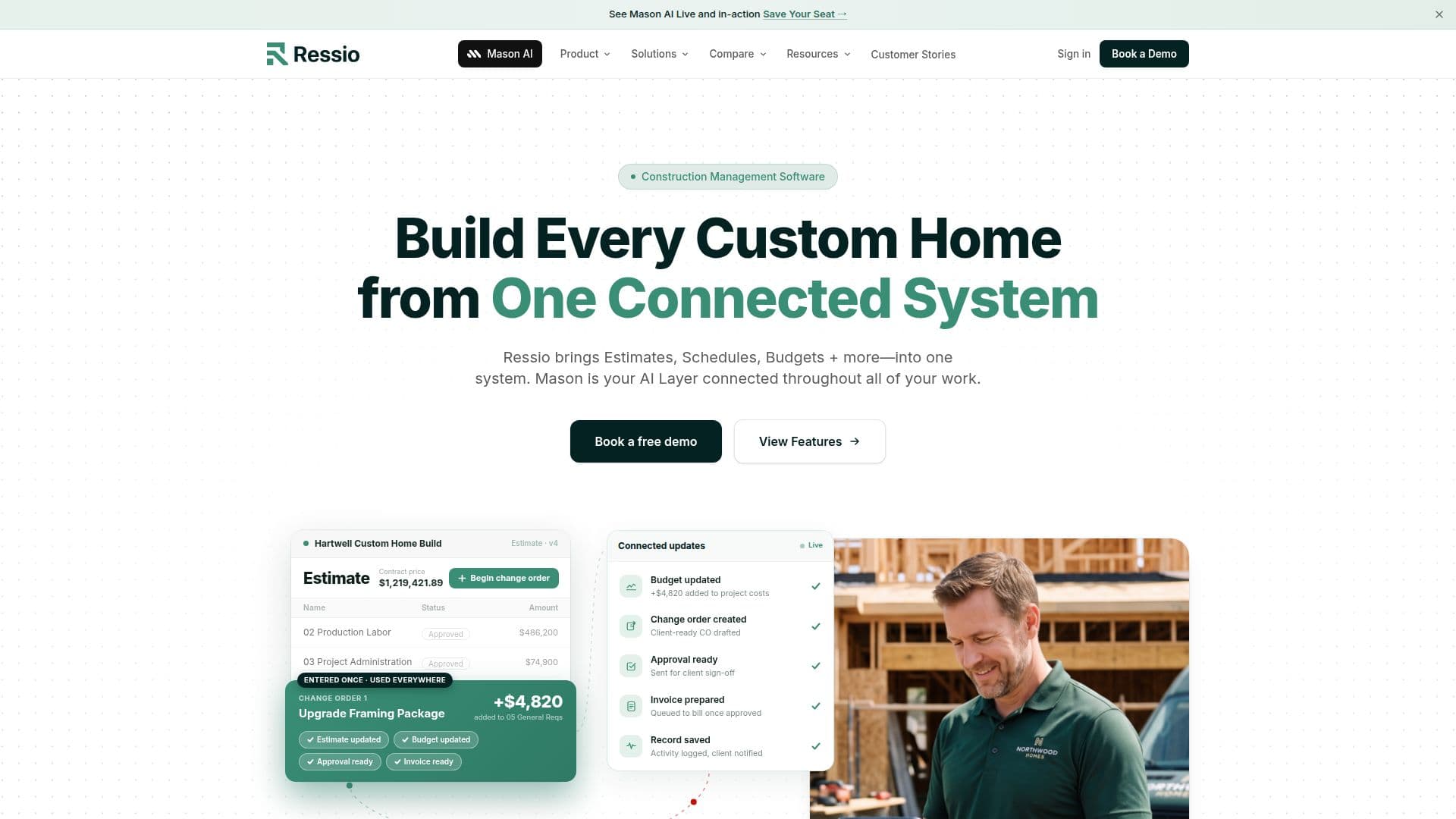
Ressio Software is a comprehensive construction management platform tailored for custom home builders. It consolidates various aspects of project management, including estimates, schedules, budgets, and client communication, into one cohesive system. The platform is powered by Mason AI, which automates workflows and provides real-time insights, ensuring that all project data is interconnected and up-to-date.
Ressio's estimating feature allows builders to create detailed estimates using templates, cost catalogs, or Excel imports. These estimates seamlessly transition into proposals, budgets, and schedules, minimizing data re-entry and errors. The platform also supports change orders, which can be generated directly from estimates and approved electronically by clients.
The client portal offers homeowners visibility into project schedules, selections, and approvals without exposing internal cost details. This transparency reduces the need for frequent check-ins and fosters trust between builders and clients. Additionally, Ressio integrates with QuickBooks, allowing for synchronized financial data and streamlined billing processes.
Ressio is designed for residential general contractors and custom builders managing 3 to 50+ homes annually. It is particularly beneficial for those struggling with disconnected tools and seeking a unified workflow. The platform's mobile app ensures that field crews can access project information and submit updates from any location.
Overall, Ressio Software enhances productivity by providing a single source of truth for all project-related activities, from initial estimates to final invoices. Its intuitive design and powerful AI capabilities make it a valuable tool for custom builders aiming to improve efficiency and client satisfaction.
Ressio Software's Core Features
Integrated project management
Mason AI-powered automation
Comprehensive estimating tools
Client portal for transparency
QuickBooks integration
Mobile app for field access
Change order management
Real-time budget tracking
Proposal generation
Daily logs and task management
Vendor and subcontractor portals
Resource scheduling
Customizable templates
Approval workflows
Magic link for client access
How to use Ressio Software?
Configure: Set up your project details and templates
Use: Manage estimates, schedules, and budgets in one platform
Optimize: Utilize Mason AI for workflow automation and insights
Monitor: Track project progress and client approvals in real-time
Ressio Software's Use Cases
- Custom Home Building
- Client Communication
- Budget Management
- Field Access
- Workflow Automation