
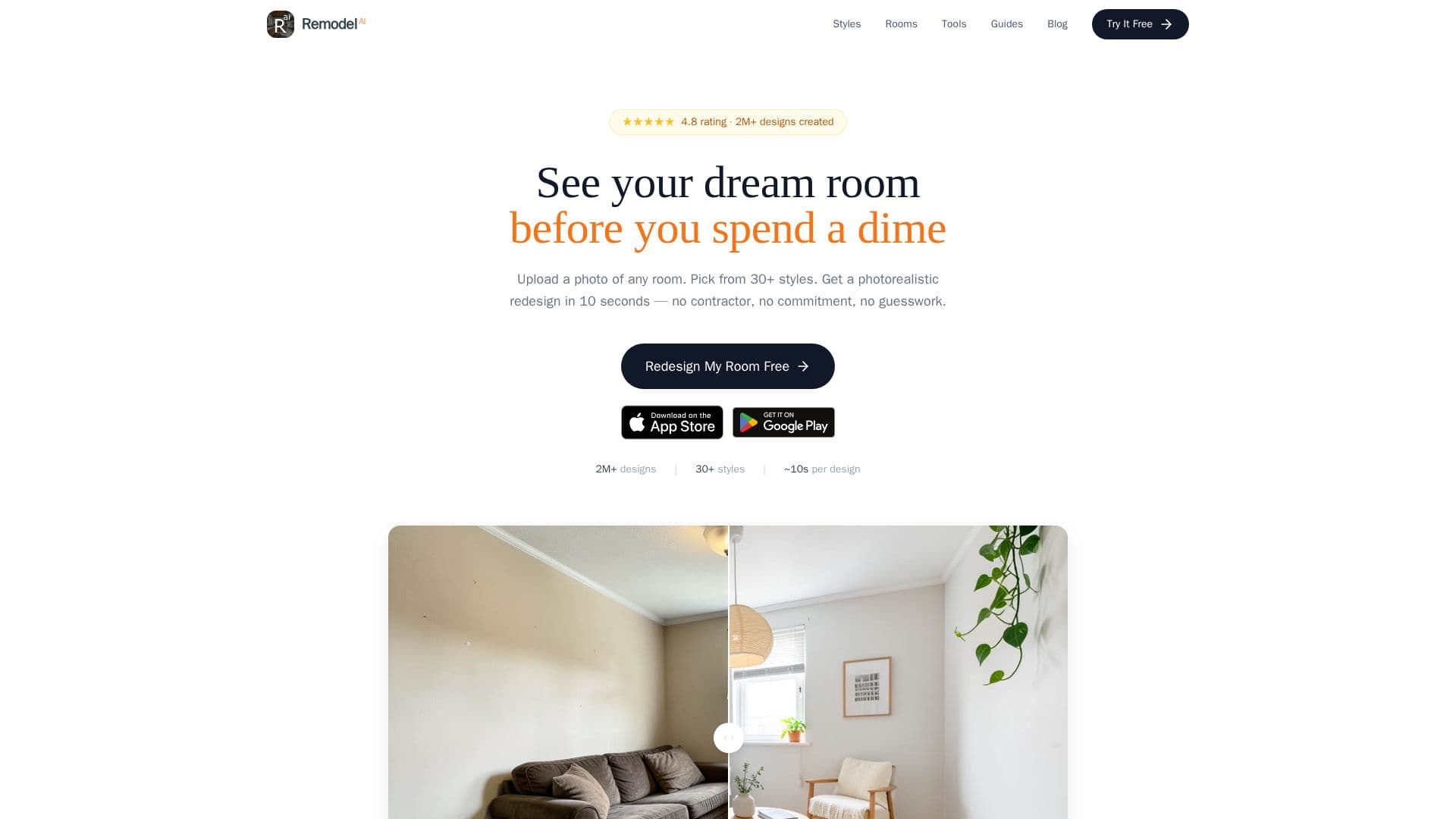
Description
Remodel AI is an innovative tool designed to revolutionize the way homeowners, designers, and real estate professionals approach interior design and home renovation. By simply uploading a photo of any room or exterior space, users can see a photorealistic redesign in their chosen style within 10 seconds. The platform offers over 30 interior styles, including Modern, Scandinavian, and Japandi, as well as 11 architectural exterior styles and 10 landscape styles.
Read More
The tool is equipped with 8 specialized AI tools that cater to various design needs, such as interior redesign, virtual staging, exterior design, floor replacement, wall paint visualization, landscape design, object removal, and furniture swapping. This makes it a versatile solution for anyone looking to explore different design ideas or prepare visual proposals.
Remodel AI offers a freemium pricing model, allowing users to try 3 designs for free without requiring a credit card. For those who need more, the Pro plan provides unlimited designs starting at $29 per month, with additional features like HD downloads and watermark-free images. The Premium and Ultra plans offer even more designs per month, higher quality renders, and commercial licenses.
The platform is accessible on iOS, Android, and web, ensuring that users can design on the go and sync their creations across devices. Remodel AI is particularly beneficial for real estate agents looking to stage listings, homeowners planning renovations, and interior designers seeking quick concept visualizations.
With over 2 million designs generated and a presence in 170+ countries, Remodel AI is a trusted tool for visualizing home transformations quickly and affordably. It empowers users to make informed decisions by providing realistic previews of potential renovations, ultimately saving time and money.
- CategoryAI Interior & Architecture Design
- Pricing ModelFreemium
- DeploymentCloud
- PlatformsiOS, Android, Web
Remodel AI's Core Features
30+ interior design styles
8 specialized AI tools
Photorealistic redesigns in 10 seconds
Free plan with 3 designs
Pro plan with unlimited designs
HD downloads and watermark-free images
Available on iOS, Android, and web
Commercial licenses for Premium and Ultra plans
How to use Remodel AI?
Upload Your Photo: Take a photo of any room or exterior.
Choose a Style: Select from over 30 design styles.
See the Transformation: Get a redesign in 10 seconds.
Download and Share: Save and share your designs.
Remodel AI's Use Cases
- Interior Redesign
- Virtual Staging
- Exterior Design
- Landscape Design
- Floor Replacement