Description
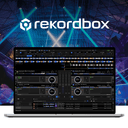
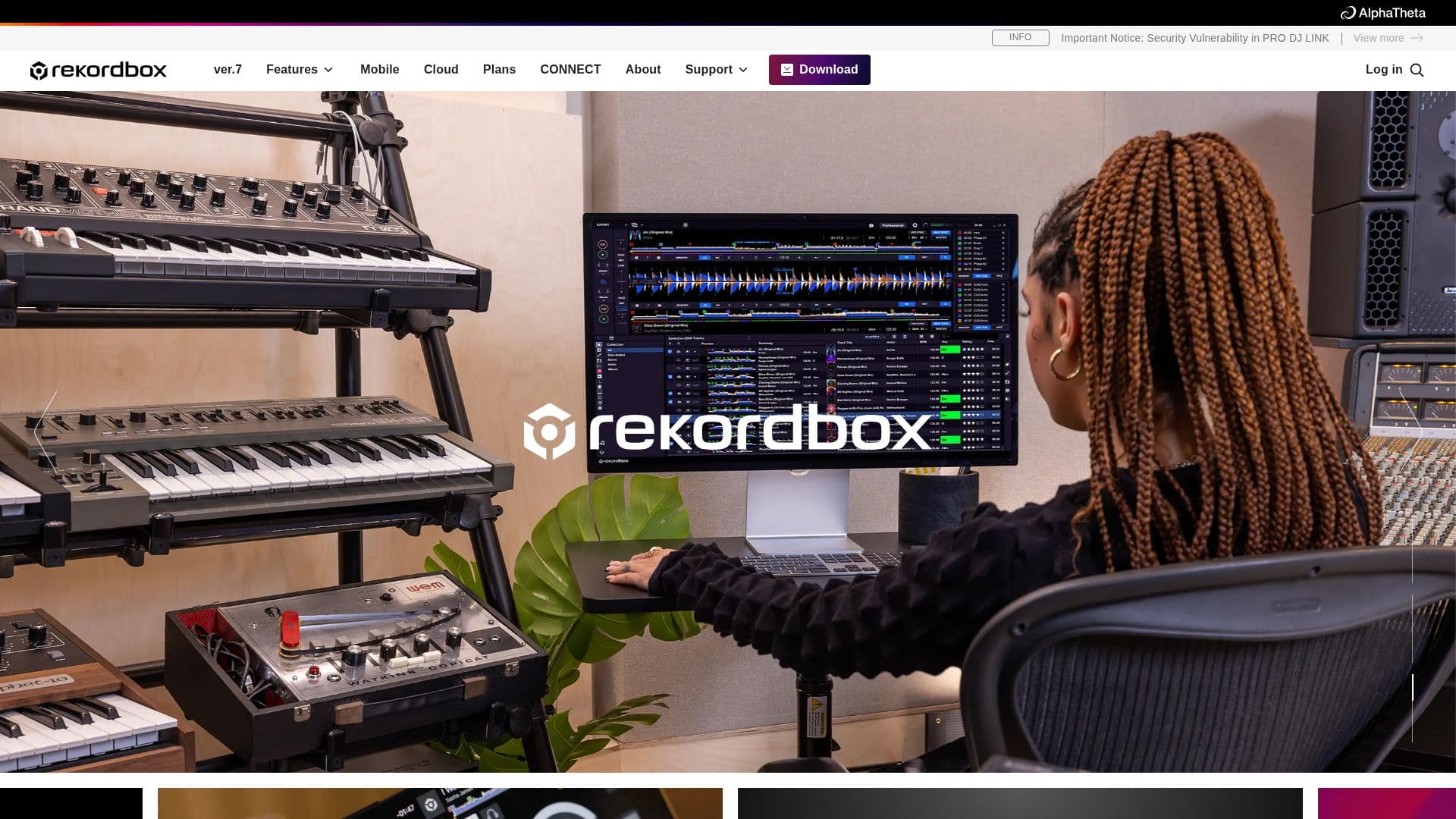
Rekordbox is a comprehensive DJ software designed for both professional and aspiring DJs. It offers a seamless workflow that integrates AI, cloud, and automation technologies to enhance music management and DJ performances. The software supports multiple music streaming services, allowing DJs to access a vast library of tracks. Rekordbox provides a free tier with no ads, enabling users to concentrate on their music without distractions.
Read More
The software is available on both desktop and mobile platforms, with a new mobile app version 4.0 for iOS and Android, allowing DJs to start mixing anytime, anywhere using just their smartphone or tablet. Rekordbox is designed to cater to diverse music genres and DJ styles, making it a versatile tool for DJs worldwide.
Rekordbox offers several subscription plans, including the Professional, Creative, Core, and Free plans. The Professional plan includes 5TB of Dropbox storage for cloud music management, while the Creative and Core plans offer 1TB of storage. These plans enable DJs to collaborate on playlists, automatically classify music collections, and efficiently check track compatibility.
Advanced features include AI detection of vocal positions, high-speed track analysis using the cloud, and automatic configuration of personalized cue points. DJs can sync their library across multiple devices, with the number of devices varying by plan. The software also supports advanced DJ performance features such as video output, mix point link, playback reservation, and additional effects.
Rekordbox is essential for DJs who want to manage their music efficiently and perform creatively. It is compatible with various DJ equipment and offers a reliable and stress-free experience, as endorsed by renowned DJs like Kevin Saunderson and Dennis Ferrer.
- CategoryAI Music Generators
- Pricing ModelFreemium
- DeploymentCloud, Desktop app
- PlatformsiOS, Android, Desktop
Rekordbox DJ Software's Core Features
AI detection of vocal position
Cloud library sync
Advanced track analysis
Video output for performances
Mix point link and playback reservation
Collaborate on playlists with friends
Automatic classification of music collections
Efficient track compatibility checking
Store collection in Dropbox
Export and share DJ mixes
DVS control
New mixes using STEMS
RMX-type effects
DJM-type effects
Library sync across devices
How to use Rekordbox DJ Software?
Download: Install Rekordbox on your device
Configure: Set up your music library and preferences
Use: Start mixing and managing your tracks
Optimise: Utilize cloud features and AI tools for enhanced performance
Rekordbox DJ Software's Use Cases
- Music Management
- Live Performances
- Collaborative Playlists
- Cloud Storage
- Track Analysis
- Mobile DJing
- Video Mixing
- STEMS Mixing
- Playlist Organization
- Performance Effects