


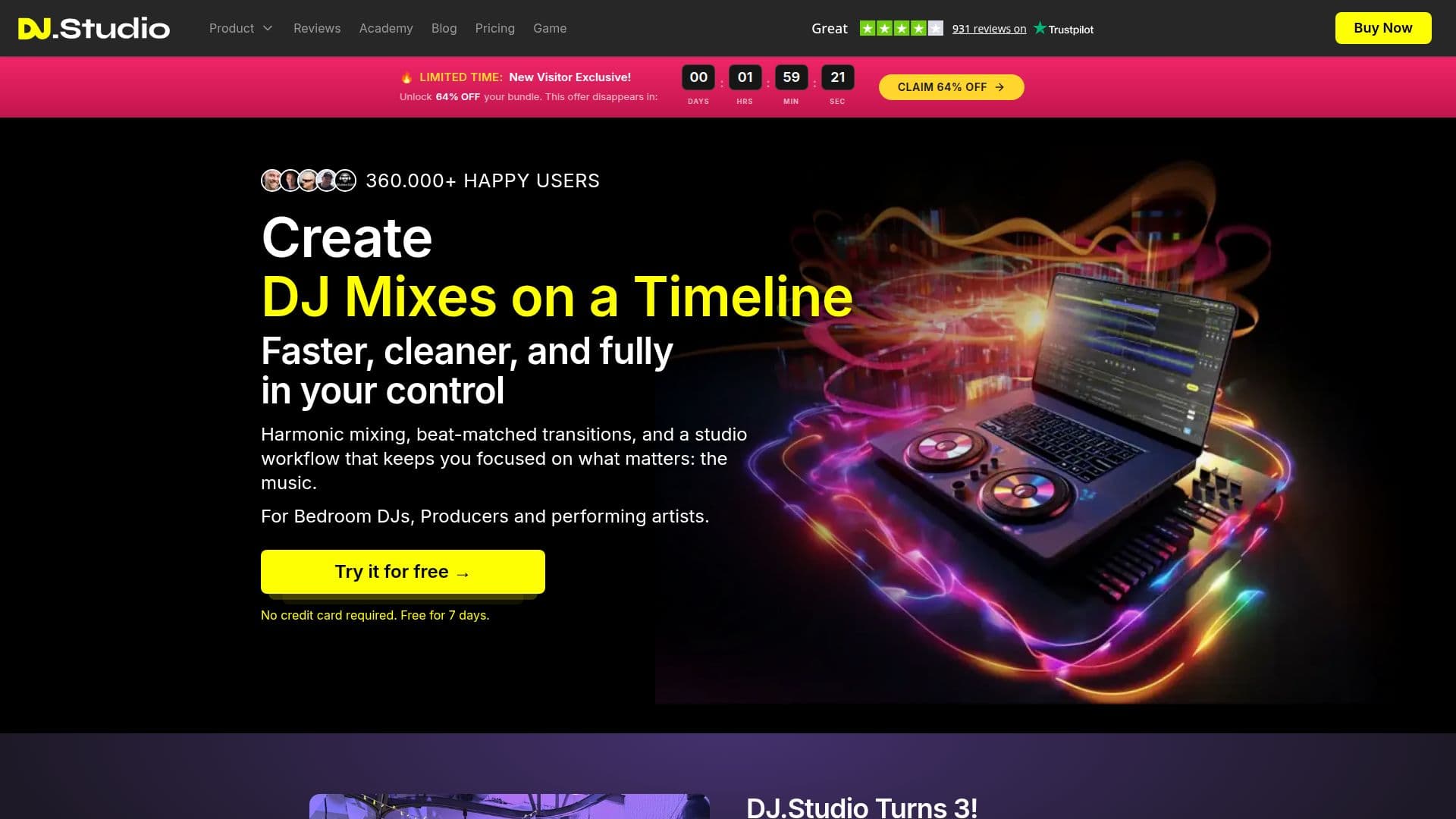
Description
DJ.Studio is a professional DJ mixing software designed for DJs who want to create, edit, and export seamless mixes, mashups, and radio shows. It operates as a timeline-based DAW, allowing users to drop in tracks, order them by tempo and key, and edit transitions before exporting the finished mix as audio or video. Unlike live performance software, DJ.Studio is focused on building and exporting mixes, making it ideal for preparing sets to perform in rekordbox, Serato, or Traktor.
DJ.Studio supports a wide range of music sources, including personal files and libraries from rekordbox, Serato, Traktor, Engine DJ, and iTunes, as well as streaming sources like Beatport, Beatsource, and YouTube. It offers features such as harmonic mixing using the Camelot wheel, automatic BPM detection, beat grid editing, key detection, pitch adjustment, and AI stem separation.
The software includes a visual timeline editor, transition editor with volume, EQ, and effect curves, and an automation editor with effect blocks. Users can record voice-overs and spoken intros, apply a 3-band EQ on every track, and use an FX pack with over 30 built-in effects. DJ.Studio also supports VST3 and AU plugins, elastique pro time-stretching, and pitch shifting.
DJ.Studio is available as a one-time license or monthly subscription, with prices ranging from USD 29 to USD 209. It offers a free trial that requires no payment details and does not automatically convert to a paid plan. The software is suitable for bedroom DJs, mobile DJs, wedding DJs, radio show creators, and performing DJs, providing tools for mastering, exporting, and integrating with various DJ software and platforms.
DJ.Studio's Core Features
Timeline-based mix editor
Harmonic mixing using Camelot wheel
Automatic BPM detection
AI stem separation
VST3 and AU plugin support
rekordbox library integration
Beatport and Beatsource streaming
Video mix export to MP4
How to use DJ.Studio?
Configure: Set up your music libraries and preferences
Use: Create and edit mixes using the timeline editor
Optimise: Fine-tune transitions and effects
Export: Save your mix as audio or video
DJ.Studio's Use Cases
- DJ Mix Creation
- Mashup Production
- Radio Show Editing
- Video Mix Export
- Live Set Preparation