Description
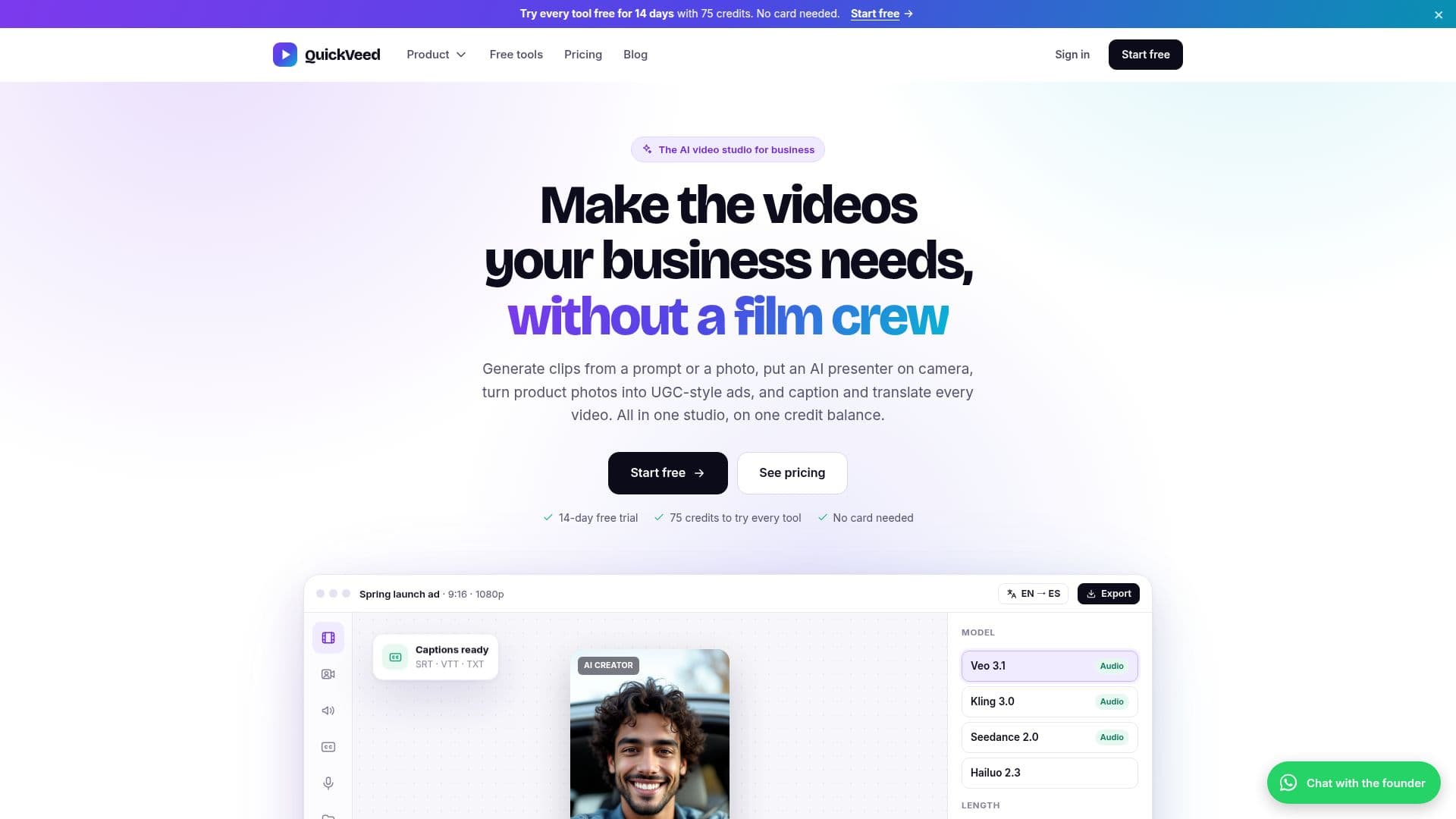
QuickVeed is an AI video studio tailored for businesses, providing a comprehensive suite of tools to create professional videos without the need for a film crew. Users can generate videos from text prompts or images using advanced models like Veo 3.1, Kling, and Seedance. The platform also offers AI avatars and lip sync capabilities, allowing users to create talking presenters from photos or scripts.
Read More
One of QuickVeed's standout features is its ability to produce UGC-style video ads. Businesses can upload product photos, and an AI-generated creator will present them in a 9:16 format, complete with a script, voice, and captions. This feature is particularly useful for creating engaging social media content.
QuickVeed supports subtitles and translation in 32 languages, enabling businesses to reach a global audience. Users can transcribe, edit, and translate videos, with options to download subtitles in various formats or burn them directly onto the video.
The platform's AI voice and cloning feature allows for natural text-to-speech voiceovers and the cloning of existing voices. Additionally, QuickVeed can transform long videos into viral clips by identifying key moments and creating vertical clips with animated captions.
Pricing for QuickVeed is based on a credit system, with plans ranging from USD 18 to USD 114 per month. Each plan offers a different number of credits and seats, catering to small teams, marketing departments, and larger agencies. New users can explore the platform with a 14-day free trial, which includes 75 credits.
QuickVeed is ideal for small businesses, marketers, educators, and creators who need to produce high-quality videos, ads, training clips, and subtitled social posts efficiently. The platform's all-in-one approach, combined with its asset library and brand kits, ensures a seamless video creation process.
- CategoryAI Video Generators
- Pricing ModelFreemium
- DeploymentCloud
- PlatformsWeb
QuickVeed's Core Features
AI video generation from text or image
AI avatars and lip sync
UGC-style video ads
Subtitles and translation in 32 languages
AI voice and cloning
Podcast to viral clips
AI dubbing in 23 languages
Asset library and brand kits
How to use QuickVeed?
Start: Choose a prompt or upload a photo
Generate: Select a model and create the video
Edit: Refine subtitles and translations
Publish: Download or share the final video
QuickVeed's Use Cases
- Marketing Videos
- Training Clips
- Product Demos
- Multilingual Content
- Podcast Clips