Description
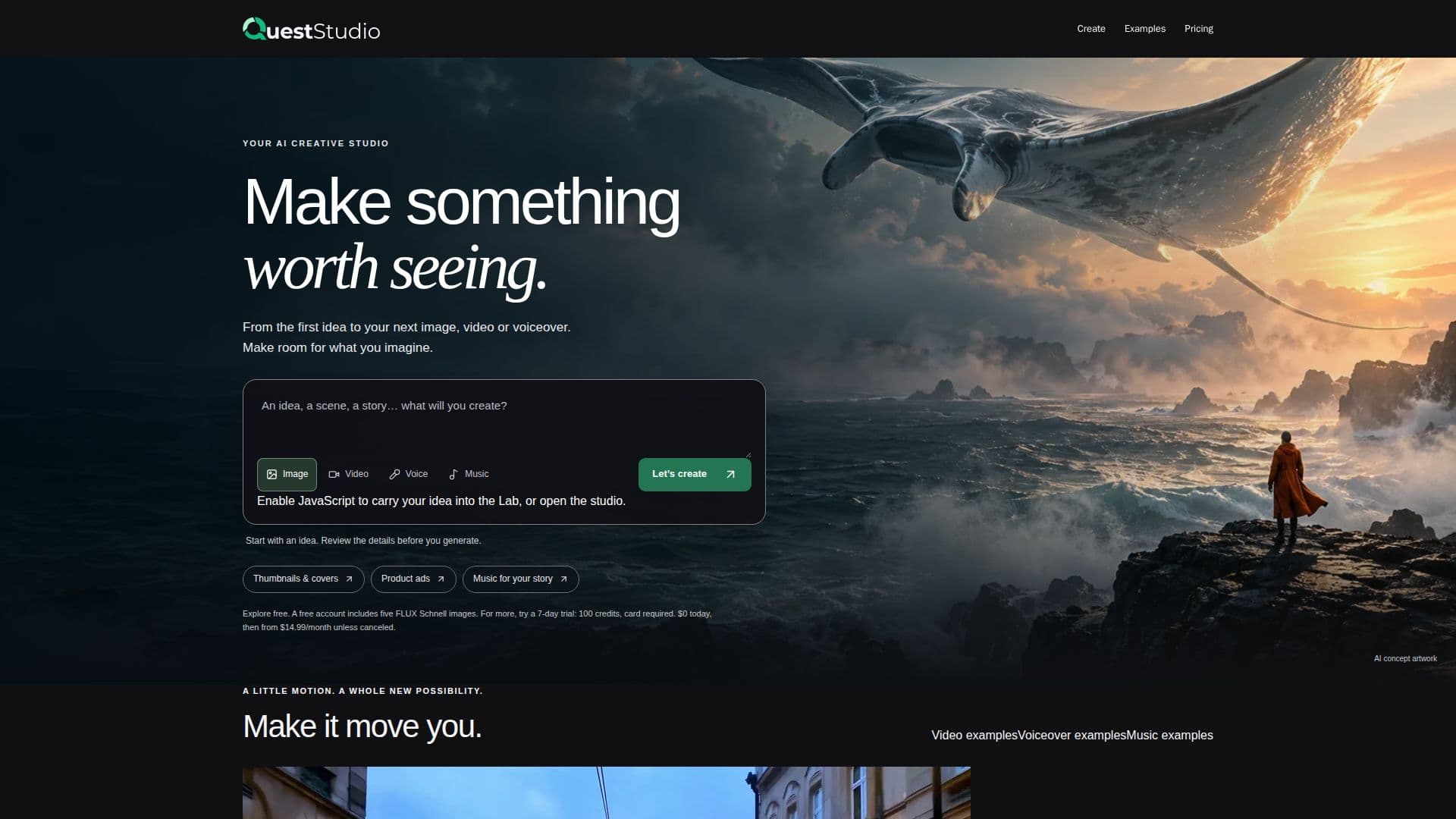
QuestStudio provides a comprehensive AI creative studio designed for generating a wide range of digital assets, including product images, short promo videos, voiceovers, and music. The platform integrates multiple AI models and tools within a single environment, enabling users to move seamlessly between different creative workflows without switching applications.
Read More
Users can start with an idea, describe the desired result, and bring their own reference images or utilize sample prompts. The studio offers guided workflows to prepare a starting point, while also providing full model selection and advanced controls in its various "Labs." These Labs include Image Lab, Video Lab, Voice Lab, Music Lab, Character Forge, Planning Lab, Prompt Lab, and Editor Lab, each tailored for specific creative tasks.
Key capabilities include generating photorealistic images with models like Nano Banana Pro and FLUX, creating video clips with Veo and Seedance, synthesizing natural voices with MiniMax Speech and XTTS, and composing original music with Lyria and MiniMax Music. The platform also supports character building for consistent IP and offers editing tools such as background removers and upscalers.
QuestStudio operates on a credit-based system, where each generation draws from a shared credit balance. Users can explore the platform with a free account that includes five FLUX Schnell images, or opt for a 7-day trial with 100 credits. Paid plans (Starter, Pro, Studio) offer increasing credit allowances, storage, and features like commercial usage rights, priority support, and higher resolution limits. Users can save brand kits in Ad Studio and organize their work into projects, ensuring all prompts and outputs are kept together.
The studio is designed to streamline the creative process, allowing users to capture ideas, refine prompts, generate assets, and perform final edits within one integrated platform. It caters to individuals, freelancers, professionals, and agencies looking to manage diverse creative workloads and campaigns.
- CategoryDesign & Creative
- Pricing ModelFreemium
- DeploymentCloud
- PlatformsWeb
QuestStudio's Core Features
AI Product Image Generation
AI Promo Video Creation
AI Voiceover Synthesis
AI Music Composition
Multiple AI Models (FLUX, Nano Banana, Veo, Seedance, MiniMax, Lyria, XTTS)
Guided AI Workflows
Full Model Selection & Advanced Controls
Brand Asset Management (Ad Studio)
Project Organization & Folders
Image Editing Tools (Background Remover, Upscalers)
Character Generation (Character Forge)
Prompt Lab for Refinement & Templates
Planning Lab for Idea Capture
Commercial Usage Rights (Paid Plans)
Shared Credit System Across Labs
How to use QuestStudio?
Start a Project: Begin with an idea or explore ready-to-edit samples within the studio.
Describe & Reference: Describe your desired result, bring your own reference images, or use sample prompts.
Make Creative Choices: Select a model, format, and review the credit estimate in the chosen Lab.
Generate Assets: Initiate the generation process for images, videos, voiceovers, or music.
Refine & Download: Review generated results, refine details, save preferred versions, and download your favorites.
Organize Work: Group generations into project folders or use quick fire-and-go mode for experiments.
QuestStudio's Use Cases
- Product Photography & Mockups
- Short Promo Videos
- YouTube Thumbnails & Covers
- Voiceovers & Narration
- Original Music & Soundtracks
- Character Design & Consistency
- Social Media Content Creation
- Creative Concept Development
- Asset Editing & Enhancement
- Client Project Management