Description
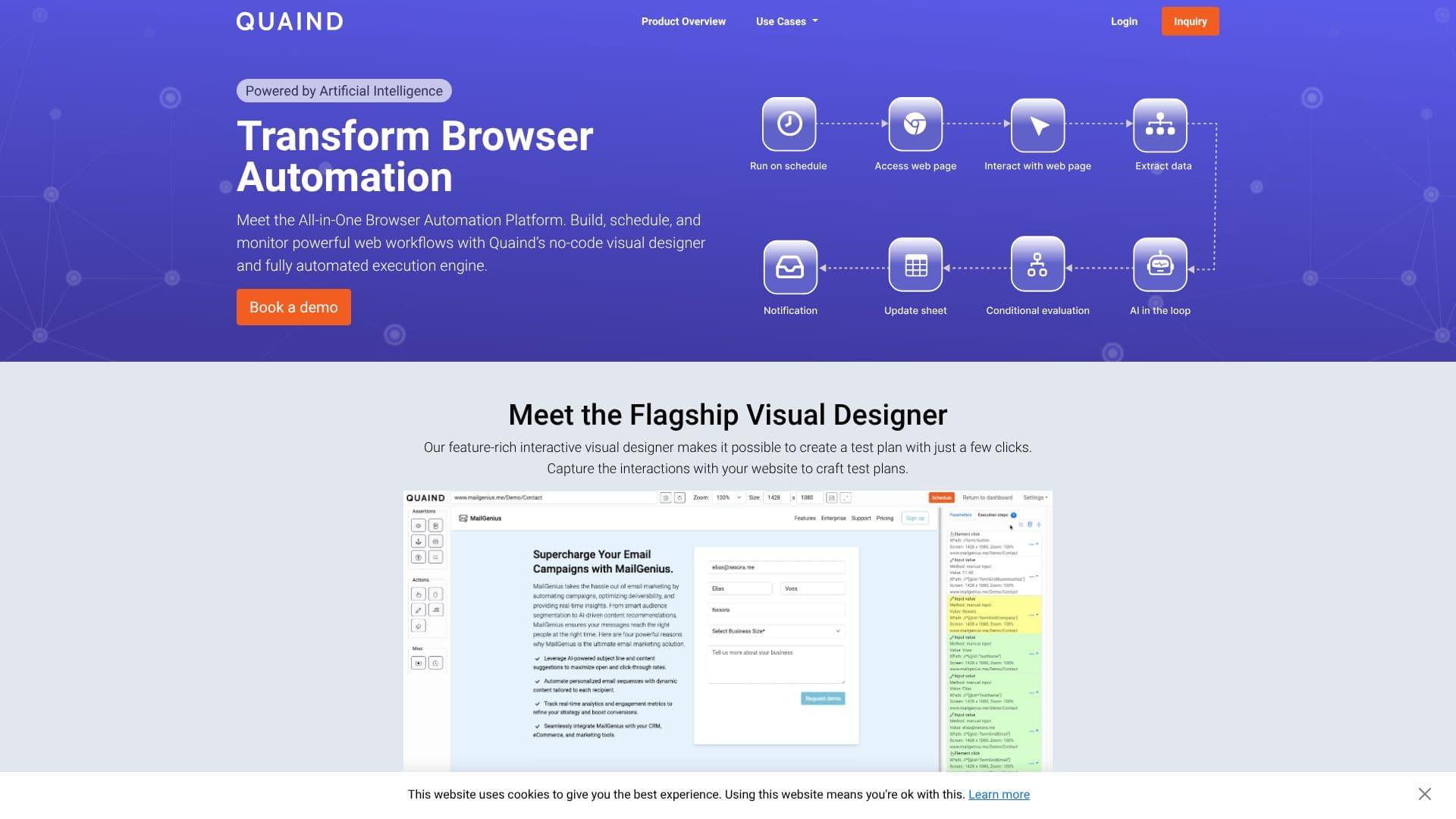
Quaind is a web automation platform built around a no-code visual designer for capturing and running browser-based workflows. Rather than writing test scripts, a user records interactions with a website, such as clicks, form fills and navigation, and Quaind turns that recording into a repeatable, automated test plan, adding AI-powered visual assertions that flag unexpected changes in how a page looks.
Read More
Test plans run through Quaind's own execution pipelines, which the platform says operate continuously, so tests can run on a schedule rather than only on demand. Results appear on a dashboard that shows a complete overview of every run, with a drill-down into which steps passed and which failed, so a team can catch regressions automatically whenever a site changes rather than discovering them from users.
A distinguishing feature is Quaind's ability to inject an AI model directly into a workflow: an AI step can send page content, or data captured in an earlier step, to a large language model and receive a structured response back into the pipeline, so a workflow can reason about a page rather than only click through it. Quaind can also turn any webpage into structured data, extracting text, attributes, tables and screenshots and feeding them into reports, into an LLM step, or into other tools directly.
Workflows built in Quaind connect to external automation tools, including n8n and Zapier, so a Quaind run can trigger other systems, push results elsewhere, or be triggered by them in turn.
Quaind is built for QA, product and engineering teams that need to keep web interfaces working correctly as they change, plus teams that want structured data or AI-generated analysis pulled from webpages without writing a scraper or a custom LLM integration. The platform doesn't publish self-serve pricing on its site; access is arranged through the company directly rather than an open signup.
- CategoryBrowser & Web Automation
- Pricing ModelNot specified
- DeploymentCloud
- PlatformsWeb
Quaind's Core Features
No-code visual designer for capturing website interactions into test plans
AI-powered visual assertions that catch unexpected changes in how a page looks
Continuous execution pipelines that run tests around the clock
Dashboard overview of every test run, with a pass/fail breakdown per step
On-the-fly AI steps that send page or workflow data to an LLM and return a structured response
Turns any webpage into structured data: text, attributes, tables and screenshots
Connects to workflow automation tools including n8n and Zapier
How to use Quaind?
Enter a URL: Start a new test plan by pointing Quaind at your site.
Capture interactions: Use the visual designer to record clicks, forms and navigation.
Add an AI step (optional): Send page content to an LLM for analysis inside the workflow.
Run the test plan: Execute it on demand or schedule it on Quaind's pipelines.
Review results: Check the dashboard for pass/fail status on every step.
Connect workflows: Trigger n8n, Zapier or other tools from a test run's results.
Quaind's Use Cases
- No-code UI testing
- Continuous regression testing
- Webpage data extraction
- AI-assisted workflow steps