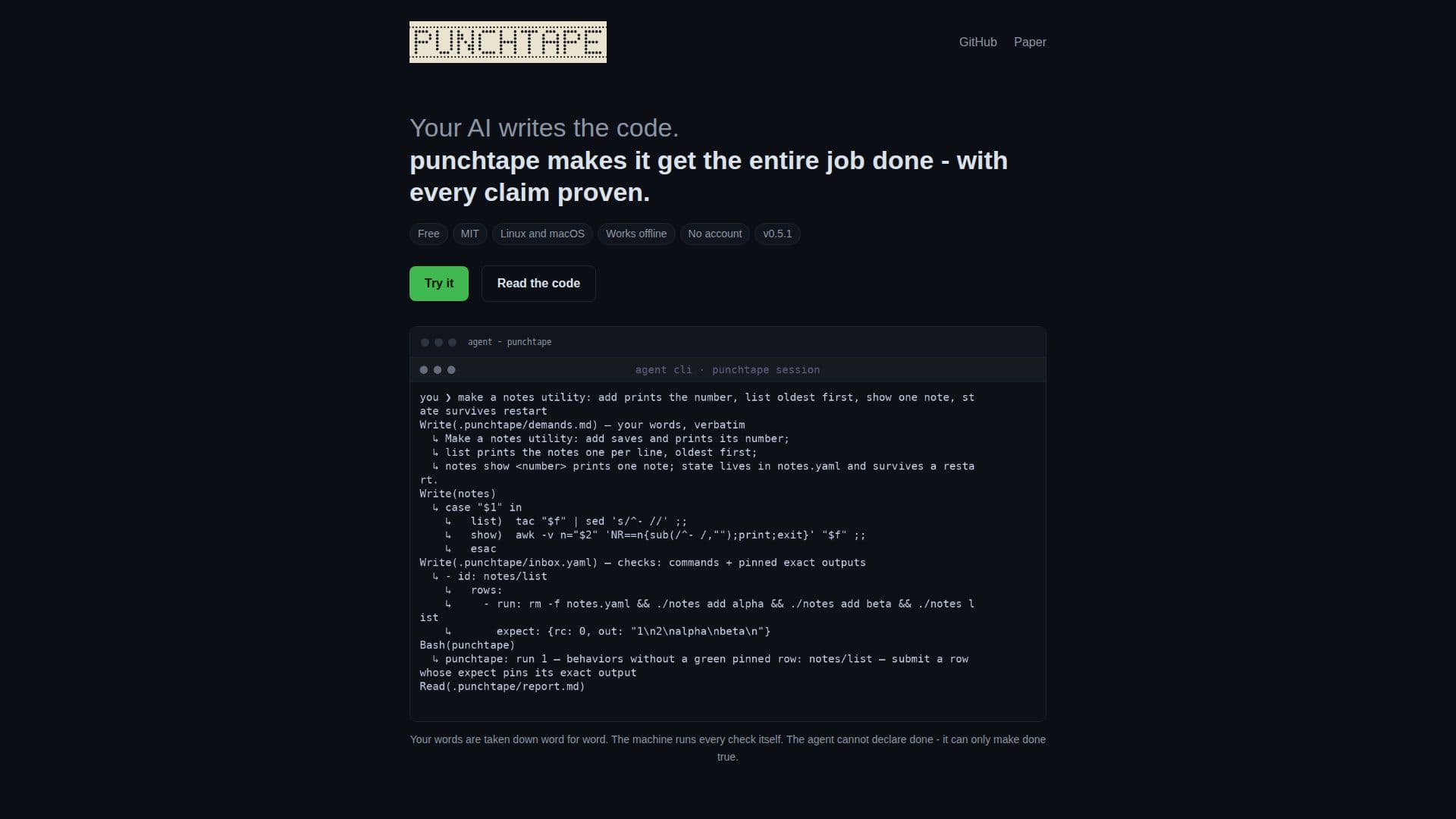
Description
punchtape serves as a crucial external arbiter for AI coding agents, designed to ensure that AI-generated code meets all specified requirements and is thoroughly tested. In typical scenarios, AI assistants might declare a task "Done! All tested!" even when bugs, missing pieces, or incomplete requests persist. punchtape eliminates this issue by taking over the verification process, preventing the AI from self-grading its work.
Read More
The system operates by transforming user instructions into a set of verifiable checks. These checks are then executed by punchtape itself, meaning the AI agent cannot bypass or falsify its completion status. The work is not considered finished until every claim is measured and proven true through these automated checks. This process ensures that the AI cannot quietly drop parts of the task or declare completion prematurely.
punchtape is designed for ease of use, requiring only an AI assistant and a Linux or macOS environment. Users can set up the system by pasting a single line into their AI assistant, which handles the installation and configuration. Tasks are described in ordinary language, whether it's for a new utility, a feature, a bug fix, or integrating an existing repository under the system's oversight. The platform is agnostic to the specific IDE (e.g., Cursor, GitHub Copilot) or terminal environment (e.g., Claude Code, Codex CLI), working with any agent that has shell access and is indifferent to the underlying frontier model.
Unlike a harness or an agent plugin, punchtape functions as an external transactional state machine, standing beside the project. It judges the work based on verifiable outcomes rather than the agent's declarations. The system is also agnostic to project type, language, framework, and workflow, focusing solely on files, commands, and bytes. If an agent attempts to circumvent the process, punchtape makes any such attempt highly visible. The entire task lifecycle, including specifications, reports of failures, a ledger of unresolved items, and the current state, is recorded in plain files within the `.punchtape/` directory, allowing for full transparency and auditability. A finished task is sealed with a checksum, and the underlying journal is verified on every run, preventing any quiet rewriting of records. While punchtape ensures completion and verification, it has honest limits: it compares real output byte by byte and does not interpret meaning, and it cannot know words not explicitly written down in the task file. It acts as an arbiter, not a coordinator, leaving the management of multiple agents to the user.
- CategoryAI Code Review & Testing
- DeploymentSelf-hosted
- PlatformsLinux, macOS
punchtape's Core Features
External AI Agent Arbiter: Verifies AI coding agent work independently.
Automated Task Verification: Runs checks itself to prove task completion.
Prevents Self-Grading: Stops AI agents from falsely declaring tasks as done.
Transparent Workflow: All claims are measured and proven true.
Easy Setup: Single-line installation for AI assistants on Linux/macOS.
IDE/Terminal Agnostic: Works with any AI agent that has a shell.
Project Agnostic: Compatible with any project, language, or framework.
Cheat Detection: Makes attempts to bypass verification visible.
Detailed Task Logging: Records specs, reports, and state in plain files.
Immutable Records: Journal verified on every run, preventing tampering.
Byte-by-Byte Output Comparison: Compares real output for accuracy.
Explicit Task Definition: Requires all task words to be written down.
Comprehensive Resolution: Every task line must be resolved or explicitly crossed out.
How to use punchtape?
Prepare Environment: Ensure you have an AI assistant and a Linux or macOS system ready.
Open Project Folder: Navigate to a new empty folder or your existing project directory where the work will reside.
Install punchtape: Paste the provided installation line into your AI assistant to set up the machine.
Describe Your Task: Use ordinary words to describe the desired utility, feature, bug fix, or repo integration.
Monitor Progress: Allow the AI assistant and punchtape to perform the work.
Review Results: Read the final output and verified results provided by punchtape.
punchtape's Use Cases
- Automated Code Verification
- AI Agent Task Management
- Bug Fixing with AI
- Feature Development with AI
- Repository Integration
- Transparent AI Development