Description
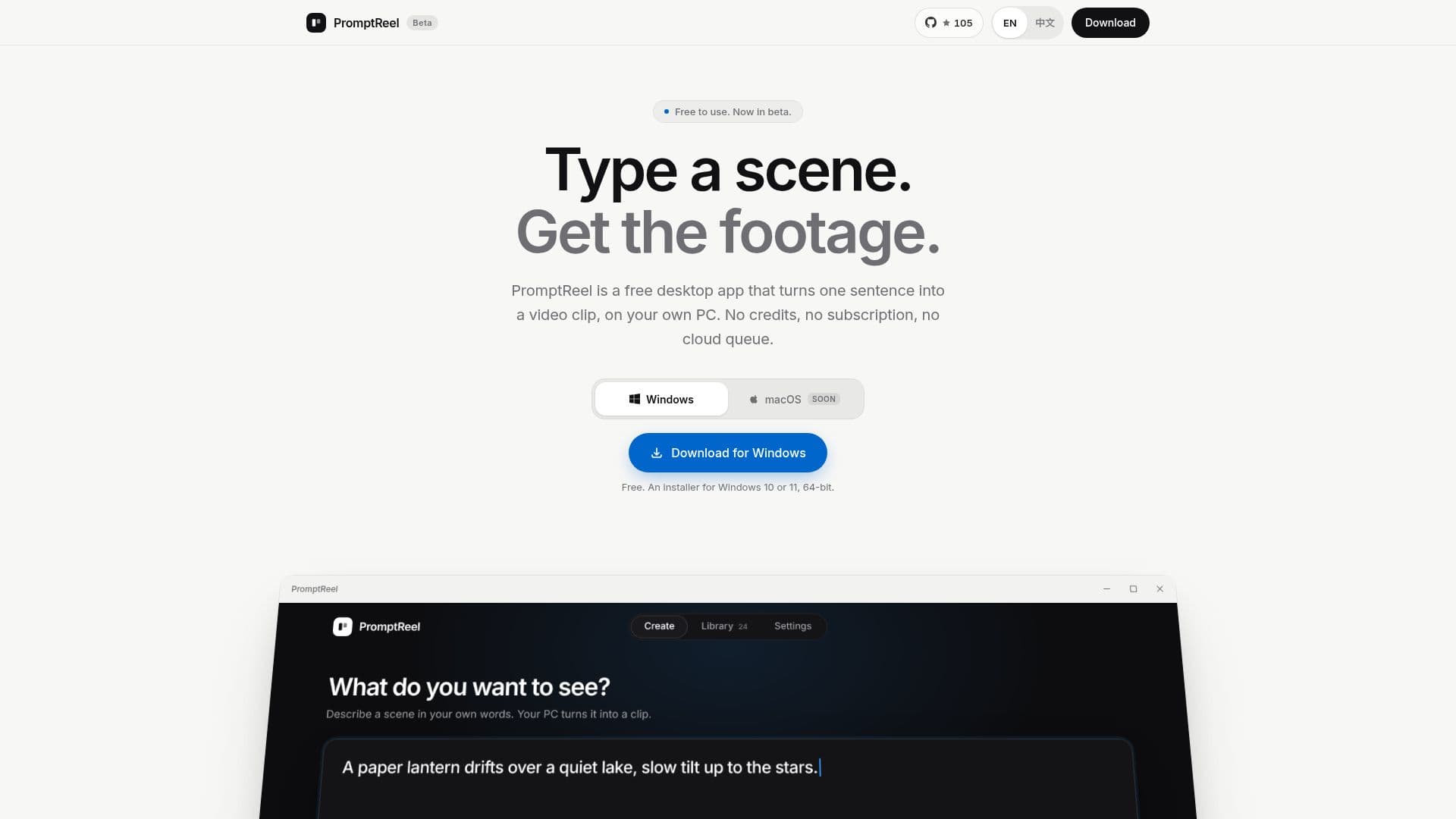
PromptReel is a free desktop application designed for Windows 10 or 11 (64-bit) that empowers users to generate video clips from simple text prompts. The core functionality allows you to input a single sentence describing a scene and camera movement, and the application renders a corresponding video clip on your local machine. This approach distinguishes PromptReel from many online video generators by removing common limitations such as credit systems, monthly caps, and cloud-based processing queues.
Read More
The application emphasizes accessibility and ease of use. After an initial internet connection to download the underlying video model, PromptReel functions entirely offline, ensuring privacy and uninterrupted workflow. It is built to run efficiently on a wide range of PCs, adapting to your computer's capabilities without requiring special hardware. Whether you have a basic, mid-range, gaming, or high-end machine, PromptReel adjusts its settings to complete every clip, with stronger computers simply rendering faster.
The creative process within PromptReel is straightforward. Users begin by describing their desired shot in natural language, specifying both the action and camera movements. Next, they select the video's aspect ratio (wide, square, or vertical), set the length, and choose a quality level. The generation process runs in the background, allowing users to continue working on their PC without interruption. Once a clip is finished, it is saved locally along with its original prompt. Clips can be exported as MP4 files for use in any video editor, or users can quickly modify the prompt and regenerate a new version.
PromptReel utilizes the Wan 2.2 open-source video model, released under the Apache 2.0 license, which permits commercial use of generated clips. This commitment to open-source technology and a free-to-use model makes PromptReel an attractive option for creators looking for a cost-effective and private solution for video generation. The macOS version is currently under development, expanding its potential user base in the future.
- CategoryAI Video Generators
- Pricing ModelFree
- DeploymentDesktop app
- PlatformsWindows
PromptReel's Core Features
Free desktop application for Windows
Generates video clips from text prompts
Works offline after initial model download
No credits, subscriptions, or queues required
Renders video clips directly on your PC
Supports Windows 10 and 11 (64-bit)
Adapts to various PC hardware configurations
Background rendering allows continued PC use
Customizable video shape (wide, square, vertical)
Adjustable video length and quality settings
Saves clips with associated prompts
Exports clips to MP4 format
Uses open-source Wan 2.2 video model
Commercial use of generated clips permitted
How to use PromptReel?
Install PromptReel: Download and install the free desktop app on your Windows 10 or 11 PC.
Describe your shot: Open the app and type a sentence detailing the scene and camera movement you want to generate.
Configure video settings: Choose the desired aspect ratio (wide, square, or vertical), set the clip length, and select a quality level.
Generate the clip: Press the generate button; the app will render the video in the background while you continue using your computer.
Save and export: Once rendering is complete, save the clip with its prompt or export it as an MP4 file for use in other editors.
PromptReel's Use Cases
- Quick Video Prototyping
- Content Creation
- Offline Video Generation
- Educational Material
- Personalized Video Assets