
Description
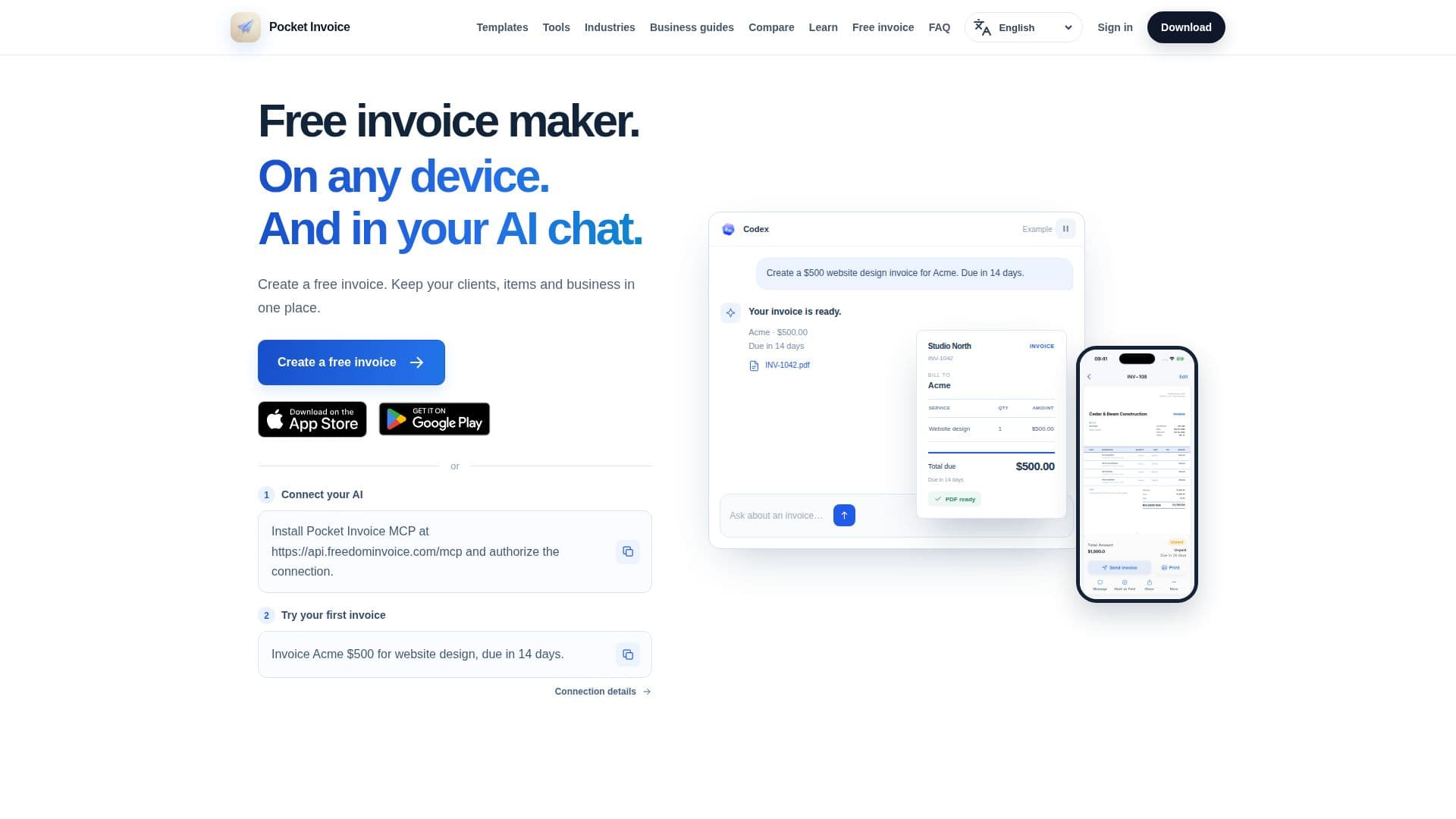
Pocket Invoice is a versatile invoicing tool designed for freelancers, contractors, and small businesses. It offers a free online invoice generator that allows users to create professional invoices without the need for sign-up. The app is available on iOS, Android, and Web, providing flexibility for users to manage their invoicing needs from any device.
Read More
With Pocket Invoice, users can generate unlimited invoices, ensuring there are no hidden caps or tiers. The app supports multi-company management, allowing users to switch between different business profiles with ease. Additionally, it includes client and inventory management features, enabling users to save client details and track stock levels automatically as they bill.
Customization is a key feature of Pocket Invoice, as users can add their business details and choose from a variety of professional invoice templates to create custom PDF invoices. The app also provides practical business calculators and guides to help users estimate job costs, calculate margins, and understand invoicing essentials.
Pocket Invoice is particularly beneficial for those who need to manage invoices on the go, as it offers mobile apps for both iOS and Android. The app's dashboard provides a clear overview of revenue, outstanding amounts, and client totals, helping users keep track of their business finances effectively.
The app is free to use, with no sign-up required for the online invoice creator. Users can also connect their AI assistants to Pocket Invoice, enabling them to create invoices and manage business records through AI chat interactions. This feature allows for seamless integration of invoicing tasks into AI-driven workflows.
- CategoryAI Document & PDF Tools
- Pricing ModelFree
- DeploymentCloud
- PlatformsiOS, Android, Web
Pocket Invoice's Core Features
Unlimited invoice creation
Multi-company management
Client and inventory management
Custom PDF invoice templates
Available on iOS, Android, and Web
No sign-up required for online use
AI assistant integration
Free business calculators and guides
How to use Pocket Invoice?
Open the invoice generator: Add business and customer details
Select invoice template: Choose from professional styles
Customize invoice: Enter items, payment terms, and details
Download PDF: Review and export the invoice
Pocket Invoice's Use Cases
- Freelancer Invoicing
- Small Business Management
- Mobile Invoicing
- Inventory Tracking
- AI Integration