
Description
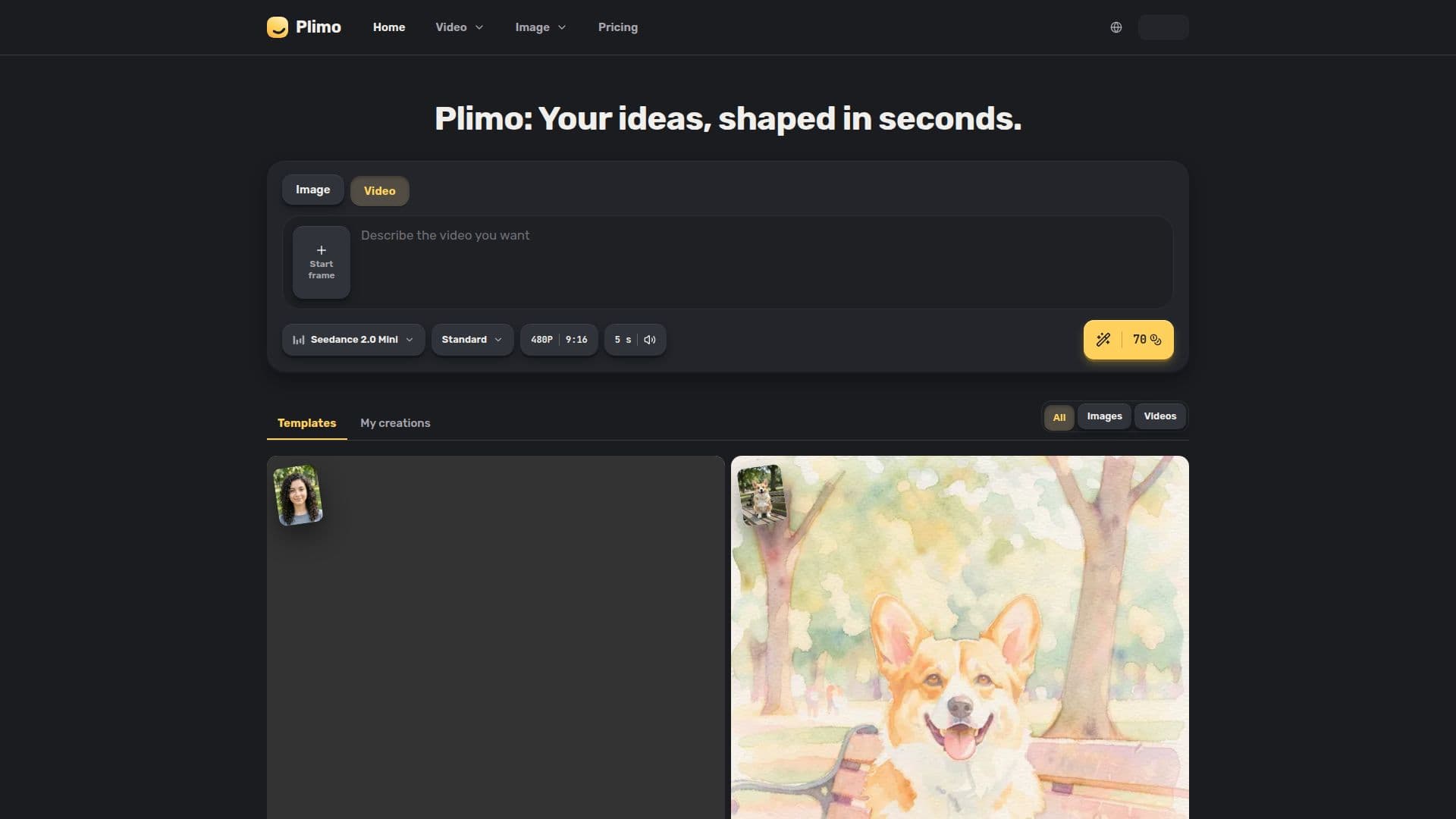
Plimo is an innovative AI tool designed to simplify the creation of images and videos. It integrates the latest AI models and trending templates, making it accessible for users to generate content without needing expertise in AI or prompt writing. Users can start by choosing either an image or video format and then select from a variety of templates or input their own ideas. Plimo supports a range of AI models from companies like Google, OpenAI, ByteDance, and Kuaishou, providing diverse options for content creation.
Read More
The platform offers several tools, including an AI Image Generator, AI Photo Editor, AI Video Generator, and Image to Video converter. These tools allow users to describe a scene, upload reference photos, or input text to generate new images or videos. Plimo also provides a Text to Video feature, enabling users to create video clips from written descriptions.
Plimo's pricing model includes a free tier with 100 credits and three paid plans: Plus, Pro, and Ultra. Each plan offers varying amounts of credits, access to all models, higher resolutions, and commercial use rights. The platform is designed for everyday users, providing a user-friendly interface and eliminating the need for complex settings or prompt rewriting.
Plimo's mission is to make AI-driven content creation as simple as taking a photo on your phone. It aims to democratize access to advanced AI tools, allowing users to produce professional-quality images and videos without technical knowledge. The platform's features are continually updated to incorporate the latest advancements in AI technology, ensuring users have access to the best tools available.
- CategoryAI Video Generators
- Pricing ModelFreemium
- DeploymentCloud
- PlatformsWeb
Plimo's Core Features
AI Image Generator
AI Photo Editor
AI Video Generator
Image to Video Converter
Text to Video
100 Free Credits
Commercial Use Rights
No Watermark for Members
How to use Plimo?
Choose format: Select image or video
Start with template or idea: Use a prompt or template
Pick model and settings: Choose model and adjust settings
Generate content: Press Generate to create
Plimo's Use Cases
- Social Media Posts
- Personal Projects
- Commercial Use
- Marketing Materials
- Creative Exploration