Description
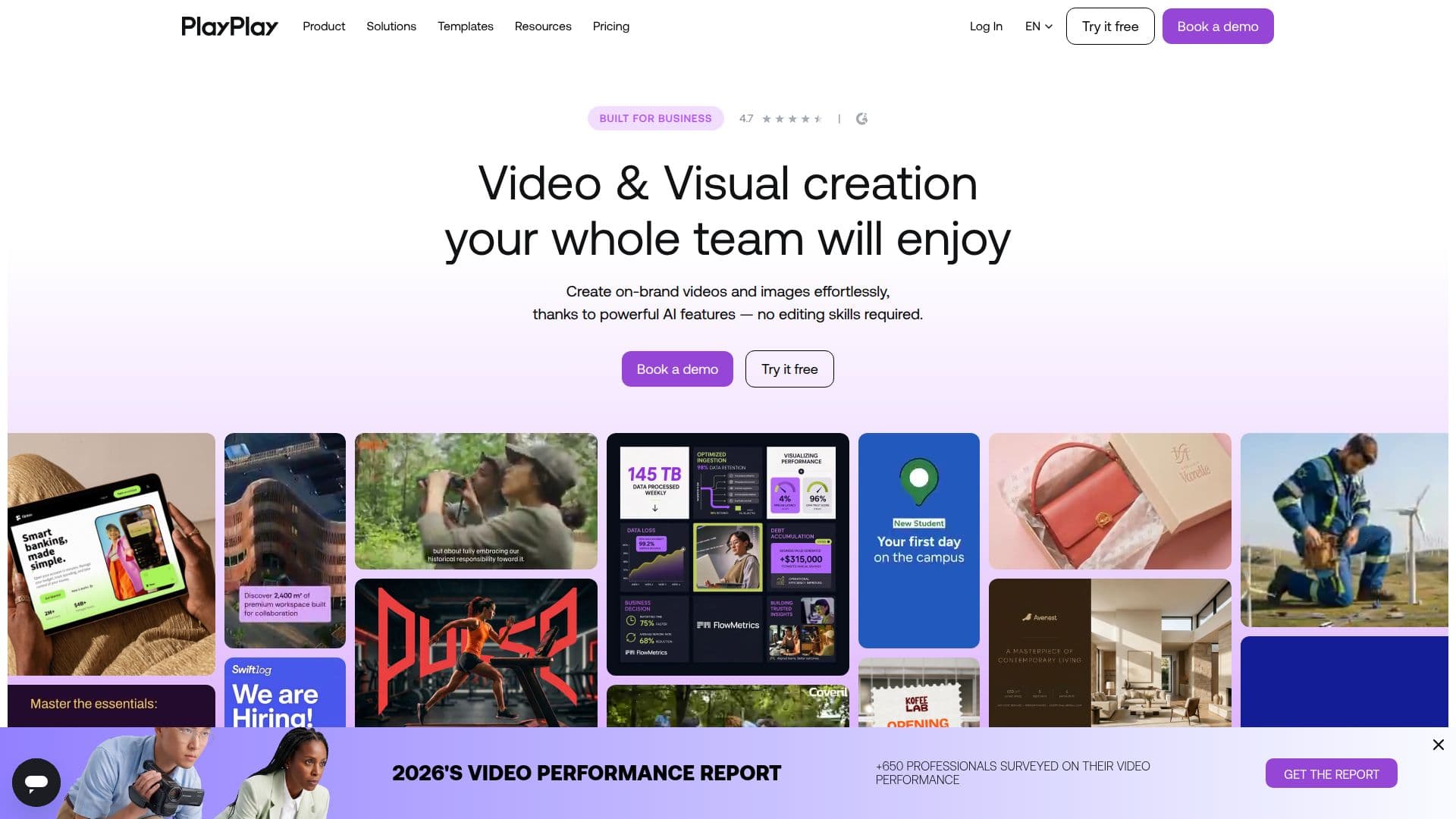
PlayPlay is an intuitive online visual creation platform designed for businesses to produce professional videos and images effortlessly. With its powerful AI features, users can create on-brand content without any prior editing skills. The platform is trusted by over 3,000 companies and offers a 7-day free trial, allowing users to explore its capabilities without commitment.
PlayPlay is built for teams, not individual creators, providing advanced branding options where logos, colors, and fonts can be imported once and automatically applied to new assets. Collaboration is streamlined with features that allow teams to collect, create, and approve content in one place, eliminating the hassle of chasing files and feedback.
The platform supports a wide range of video types, including interviews, stories, news recaps, and social teasers. Users can create videos in as little as 20 minutes, thanks to PlayPlay's user-friendly interface and customizable templates. The Enterprise plan offers extensive branding options, including unlimited logos and colors, custom fonts, and animated outros.
PlayPlay's AI capabilities include video generation from text or URLs, automatic subtitle creation, voiceovers, and translation into multiple languages. The platform also integrates with Getty Images, providing access to a vast library of high-quality stock footage and images.
Security is a priority for PlayPlay, with data encrypted both at rest and in transit. The platform is GDPR and CCPA compliant, ensuring customer data is handled with the utmost care. Users retain ownership of their content, and PlayPlay does not use customer data to train AI models.
Overall, PlayPlay is a comprehensive solution for businesses looking to enhance their visual content creation process, offering a range of features that cater to various use cases, from marketing and social media to internal communications and corporate announcements.
PlayPlay's Core Features
AI Video Generator
AI Image Generator
AI Voice Over
Advanced Branding
Collaboration Tools
Customizable Templates
Getty Images Integration
Automatic Subtitle Creation
AI Translation
Motion Design
Premium Stock Library
Screen & Camera Recording
AI Background Remover
AI Audio Cleaner
Role-Based Access Control
How to use PlayPlay?
Configure: Set up your brand assets
Use: Create videos using templates
Optimize: Utilize AI features for enhancements
Share: Distribute content across platforms
PlayPlay's Use Cases
- Social Media Content
- Internal Communications
- Marketing Campaigns
- Corporate Announcements
- Event Promotions