
Description
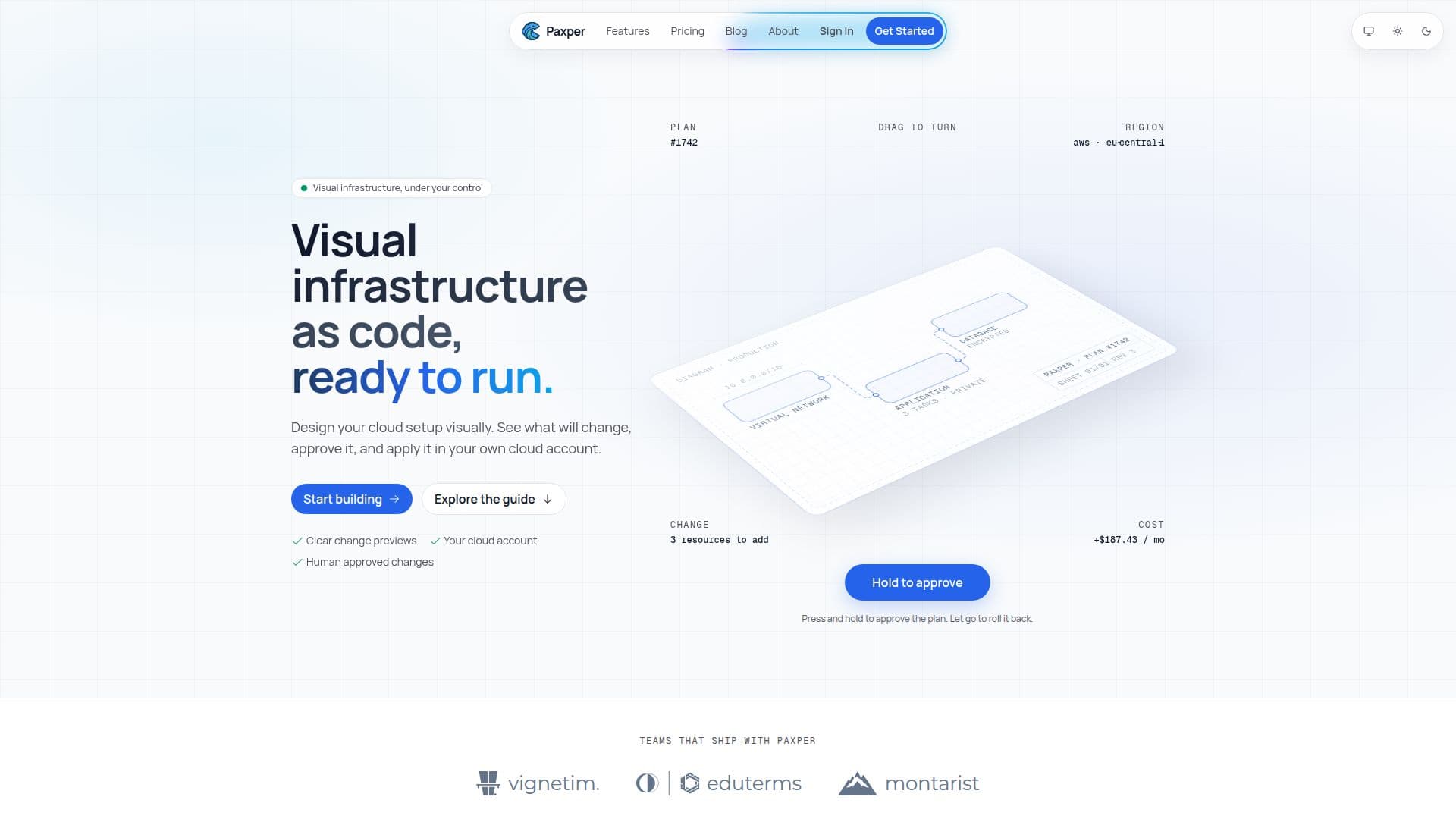
Paxper provides a visual workspace for teams to design, review, and manage cloud infrastructure. It operates on the principle of visual infrastructure as code, where users can arrange cloud resources on a diagram, and the tool automatically generates standard OpenTofu configurations. This approach ensures portability and allows for a clear review process before any changes are applied to the user's cloud account.
Read More
The platform currently supports Amazon Web Services (AWS), allowing users to connect their accounts via an access key or an IAM role. A key benefit of Paxper is that it eliminates the need for extensive coding experience; users can visually design their cloud setup, understand proposed changes in plain language, and apply them with confidence. This democratizes cloud infrastructure management, making it intuitive and accessible to engineering teams of all sizes and skill levels.
Paxper enhances team collaboration by providing clear change previews, ensuring that nothing reaches the cloud account until it has been human-approved. It addresses common pain points like undocumented console changes or outdated architecture diagrams by making the diagram the single source of truth. Every edit results in a concise plan detailing what will be added, changed, or destroyed, preventing unexpected issues.
Security is a top priority for Paxper. Data is encrypted in transit with TLS 1.3 and at rest with AES-256. Cloud credentials are also encrypted at rest and never stored in plain text, ensuring the integrity and confidentiality of user infrastructure data. The platform also includes an AI assistant, Paxy, and AI Analyze, which help users understand their workspace, explore infrastructure, and interpret deployment issues.
Getting started with Paxper is straightforward. Users can sign up for a free account, create an organization and their first workspace, and then connect their AWS account. From there, they can begin designing from a blank canvas, guided by an onboarding wizard. Paxper aims to simplify how teams design, deploy, and operate cloud infrastructure, allowing them to focus on building products rather than maintaining complex configuration files.
- CategoryAI DevOps & Cloud Tools
- Pricing ModelFreemium
- DeploymentCloud
- PlatformsWeb
Paxper's Core Features
Visual Infrastructure as Code Design: Build and edit cloud architecture on a canvas with visible resources and relationships.
OpenTofu Configuration Generation: Automatically generates standard OpenTofu configurations for portability.
Clear Change Previews: Review proposed infrastructure changes in plain language before application.
AWS Cloud Provider Support: Connect and manage resources in your AWS account.
No Coding Experience Required: Design cloud setups visually without needing to write code.
AI-Powered Assistant (Paxy & AI Analyze): Understand workspaces, explore infrastructure, and interpret deployment issues.
End-to-End Security: Data encryption (TLS 1.3, AES-256) and secure credential management.
Cost Before You Apply: Organize workspaces and compare infrastructure changes, including estimated costs.
Human Approved Changes: Nothing reaches your account until someone approves it.
Live Job Console: Monitor deployments with retry and rollback options.
Version History: Auto-saved work with restore capabilities.
State Locking and Drift Detection: Maintain infrastructure consistency.
Role-Based Permissions: Control access and visibility for team members.
SSO and Audit Trail (Enterprise Plan): Enhanced security and compliance features.
Community and Email Support: Access to assistance based on plan level.
How to use Paxper?
Sign Up: Create a free Paxper account to get started.
Create Organization & Workspace: Set up your organization and first visual workspace.
Connect AWS Account: Link your AWS account using an access key or IAM role.
Design Infrastructure: Arrange resources on the canvas and configure relationships.
Validate Plan: Review the generated plan to see what will be created, changed, or destroyed.
Request Approval: Obtain team approval for proposed changes before deployment.
Deploy Changes: Apply approved changes to your connected cloud account.
Monitor & Manage: Follow live job progress and manage deployed resources.
Paxper's Use Cases
- Visual Cloud Design
- Infrastructure as Code Generation
- Cloud Change Management
- AWS Resource Management
- Team Collaboration on Cloud
- Cost Estimation for Cloud
- Infrastructure Drift Detection
- Deployment Issue Interpretation
- Secure Cloud Operations
- Onboarding New Cloud Engineers