Description
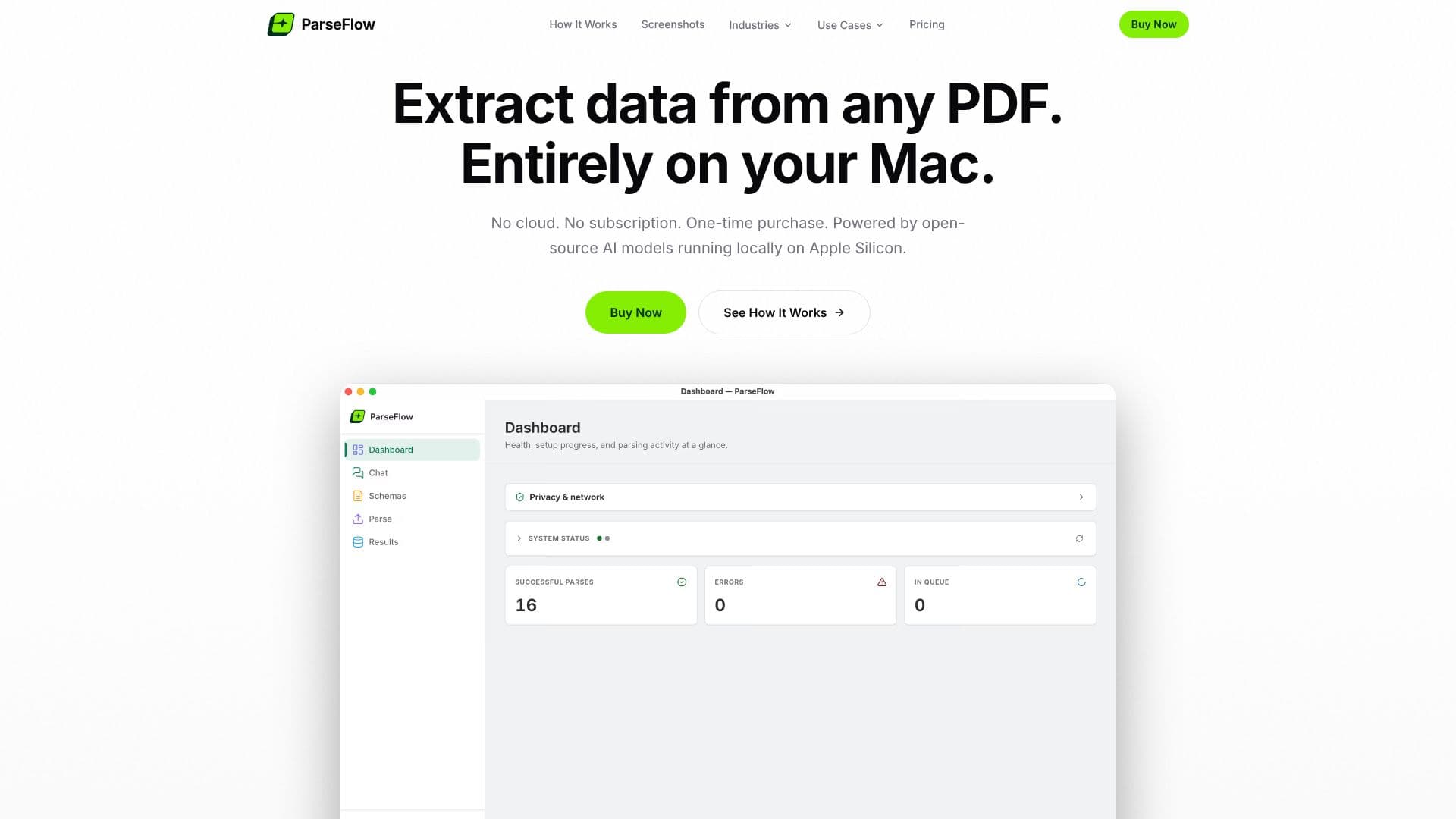
ParseFlow provides powerful AI-driven PDF data extraction designed exclusively for macOS users. This application allows you to extract structured data from any PDF document directly on your Mac, ensuring complete privacy and security as no data ever leaves your device. Unlike cloud-based solutions, ParseFlow operates entirely offline after an initial model download, eliminating the need for an internet connection during processing.
Read More
The core functionality revolves around a simple yet effective three-step process: define your schema using a visual editor to specify the data points you need (e.g., invoice numbers, line items, dates, totals), drag and drop up to 100 PDFs for batch processing, and then review and export the extracted data in CSV, JSON, or Excel formats. The app features a side-by-side review mode, allowing you to compare extracted data with the original PDF and make any necessary edits, with confidence scores visible for each field.
ParseFlow is built with a strong emphasis on user privacy and productivity. It leverages open-source AI models, specifically Gemma 3 by Google, running locally via llama.cpp with Metal GPU acceleration on Apple Silicon. This ensures fast, efficient processing without any cloud dependencies or data transmission. The application is a native macOS app, developed with Tauri and Apple's own PDFKit and Vision frameworks, providing a lean and responsive user experience. It is designed and built in Germany, adhering to strict privacy principles and GDPR compliance by architecture.
The pricing model is a one-time purchase of €17.99, offering lifetime access and all future updates without any subscriptions, per-page fees, or usage limits. This contrasts sharply with cloud alternatives that often charge recurring monthly fees. ParseFlow is ideal for professionals and individuals who handle a significant volume of PDF documents and require a secure, efficient, and cost-effective solution for data extraction. The app also includes a chat feature, allowing users to ask questions in plain language about their PDFs and receive instant local answers.
Key features include batch processing for up to 100 PDFs, flexible schema creation for various document types, offline functionality, and a commitment to 100% privacy with zero data transmission. The app supports native light and dark modes, making it a seamless addition to the macOS ecosystem. System requirements include macOS 13+ and Apple Silicon processors, with a minimum of 8GB RAM and approximately 4GB disk space for the app and AI model.
- CategoryAI Document & PDF Tools
- Pricing ModelOne-time purchase
- DeploymentLocal/On-device
- PlatformsmacOS
ParseFlow PDF Data Extraction's Core Features
AI-powered PDF data extraction
Runs entirely on macOS
100% local processing, no cloud
Offline functionality after initial model download
One-time purchase, no subscription
Open-source AI models (Gemma 3)
Local AI processing with Metal GPU acceleration
Visual schema editor for data definition
Batch processing up to 100 PDFs
Side-by-side review of extracted data
Export to CSV, JSON, Excel
Chat with your PDFs for instant answers
Native macOS application
Made in Germany with privacy focus
How to use ParseFlow PDF Data Extraction?
Define Schema: Use the visual editor to specify the data you want to extract.
Drop PDFs: Drag and drop up to 100 PDF files into the application.
Process Locally: ParseFlow uses local AI models to extract data without internet.
Review & Edit: Compare extracted data with the original PDF and make corrections.
Export Results: Save your structured data as CSV, JSON, or Excel with one click.
ParseFlow PDF Data Extraction's Use Cases
- Invoice Data Extraction
- Receipt Processing
- Contract Analysis
- Form Data Extraction
- Report Summarization
- Document Auditing
- Local Data Processing