Description
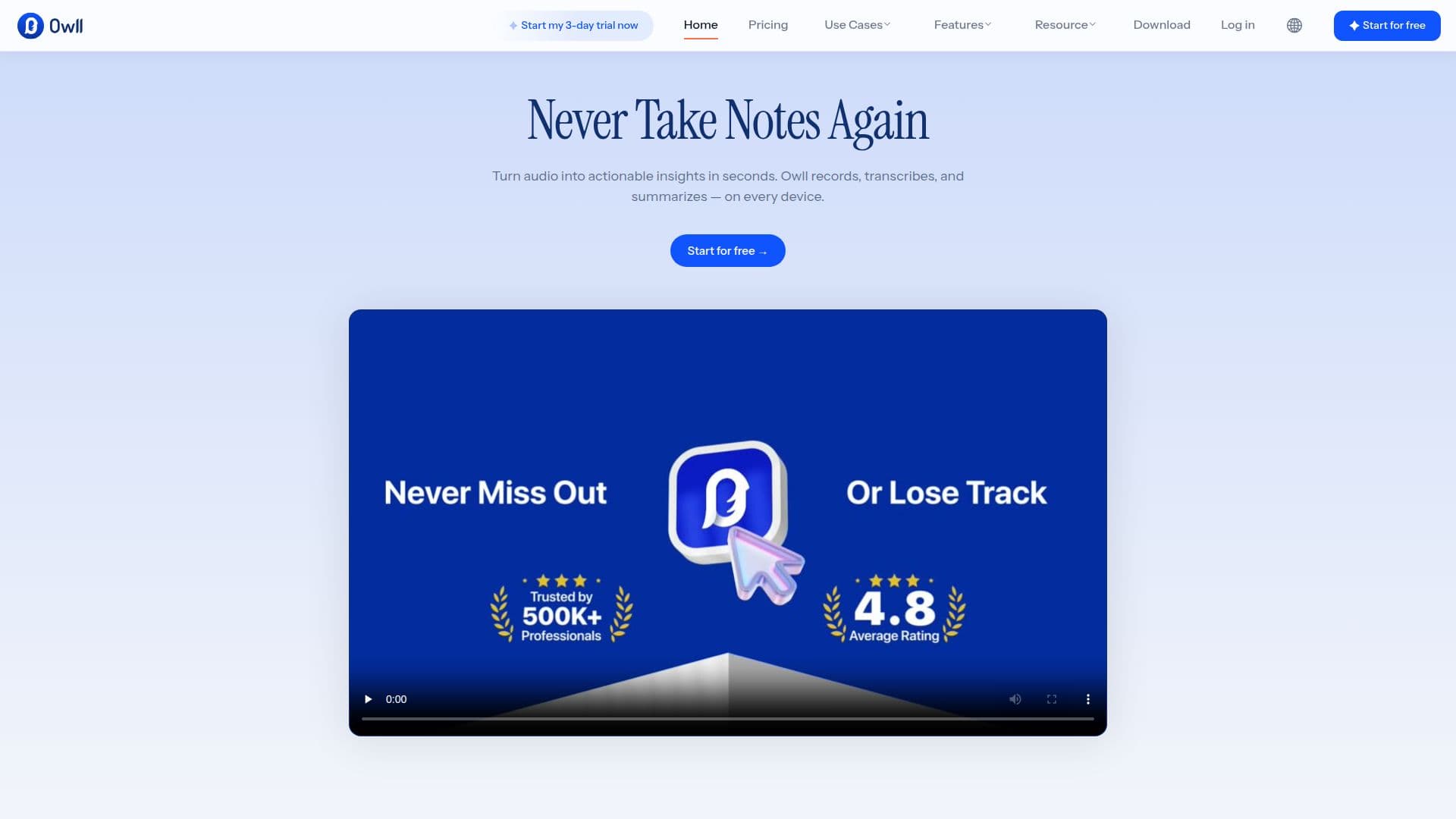
Owll Translator is an advanced AI tool designed to facilitate seamless communication across languages. It offers real-time transcription and translation in over 100 languages, making it an invaluable asset for multilingual teams. The tool integrates with popular platforms such as Zoom, Google Meet, and Microsoft Teams, allowing users to record, transcribe, and summarize meetings effortlessly.
One of the standout features of Owll Translator is its ability to handle code-switching, where speakers change languages mid-sentence. This ensures that all participants can follow the conversation without missing crucial details. The tool also generates context-aware summaries, automatically formatting them based on the type of meeting, whether it's a sales call, lecture, or business meeting.
Owll Translator supports cross-device recording, enabling users to start a recording on one device and continue on another. This flexibility is particularly useful for professionals who are constantly on the move. The tool also offers automatic flashcard generation, action item extraction, and cloud storage sync, ensuring that all notes and summaries are easily accessible and organized.
Security is a top priority for Owll Translator, with all recordings and transcripts being end-to-end encrypted. The tool is ISO 27001 and 27701 certified, ensuring that users' data is protected according to international standards. Owll Translator offers a freemium pricing model, with various plans available to suit different needs, including a free trial for new users.
Overall, Owll Translator is designed for professionals across various industries, including education, sales, and healthcare, who require accurate and efficient note-taking and translation capabilities. Its comprehensive features and robust security make it a reliable choice for enhancing productivity in multilingual environments.
Owll Translator's Core Features
Real-time transcription
AI-powered summarization
Supports translation in 100 languages
Zoom integration
Google Meet integration
Microsoft Teams integration
Automatic flashcard generation
Cloud storage sync
Offline recording
Action item extraction
YouTube Transcription and Summary
Cross-device recording
Context-aware AI summaries
Multilingual transcription
Encrypted cloud storage
How to use Owll Translator?
Configure: Set up integrations with Zoom, Google Meet, or Microsoft Teams
Use: Start recording meetings or calls
Optimize: Access real-time transcriptions and translations
Review: Generate and review summaries and action items
Owll Translator's Use Cases
- Multilingual Meetings
- Lecture Transcription
- Sales Calls
- Business Meetings
- Client Check-ins