
Description
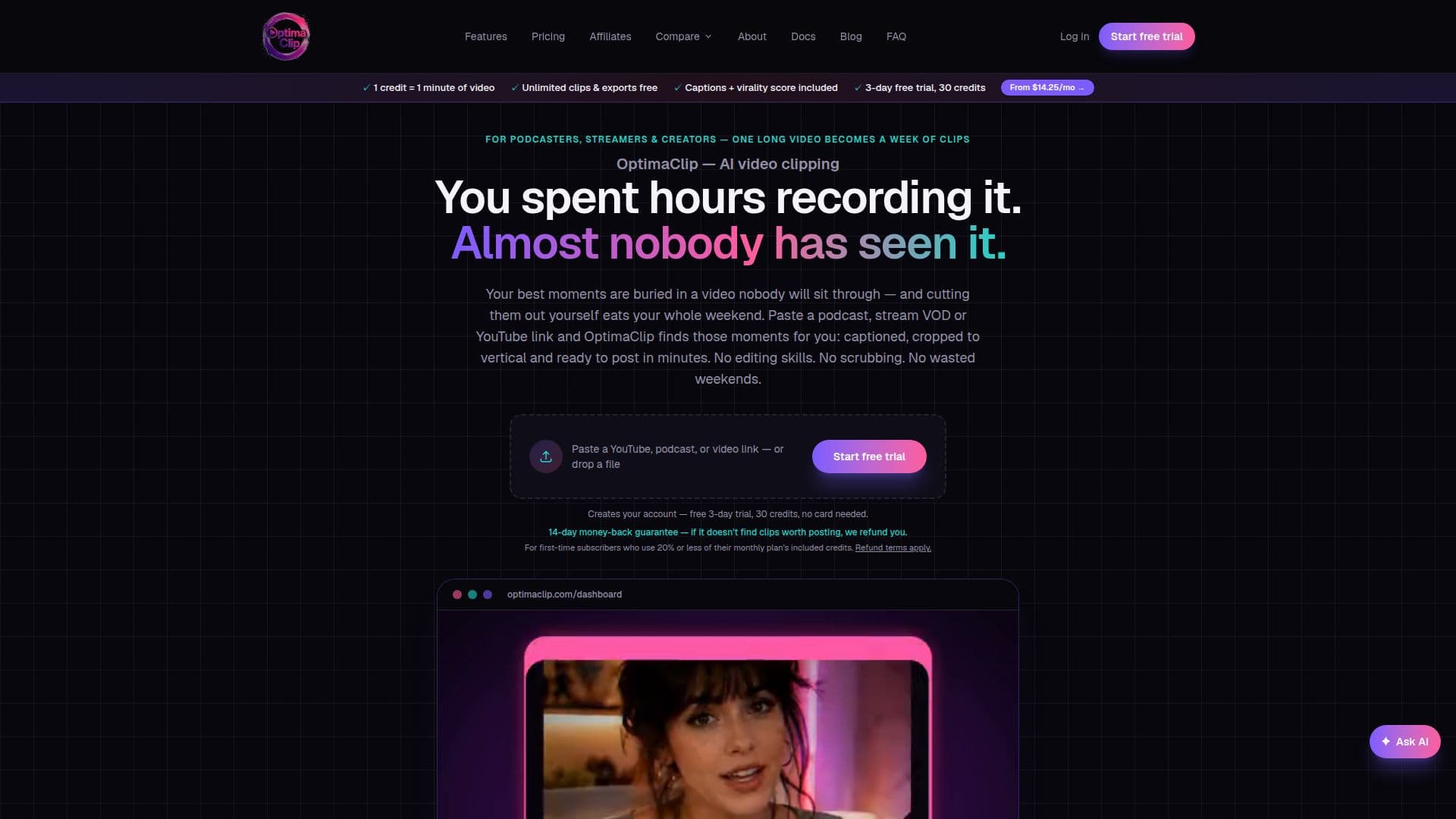
OptimaClip is an AI video clipping agent designed to streamline content repurposing for podcasters, streamers, and other creators. It automates the process of transforming long-form video content into engaging short-form clips suitable for social media.
Read More
The platform begins by allowing users to paste a link from YouTube, Twitch, or Kick, or upload a video file directly. An optional step lets users guide the AI by specifying topics, guests, or moments to focus on or exclude. OptimaClip then transcribes, scans, and cuts the video, presenting each candidate clip with a 0–100 virality score and a plain-English explanation of why it was selected, detailing the hook and payoff.
Key capabilities include automatic caption generation with word-by-word editing, restyling, and the option to switch them off. Users can save brand templates for consistent fonts, colors, and caption positions. The Smart Reframe feature dynamically crops video to follow the main speaker's face or visual action, ensuring optimal composition for vertical formats. OptimaClip also offers multi-language transcription in 21 languages with auto-detection, and AI dubbing into 17 languages.
Beyond clipping, OptimaClip provides a comprehensive Studio editor, driven by AI chat, where users can sequence multiple clips, add transitions, music, sound effects, text, graphics, and voice-overs. It replaces the need for external editing software like CapCut or Premiere. The platform integrates scheduling and publishing across YouTube Shorts, TikTok, Instagram, X, Threads, LinkedIn, Bluesky, and Facebook, allowing users to queue a week's worth of content in one pass.
OptimaClip offers a transparent credit-based pricing model, where one credit equals one minute of source video. All AI-found clips and the first export of each format are free. Plans range from Starter ($19/month for 300 credits) to Agency ($79/month for 1000 credits), with a free 3-day trial that includes 30 credits and no credit card requirement. Unused credits roll over for 60 days. The platform also includes features like a curse-word censor, content moderation, team workspaces with role-based access, and a developer API for automation.
- CategoryAI Short Video Makers
- Pricing ModelFreemium
- DeploymentCloud
- PlatformsWeb
OptimaClip's Core Features
AI Clipping Agent: Automatically finds best moments in long videos
Virality Score + Reasoning: Provides a 0-100 score and explanation for each clip
Auto-Captions & Brand Styling: Generates word-by-word captions with custom styles
Smart Reframe with Face Tracking: Dynamically crops video to follow subjects for vertical formats
Multi-Language Transcription: Supports 21 languages with auto-detection
Scheduling & Multi-Platform Publishing: Queues clips to 8 social media platforms
OptimaClip Studio Editor: AI chat-driven timeline editor for advanced video production
Curse-Word Censor: Masks profanity in captions and silences audio
Twitch & Kick VOD Import: Directly processes links from Twitch and Kick streams
Developer API Access: Automate clipping and publishing via Zapier, n8n, or custom code
Team Workspaces: Role-based access for multiple users and client separation
AI Voice-Over: Adds natural narration to clips in Studio
AI Dubbing: Re-voices finished clips into 17 languages
Content Moderation: Screens AI-picked clips before publishing for brand safety
Credit Rollover: Unused credits roll over for 60 days
How to use OptimaClip?
Paste Link or Upload File: Provide a YouTube, Twitch, Kick link, or upload a video file.
Guide the AI (Optional): Specify topics, guests, or moments to include or exclude.
Review Clips: Open high-scored clips, read the AI's reasoning, and make adjustments.
Tweak Captions: Edit, restyle, or switch off word-by-word captions.
Refine in Studio: Use the chat-driven editor to sequence clips, add transitions, music, and graphics.
Schedule & Publish: Queue clips across days and platforms in one pass for automatic posting.
OptimaClip's Use Cases
- Content Repurposing
- Social Media Scheduling
- Stream Highlight Generation
- Podcast Clip Creation
- Brand Content Management
- Agency Client Management
- Educational Content Snippets
- Video Editing Automation
- Multi-Language Content