
Description
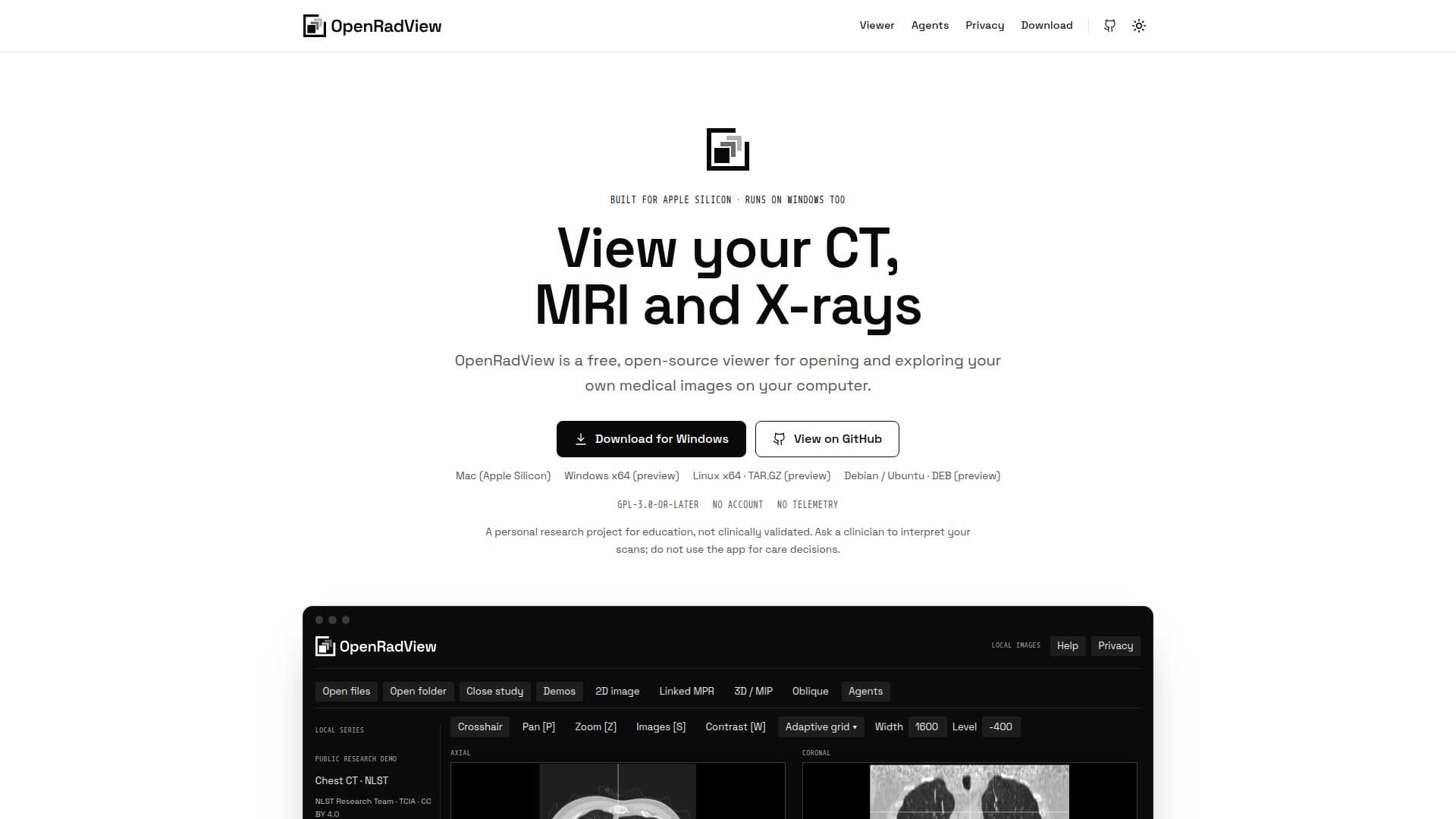
OpenRadView is a free, open-source desktop application that allows users to open and explore their own medical images, including CT, MRI, and X-ray scans. Developed as a personal research project, it emphasizes local operation, requiring no account or internet connection for core functionality, and ensures user privacy by processing all scans on the user's computer without telemetry or study history.
Read More
The viewer supports a wide range of DICOM and NIfTI-1/2 files, folders, and ZIP archives, including multi-gigabyte studies. It handles various image compressions and formats, such as JPEG 2000, JPEG-LS, and deflated DICOM. Users can adjust grayscale contrast using window and level settings, pan, zoom, invert, and rotate images. A key feature is the linked Multiplanar Reconstruction (MPR), providing consistent axial, coronal, and sagittal views from scalar or color volumes, with a crosshair for synchronized point selection. Oblique planes and experimental 3D and Maximum Intensity Projection (MIP) rendering are also available for supported volumes.
OpenRadView includes measurement tools for distance and angle where physical geometry is known, and allows for rectangle statistics on scalar or RGB-coded areas. It also offers a local two-series comparison feature, enabling users to view and save measurements side-by-side. The application is built for Apple Silicon and also runs on Windows and Linux, with specific package details and build instructions provided for each platform.
Crucially, OpenRadView is explicitly for education and personal research, not for clinical diagnosis or care decisions. It displays images without interpreting them and advises users to consult a qualified clinician for scan interpretations. While OpenRadView itself has no built-in AI, it offers an optional, user-approved connection for a local MCP (Medical Content Processing) agent. This allows users to integrate their existing AI agents (like Claude, Codex, Grok, or local models via Ollama) to see allowed views, with strict user control over data sharing and a clear disclaimer that AI commentary is experimental and not a substitute for clinical judgment.
- CategoryMedical & Clinical AI
- Pricing ModelFree
- DeploymentDesktop app
- PlatformsmacOS, Windows, Linux
OpenRadView's Core Features
Free and open-source DICOM viewer
Supports DICOM, NIfTI-1/2, and ZIP archives
Runs locally on your computer, no account needed
No telemetry or study history for privacy
Grayscale window and level adjustment
Pan, zoom, invert, rotate, and flip image controls
Linked axial, coronal, and sagittal views (MPR)
Oblique planes for tilted views
Experimental 3D and MIP rendering
Distance and angle measurements
Scalar and RGB-code rectangle statistics
Local two-series comparison with saved views
Optional user-approved MCP agent connection for external AI
Supports Apple Silicon, Windows, and Linux
GPL-3.0-or-later license
How to use OpenRadView?
Download Application: Obtain the free, open-source OpenRadView installer for your operating system (macOS, Windows, or Linux).
Install and Launch: Install the application on your computer and launch it. No account creation or login is required.
Explore Example Scans: Familiarize yourself with the interface using the three public example scans included with the app.
Open Your Own Files: Load your personal DICOM, NIfTI-1/2, or ZIP medical image files or folders directly from your local storage.
Adjust Display Settings: Utilize tools like window and level, pan, zoom, invert, and rotate to optimize image contrast and view.
Navigate Views: Use linked MPR (axial, coronal, sagittal) and oblique planes to explore different cross-sections of the volumes.
Perform Measurements: Apply distance, angle, and rectangle statistics tools for quantitative analysis of your images.
Connect AI Agent (Optional): If desired, approve a local MCP agent connection to allow your external AI to access specific views for experimental commentary.
OpenRadView's Use Cases
- Personal Medical Image Review
- Medical Education
- Research and Study
- Image Contrast Adjustment
- Multiplanar Reconstruction (MPR)
- 3D Volume Exploration
- Quantitative Image Analysis
- Side-by-Side Series Comparison
- AI Agent Integration