
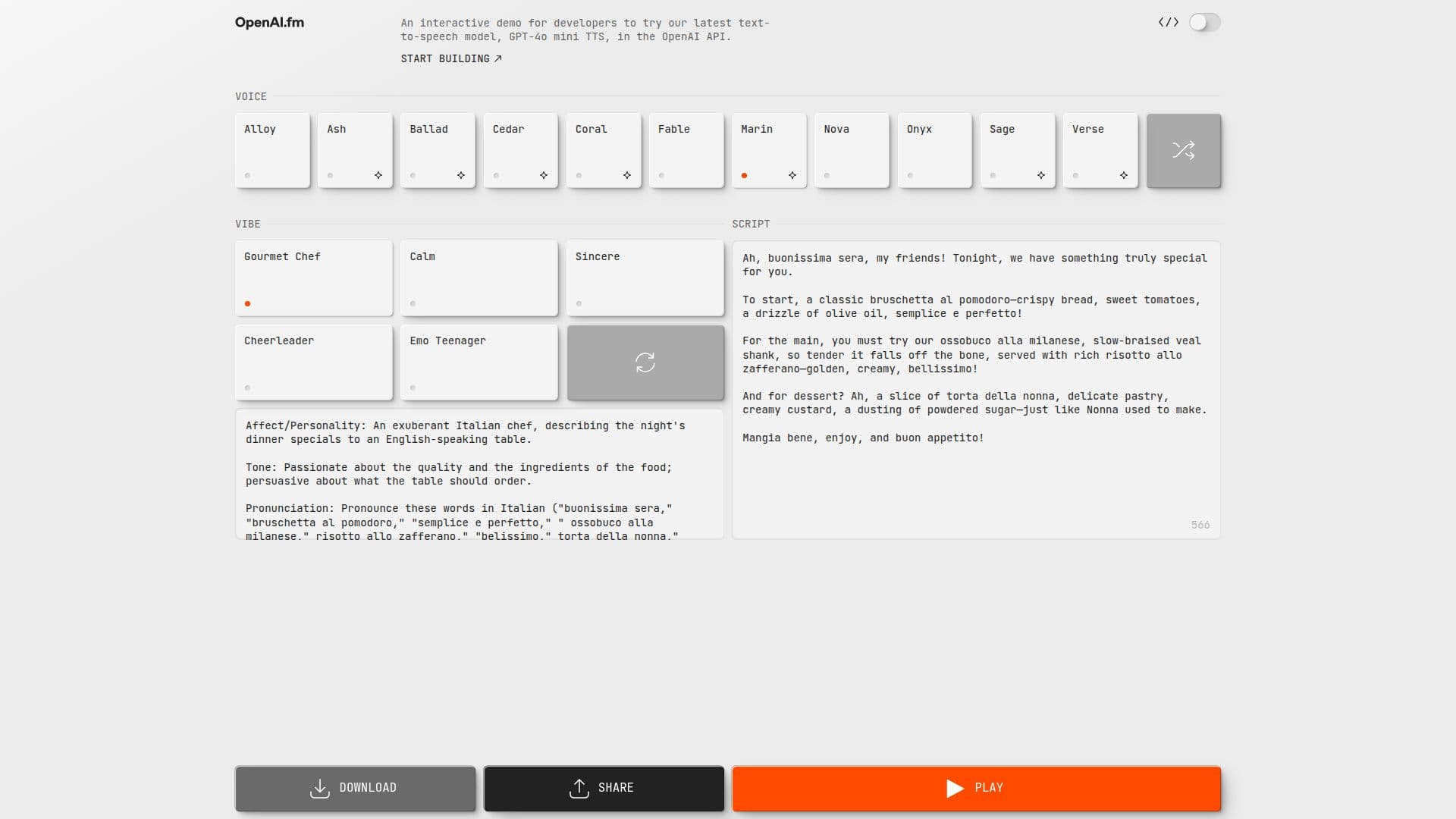
Description
OpenAI.fm serves as an interactive demo for developers interested in testing the latest text-to-speech model provided by the OpenAI API. This platform is designed to facilitate experimentation with the capabilities of the text-to-speech technology, enabling users to understand its functionalities and potential applications.
Read More
The demo allows developers to input text and hear it converted into speech, showcasing the model's ability to produce natural-sounding audio. This feature is particularly useful for developers looking to integrate text-to-speech capabilities into their own applications, whether for accessibility purposes, content creation, or enhancing user engagement.
By providing a hands-on experience, OpenAI.fm helps developers grasp the nuances of the text-to-speech model, including its voice options, pronunciation accuracy, and responsiveness. This understanding is crucial for those aiming to implement similar functionalities in their projects, ensuring that they can leverage the technology effectively.
Overall, OpenAI.fm is a valuable resource for developers seeking to explore the latest advancements in text-to-speech technology, offering a straightforward way to interact with the OpenAI API and gain insights into its capabilities.
- CategoryText to Speech
- Pricing ModelFree
- DeploymentCloud
- PlatformsWeb
OpenAI.fm's Core Features
Interactive demo
Text-to-speech model
Hands-on experimentation
Natural-sounding audio
Voice options
Pronunciation accuracy
Responsive technology
Integration capabilities
How to use OpenAI.fm?
Access the OpenAI.fm website
Input your desired text into the demo
Select voice options if available
Click to generate speech from the text
Listen to the output audio
Experiment with different text inputs
Explore integration possibilities with your applications
OpenAI.fm's Use Cases
- Accessibility
- Content Creation
- User Engagement
- Education
- Entertainment