


Description
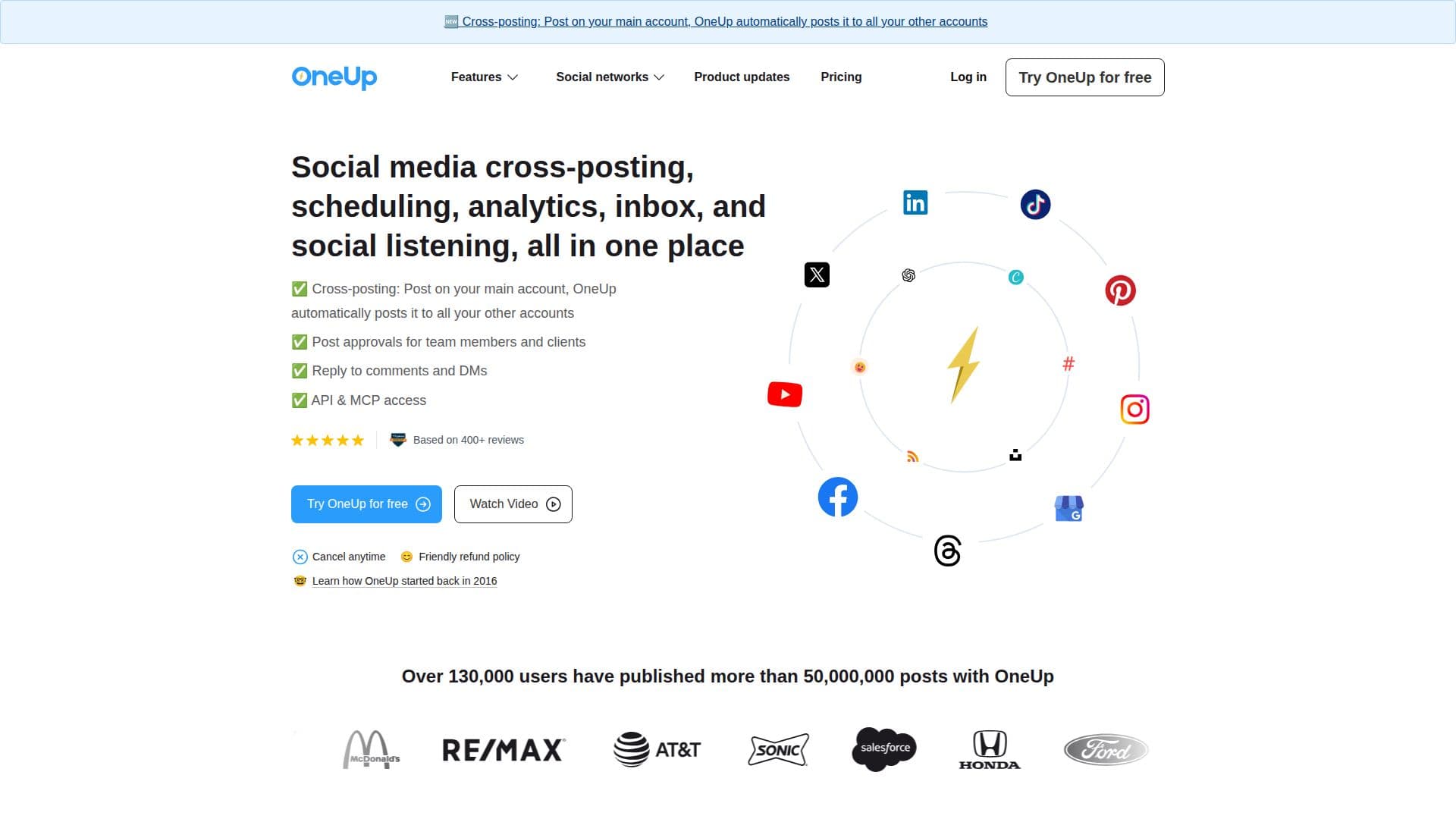
OneUp is a web-based social media scheduling and management application designed to help businesses, agencies, creators, and marketing teams plan, schedule, publish, automate, and manage social media posts across multiple networks. It supports platforms like Facebook, Instagram, TikTok, YouTube, Pinterest, LinkedIn, X, Bluesky, Threads, Snapchat, and Google My Business.
The tool offers features such as social media post scheduling, multi-account management, content calendar, analytics, team collaboration, post approval workflows, automated publishing, recurring and bulk post scheduling, cross-posting, and AI-assisted content creation. Users can see summary and post-level analytics and generate custom reports for all social media accounts.
OneUp's Social Listening feature allows users to monitor keywords and receive email notifications about mentions. The platform also supports replying to comments and DMs from inside OneUp, with options for email notifications and message shortcuts. Users can manage multiple clients by creating categories to group accounts and organize posts.
Pricing plans include Basic, Intermediate, Growth, and Business tiers, with a 7-day free trial available. OneUp is suitable for businesses seeking an easy-to-use tool with human customer support, fair pricing, and a responsive team. It is based in Pittsburgh, PA, and led by co-founders Vishal Kumar and Davis Baer.
OneUp's Core Features
Social media post scheduling
Multi-account management
Content calendar
Analytics and reporting
Team collaboration
Post approval workflows
Automated publishing
Recurring post scheduling
Bulk post scheduling
Cross-posting
AI-assisted content creation
Social Listening
Reply to comments and DMs
Create categories for accounts
Custom reports
How to use OneUp?
Configure: Set up social media accounts
Plan: Create and schedule posts
Automate: Use AI-assisted tools
Manage: Monitor analytics and social listening
Collaborate: Use team collaboration features
Optimize: Adjust strategies based on analytics
OneUp's Use Cases
- Social media management
- Content scheduling
- Analytics reporting
- Team collaboration
- Social listening