
Description
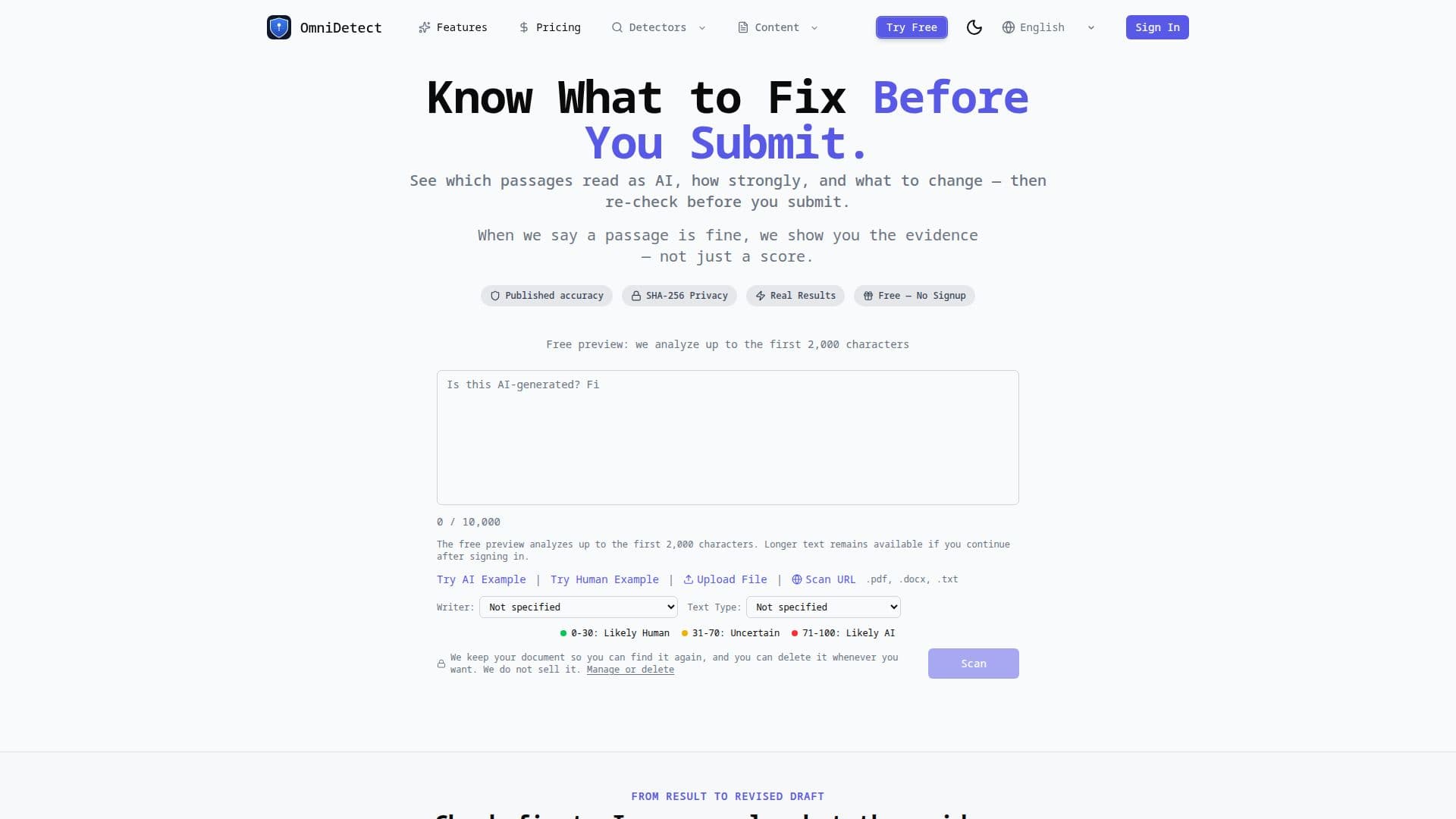
OmniDetect is an AI content detector built to show you what to fix before you submit. It analyzes which passages of your text read as AI, how strongly, and what to change, then lets you re-check the revised text. Rather than asserting accuracy, OmniDetect publishes its measured accuracy on a frozen corpus it built — including the adversarial cases where it does worse.
Read More
The tool keeps several detection channels, both commercial engines and its own analysis, and tests them against each other. Your text is routed to the single best-performing engine for its language instead of an average of all of them. Results come with an OmniScore from 0 to 100 (below 30 likely human, 30–70 mixed, above 70 likely AI) plus a per-engine breakdown and clear statements of the analysis scope and limitations.
OmniDetect supports academic use cases such as essays, research papers and dissertations, with a Writer Type selector for calibrated analysis and support for pasting up to 50,000 characters or uploading PDF, DOCX and TXT files. Guests can run a real check without signing up; a free account includes 2,500 Word Tokens, and a $9.99 pack adds 30,000 tokens valid for 7 days.
- CategoryAI Content Detectors
- Pricing ModelFreemium
- DeploymentCloud
- PlatformsWeb
OmniDetect's Core Features
Passage-level analysis showing which text reads as AI and how strongly
OmniScore from 0 to 100 with a per-engine breakdown
Published, measured accuracy on a frozen corpus, misses included
Routes text to the best-performing engine per language
Guidance for interpreting uncertain results with stated limitations
Writer Type selector for calibrated analysis (e.g. academic essays)
Paste up to 50,000 characters or upload PDF, DOCX and TXT
Free guest checks and a Word Token credit system
How to use OmniDetect?
Enter your text: Paste up to 50,000 characters or upload a PDF, DOCX or TXT file.
Set your context: Select a Writer Type such as academic essay for calibrated analysis.
Run the check: Review the OmniScore, per-engine breakdown and flagged passages.
Fix and re-check: Revise the flagged passages and scan again before submitting.
OmniDetect's Use Cases
- Pre-submission checks
- Academic review
- Multilingual detection
- Interpreting uncertain results