Description
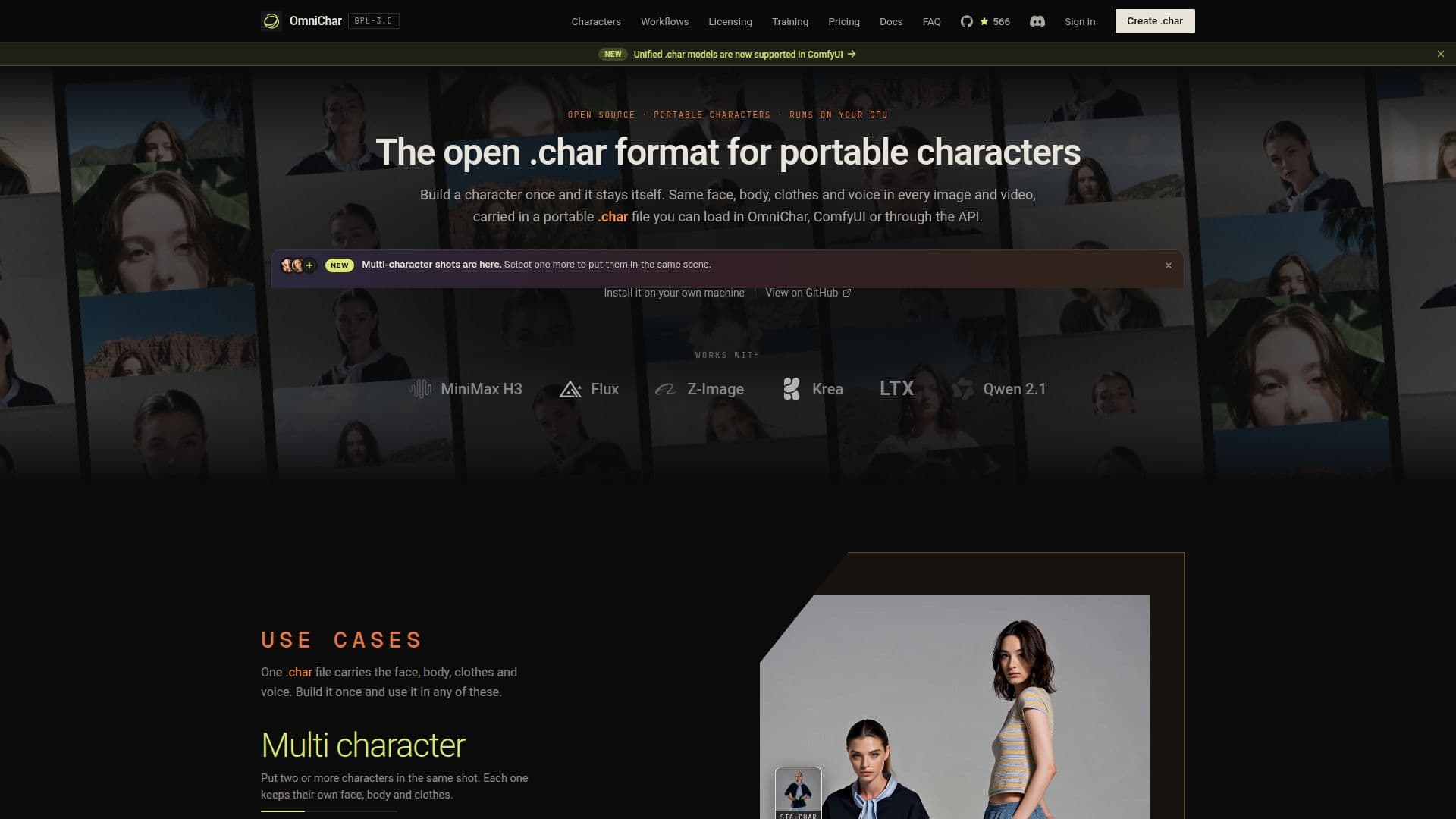
OmniChar is a versatile, open-source platform designed to maintain character consistency across different AI models. It allows users to create a character once and use it consistently across various shots and models without needing to re-attach reference images or rebuild anything when changing models. The core of OmniChar is the .char file, which stores the character's SFace face signature and DINOv2 subject signature, along with any trained adapter and optional voice clip. This file can be loaded into OmniChar, ComfyUI, or hosted models like Nano Banana Pro and MiniMax H3.
Read More
OmniChar supports local generation using its Inline Core engine, which runs models such as Z-Image Turbo, FLUX.2, Krea 2, and MiniMax H3 on your own GPU. It also offers API Nodes for accessing hosted models with your own provider key. The platform is compatible with macOS, Windows, and Linux, and operates under the GPL-3.0 license.
OmniChar Cloud is available for users without a GPU, providing 300 free credits to start, with additional credits available for purchase. The platform allows for training custom styles and consistent characters (LoRAs) on your own GPU, with live loss curves and resumable runs. Every locally generated image embeds the graph that made it, enabling users to drop the file back on the canvas to rebuild the pipeline.
OmniChar also supports community extensions, allowing users to install security-reviewed custom nodes from GitHub. The platform includes features like a Video Director node for video editing and a Trim Video/Audio node for clip trimming. OmniChar is free to use, with no metered usage, and offers a browser-based interface for both local and cloud operations.
- CategoryAI Characters & Roleplay
- Pricing ModelOpen Source
- DeploymentCloud and Local
- PlatformsmacOS, Windows, Linux
OmniChar's Core Features
Consistent character generation across models
.char file for character portability
Local generation with Inline Core engine
API Nodes for hosted models
Training custom LoRAs on GPU
Community extensions support
Video Director and Trim Video/Audio nodes
Free and open-source under GPL-3.0
How to use OmniChar?
Install Python 3.11 and uv
Clone the GitHub repository
Run the setup command
Open OmniChar in your browser
OmniChar's Use Cases
- Character Consistency
- Local Generation
- Custom LoRA Training
- Video Editing
- Community Extensions