Description
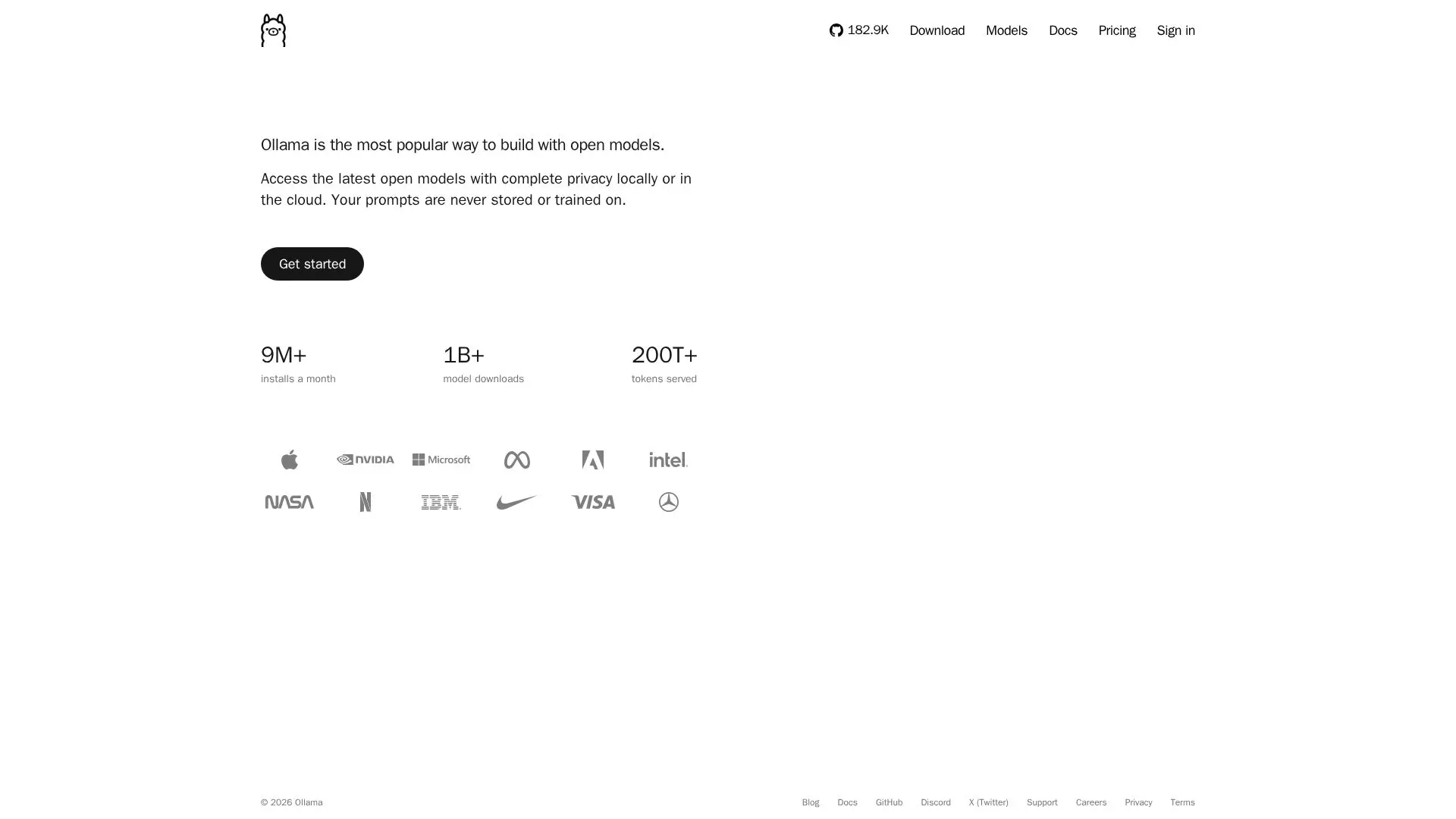
Ollama is a versatile platform designed for running and building with open AI models, offering users the flexibility to operate both locally and in the cloud. Compatible with macOS, Windows, and Linux, Ollama provides a seamless experience for developers and teams looking to leverage AI models without compromising on privacy. The platform ensures that user prompts are never stored or used for training, maintaining complete privacy.
Read More
Ollama supports a wide range of models, including popular ones like Kimi, GLM, MiniMax, DeepSeek, and others. Users can access these models with ease, whether they choose to run them on their local machines or through Ollama's cloud infrastructure. The platform is particularly beneficial for those who require high-speed processing, as cloud models run efficiently on Ollama's servers, eliminating the need for powerful local hardware.
The pricing structure of Ollama is designed to accommodate various user needs. The Free plan allows users to run models locally and includes starter usage credits for cloud models. For more intensive usage, the Pro and Max plans offer additional credits and features such as access to larger models and the ability to run multiple models concurrently. Teams can benefit from the Team plan, which includes centralized billing, priority support, and shared resources. The Enterprise plan caters to larger organizations with volume usage pricing and additional security features.
Ollama's commitment to privacy and security is evident in its partnerships with NVIDIA Cloud Providers, ensuring no logging, training, or data retention. This makes Ollama a reliable choice for developers and teams looking to integrate AI models into their workflows without compromising on data security.
- CategoryMachine Learning Platforms
- Pricing ModelFreemium
- DeploymentCloud and Local
- PlatformsmacOS, Windows, Linux
Ollama's Core Features
Run AI models locally
Cloud-based model execution
Cross-platform compatibility
Privacy-focused operations
Wide range of AI models
Flexible pricing plans
Centralized team management
Priority support for teams
How to use Ollama?
Install: Download and install Ollama on your device
Configure: Set up your environment for local or cloud model execution
Use: Run AI models as per your project requirements
Optimize: Choose the best plan and model for your needs
Ollama's Use Cases
- Local Model Execution
- Cloud Model Execution
- Team Collaboration
- Privacy-Sensitive Applications
- Flexible AI Development