
Description
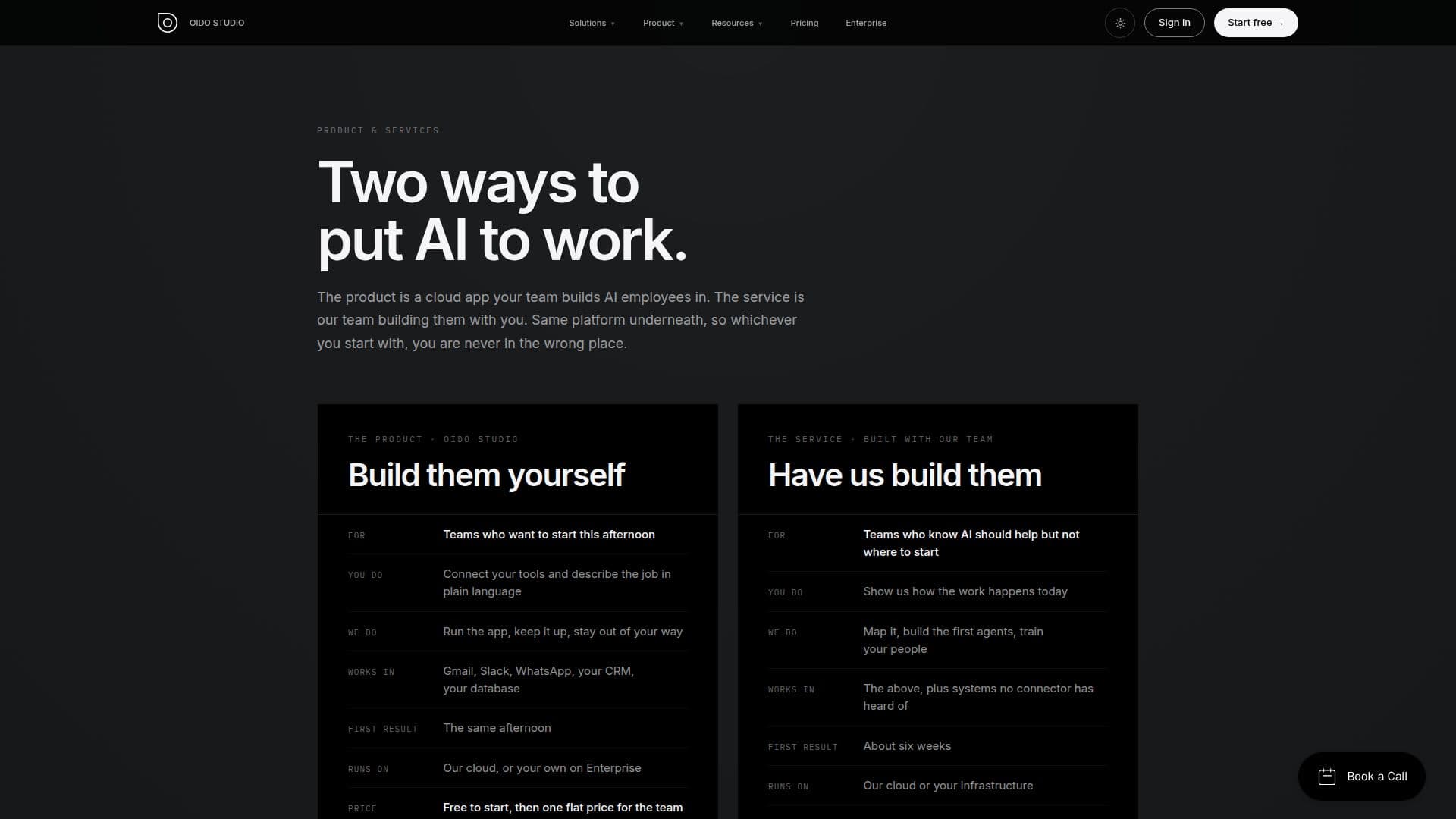
OIDO Studio is a comprehensive AI agent platform designed to help businesses automate tasks and workflows by building AI employees. The platform allows users to create and manage AI agents that can be integrated with existing tools and systems. With native n8n integration, users can build and run workflows and custom tools, either independently or with the assistance of OIDO's team. The platform supports multi-channel deployment, allowing agents to operate across various communication channels such as Slack, WhatsApp, Telegram, and Discord.
OIDO Studio offers a free plan that includes one agent and up to two AI providers, while the Pro plan, priced at €19 per month per organization, provides unlimited agents, up to three team members, unlimited AI providers, and priority support. The platform is designed to be flexible, allowing businesses to connect their own AI provider accounts and choose models per agent, ensuring that model usage remains under their control.
The platform's features include the ability to create custom system prompts, attach skills, and manage subagent hierarchies. It also supports the MCP protocol for extending agent capabilities and offers a marketplace for skills and extensions. OIDO Studio provides robust security measures, including data encryption, organization isolation, and sandboxed execution environments.
OIDO Studio is suitable for businesses looking to automate repetitive tasks, manage projects, and enhance customer support. The platform's flexibility and integration capabilities make it a valuable tool for teams seeking to optimize their operations and reduce manual workload. Optional implementation services are available for businesses that prefer expert assistance in setting up and managing their AI agents.
OIDO Studio AI Platform's Core Features
Cloud-based AI agent platform
Native n8n integration
Multi-channel deployment
Custom system prompts
MCP protocol support
Skills and extensions marketplace
Data encryption and security
Optional implementation services
How to use OIDO Studio AI Platform?
Configure: Set up AI provider keys and connect tools
Use: Deploy agents across channels and manage workflows
Optimise: Monitor performance and adjust settings
OIDO Studio AI Platform's Use Cases
- Invoice Processing
- Order Management
- Customer Support
- Project Management
- Data Synchronization