
Description
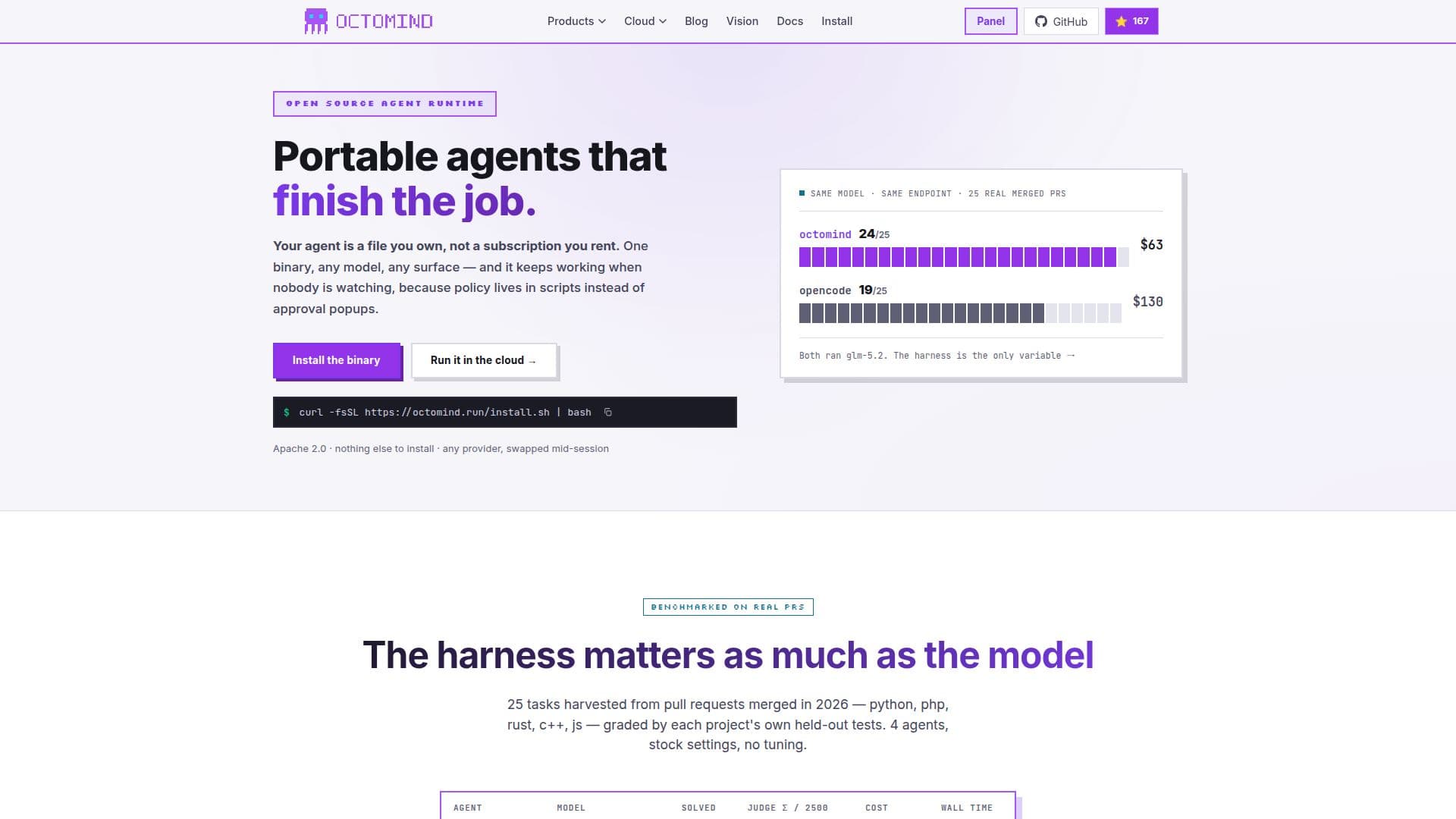
Octomind is an open-source AI coding agent that provides a versatile and efficient solution for automating coding tasks. It allows users to deploy portable agents that can operate unattended across different environments, from terminals to cloud integrations. The platform supports a wide range of models, including OpenRouter, Anthropic, OpenAI, Google, and more, enabling seamless model swapping mid-session without losing progress.
Read More
One of the key features of Octomind is its focus on guardrails instead of approval popups, ensuring that agents run safely and efficiently without human intervention. This is achieved through deterministic policies defined in a TOML file, which include pre-call guards, post-result hooks, and post-turn validators.
Octomind also offers adaptive compression, which preserves important decisions and file references while eliminating noise, allowing sessions to resume across days. Additionally, it enforces hard spending caps per request and session, preventing unexpected costs and ensuring budget control.
The platform is designed for a wide range of users, from developers to specialists in various fields such as law, medicine, finance, and more. It provides a comprehensive set of tools and integrations, including a WebSocket server for IDEs and dashboards, and supports various deployment methods, including local installations and cloud-based operations.
Octomind's pricing model includes a free tier with pay-as-you-go options and subscription plans starting at $50 per month, offering different levels of machine slots, storage, and live URLs. The platform also offers a referral program that rewards users with additional storage and credits.
- CategoryAI Agent Builders
- Pricing ModelFreemium
- DeploymentCloud
- PlatformsWebSocket, CLI
Octomind's Core Features
Open-source AI coding agent
Portable agents for unattended operation
Supports multiple models and environments
Deterministic policy guardrails
Adaptive compression for session continuity
Hard spending caps for cost control
WebSocket server for IDE integration
Comprehensive tool and integration support
How to use Octomind?
Install: Set up Octomind on your machine or cloud
Configure: Connect models and define policies
Run: Deploy agents in your desired environment
Monitor: Track performance and adjust settings
Octomind's Use Cases
- Coding Automation
- Model Integration
- Cost Management
- Session Continuity
- Specialist Support