
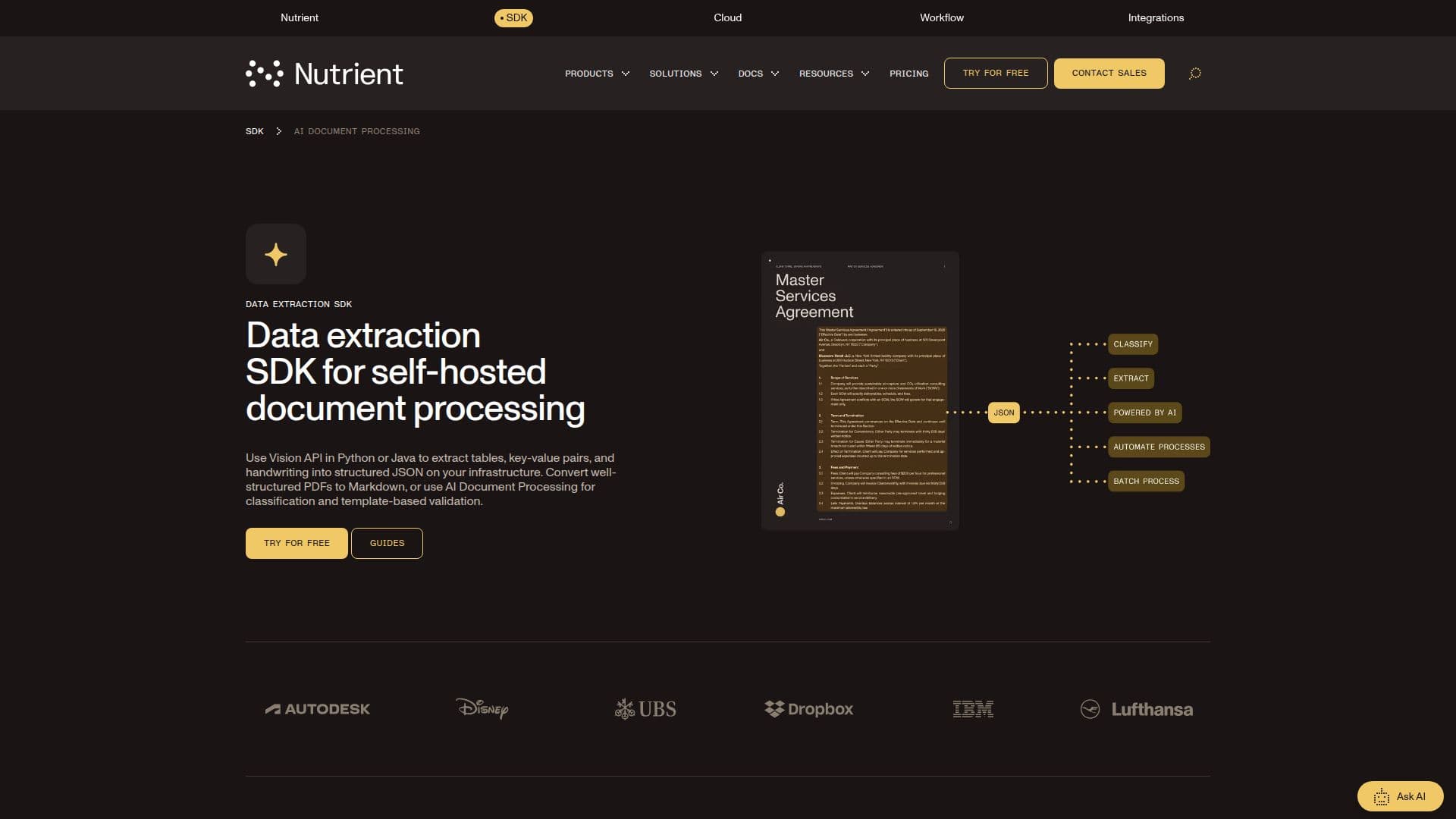
Description
Nutrient AI Document Processing is a document data extraction SDK, previously sold under the name XtractFlow by Nutrient (formerly PSPDFKit). It runs as part of Nutrient's Python and Java SDKs and is built to process invoices, purchase orders, ID documents, resumes, and receipts on a company's own infrastructure rather than through a third-party cloud service.
Read More
An LLM identifies the document type and routes it to a matching extraction template; ten templates ship ready to use, covering documents such as invoices, passports, ID cards, and receipts, and custom templates can be built by describing the needed fields in plain language instead of writing rules or regular expressions. Extracted values are checked by eleven built-in validators, including IBAN, VAT ID, credit card number, postal address, email, and phone number; any value that fails a check is flagged as needing verification rather than accepted silently.
The same product page also covers Nutrient's lower-level Data Extraction SDK, which returns structured JSON with element coordinates, reading order, and confidence scores using OCR, on-premises AI models for layout and handwriting (ICR), or a vision-language model that can run locally with Qwen or connect to a cloud provider such as Claude or OpenAI. It reads more than 100 file types, including scanned PDFs, Office documents, CAD files, and 40-plus camera RAW formats, and handles multicolumn layouts, mixed languages, and skewed scans. A separate PDF-to-Markdown mode converts already-digital PDFs into clean Markdown without running any AI model at all.
AI Document Processing needs an LLM provider connected (OpenAI or Azure OpenAI); the OCR, ICR, and PDF-to-Markdown modes run fully on-premises with no network access required. Data Extraction is available today for Python (3.8+) and Java (8+), with .NET and a DWS Processor API listed as coming soon; a free trial is offered with no payment information required.
This is a developer SDK, not a hosted no-code tool, aimed at engineering teams building invoice processing, ID verification, or document-intake pipelines who need to control where their documents and data go. Cross-platform support for AI Document Processing beyond its current availability is listed as coming soon rather than shipped today.
- CategoryWeb Scraping & Data Extraction
- Pricing ModelComponent-based
- DeploymentOn-premises, Cloud
- PlatformsPython, Java
Nutrient AI Document Processing's Core Features
LLM-based document classification that routes each document to a matching extraction template
Ten ready-made templates for invoices, passports, ID cards, receipts, and more
Custom extraction templates defined in plain language, with no regex or rule engine required
Eleven built-in validators (IBAN, VAT ID, credit card, postal address, email, phone number, and more)
Three extraction engines (OCR, ICR, and VLM) merged into structured JSON with coordinates and confidence scores
On-premises processing for every engine, including the vision-language model, with cloud providers connected only if chosen
Support for more than 100 file types, including scanned PDFs, Office documents, and CAD files
PDF-to-Markdown conversion for digitally-born PDFs, with no AI model or network access needed
Python and Java SDKs available today, with .NET and a DWS Processor API planned
How to use Nutrient AI Document Processing?
Install the SDK: Add the Nutrient Python or Java SDK to your project.
Pick an extraction mode: Choose PDF to Markdown for clean digital PDFs, or Data Extraction (OCR, ICR, or VLM) for scans and complex layouts.
Connect an LLM (optional): For AI Document Processing, configure an OpenAI or Azure OpenAI key to enable classification and templates.
Run extraction: Process a document and receive structured JSON with coordinates, confidence scores, and reading order.
Validate fields: Built-in validators flag values, such as an IBAN or VAT ID, that fail a format check.
Deploy on your infrastructure: Run the SDK self-hosted, since document data stays on your network unless you connect a cloud provider.
Nutrient AI Document Processing's Use Cases
- Invoice processing
- ID and passport verification
- Scanned document digitization
- Self-hosted data pipelines