
Description
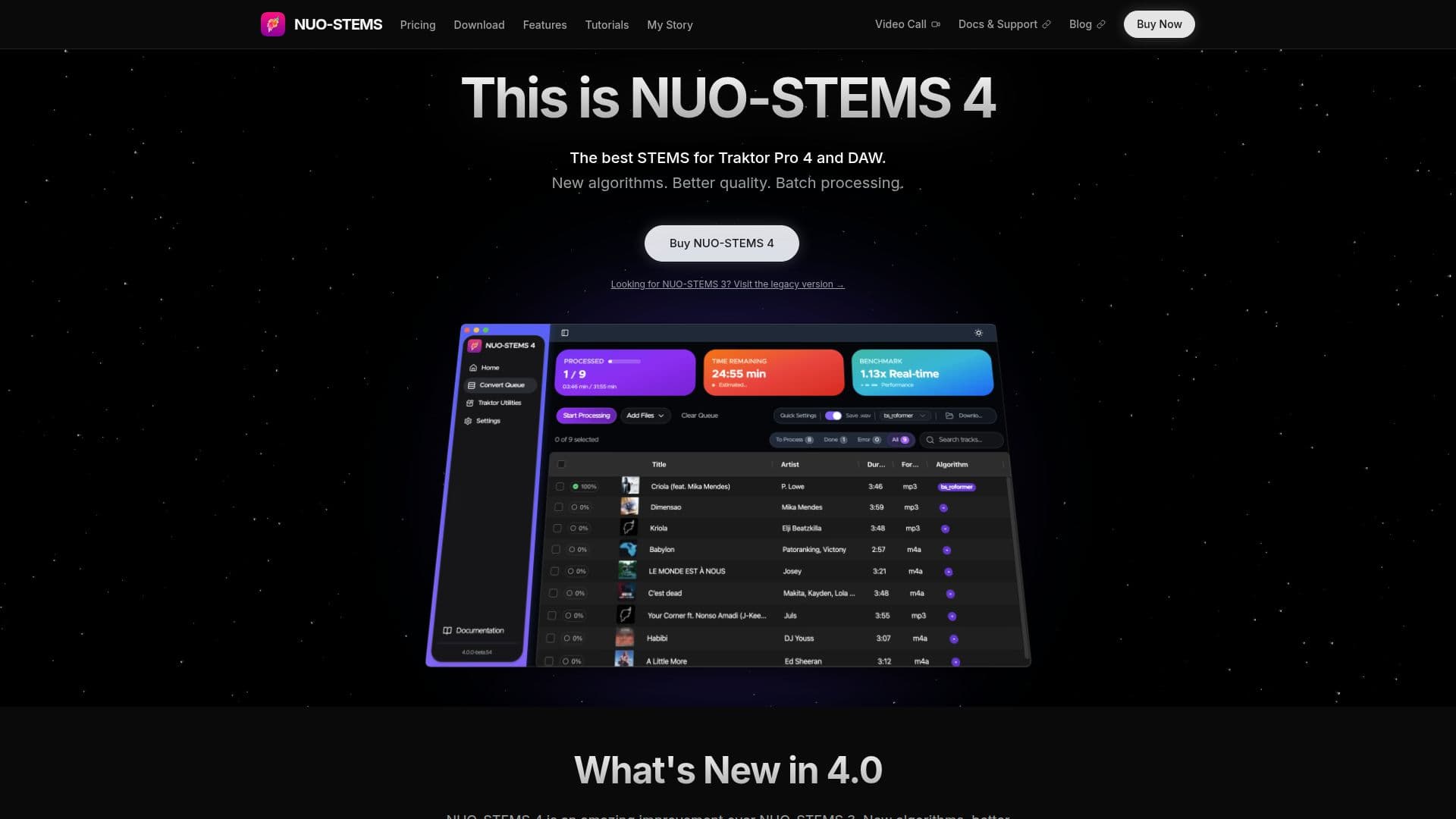
NUO-STEMS 4 is a powerful tool designed for DJs and producers to create natively linked STEMS in Traktor Pro 4. This latest version introduces new AI algorithms that significantly improve the quality of stem separation, making it a valuable asset for professional DJs. The software supports both Windows and macOS, including Apple Silicon and Intel Macs, and requires a compatible GPU for acceleration.
Read More
The tool offers three modes: Native Traktor Pro 4, Legacy/Export, and DAW/Non-Traktor, catering to different workflows. Users can generate ALAC lossless stems that integrate seamlessly with Traktor's M4A container, ensuring high-quality audio output. NUO-STEMS 4 is praised for its superior separation quality, with higher Signal-to-Distortion Ratio (SDR) scores compared to previous versions and other DJ software.
Pricing options include a perpetual license for lifetime access and a flexible Patreon subscription model. The perpetual license offers full access without monthly fees, while the Patreon subscription provides ongoing updates and support. Users are encouraged to test the demo version, which processes 20 seconds of each track, before purchasing.
NUO-STEMS 4 is particularly beneficial for DJs using Traktor Pro 4, as it allows for seamless integration and management of STEMS directly within the software. The tool is developed by DJ NUO, who created it to address the limitations of existing stem separation tools. With its advanced features and high-quality output, NUO-STEMS 4 is a valuable tool for enhancing DJ performances.
- CategoryAI Audio Editors
- Pricing ModelPerpetual License, Patreon Subscription
- DeploymentCloud
- PlatformsWindows, macOS
NUO-STEMS 4's Core Features
Advanced AI algorithms for superior stem quality
Native integration with Traktor Pro 4
Supports Windows and macOS platforms
Three modes: Native TP4, Legacy/Export, DAW/Non-Traktor
Batch processing capabilities
ALAC lossless stem generation
Flexible pricing options: perpetual license and Patreon subscription
GPU acceleration support
How to use NUO-STEMS 4?
Download: Get the demo version from the website
Install: Follow the installation instructions for your OS
Configure: Choose your preferred mode and settings
Use: Generate and manage STEMS within Traktor Pro 4
NUO-STEMS 4's Use Cases
- DJ performances
- Music production
- Audio mastering
- Batch processing
- Traktor integration