Description
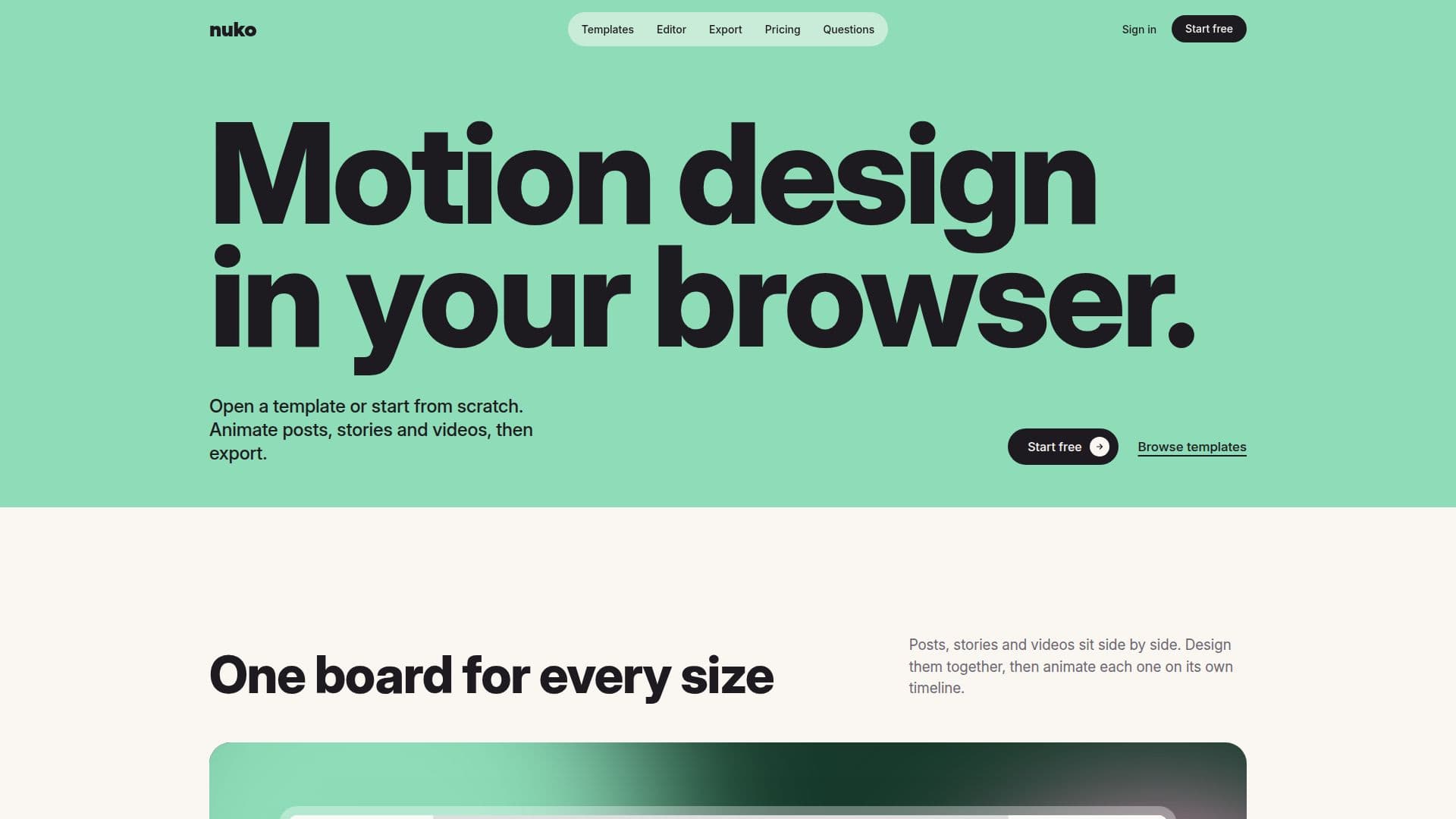
Nuko provides a comprehensive motion design experience directly within your browser, eliminating the need for software installations. It enables users to animate posts, stories, and videos efficiently, offering a range of tools from basic text and image manipulation to advanced animation techniques. The platform supports a unified workspace where different content sizes, such as posts, stories, and wide videos, can be designed side-by-side, each with its own timeline for precise animation control.
Read More
Users can start their projects by selecting from a variety of templates tailored for sales, events, launches, and brands, or by beginning with a blank canvas. These templates are fully customizable, allowing changes to text, colors, and images before export. Nuko's animation capabilities include keyframes with adjustable easing curves, motion paths for guiding layers, and shape morphing to transform one shape into another. Advanced features like repeaters for creating patterned animations and various effects such as glow, shadows, blur, and motion blur are also available.
The editor integrates with AI apps like Claude and ChatGPT, allowing users to generate designs, screens, or animations by simply providing prompts. This AI integration builds content directly into the open project, leveraging the user's own AI plan. Nuko supports importing custom fonts and offers auto-layout frames that resize with content. It also handles video and sound integration, enabling users to place, trim, and animate on top of media clips. Text animation can be controlled by letter, word, or line, with various presets and ordering options.
Export options are extensive, catering to different channels and formats. Users can export individual artboards in multiple formats and sizes, including MP4, GIF, WebM, Lottie, dotLottie, and PNG sequences. Transparency is supported for WebM, GIF, PNG sequences, and Lottie exports, while MP4 always includes a background. Projects are saved in the user's Nuko account for access across devices, with an option to save projects as local files. A free account is required, which can be created using email or Google sign-in. Nuko offers a Pro plan for higher resolution exports (up to 4K, 60 fps), transparent backgrounds, no watermarks, and increased file/storage limits, along with a higher allowance for AI tool calls.
- CategoryAI Animation Tools
- Pricing ModelFreemium
- DeploymentCloud
- PlatformsWeb Browser
Nuko's Core Features
In-browser motion design editor
Templates for posts, stories, and videos
Unified workspace for multiple artboard sizes
Keyframe animation with easing curves
Motion paths for layer movement
Shape morphing capabilities
Repeater tool for patterned copies
Visual effects: glow, shadows, blur, motion blur, grain
Auto-layout frames that resize with content
Video and sound integration with trimming
Text animation by letter, word, or line
Export to MP4, GIF, WebM, Lottie, dotLottie, PNG sequence
Transparent video export (Pro plan)
AI app integration (Claude, ChatGPT)
Custom font import
How to use Nuko?
Open Nuko: Access the motion design editor directly in your browser.
Start a Project: Choose from a template or begin with a blank canvas.
Design Content: Add text, images, videos, and shapes to your artboards.
Animate Elements: Use keyframes, motion paths, and effects to bring your designs to life.
Integrate AI (Optional): Connect Claude or ChatGPT to generate designs or animations with prompts.
Preview and Refine: Watch your animation in real-time and adjust as needed.
Export Project: Select desired formats, sizes, and settings, then export your final motion graphic.
Nuko's Use Cases
- Social Media Posts
- Animated Stories
- Promotional Videos
- Brand Line Animations
- Travel Vlogs/Stories
- Marketing Content
- Educational Content
- Event Announcements