Description
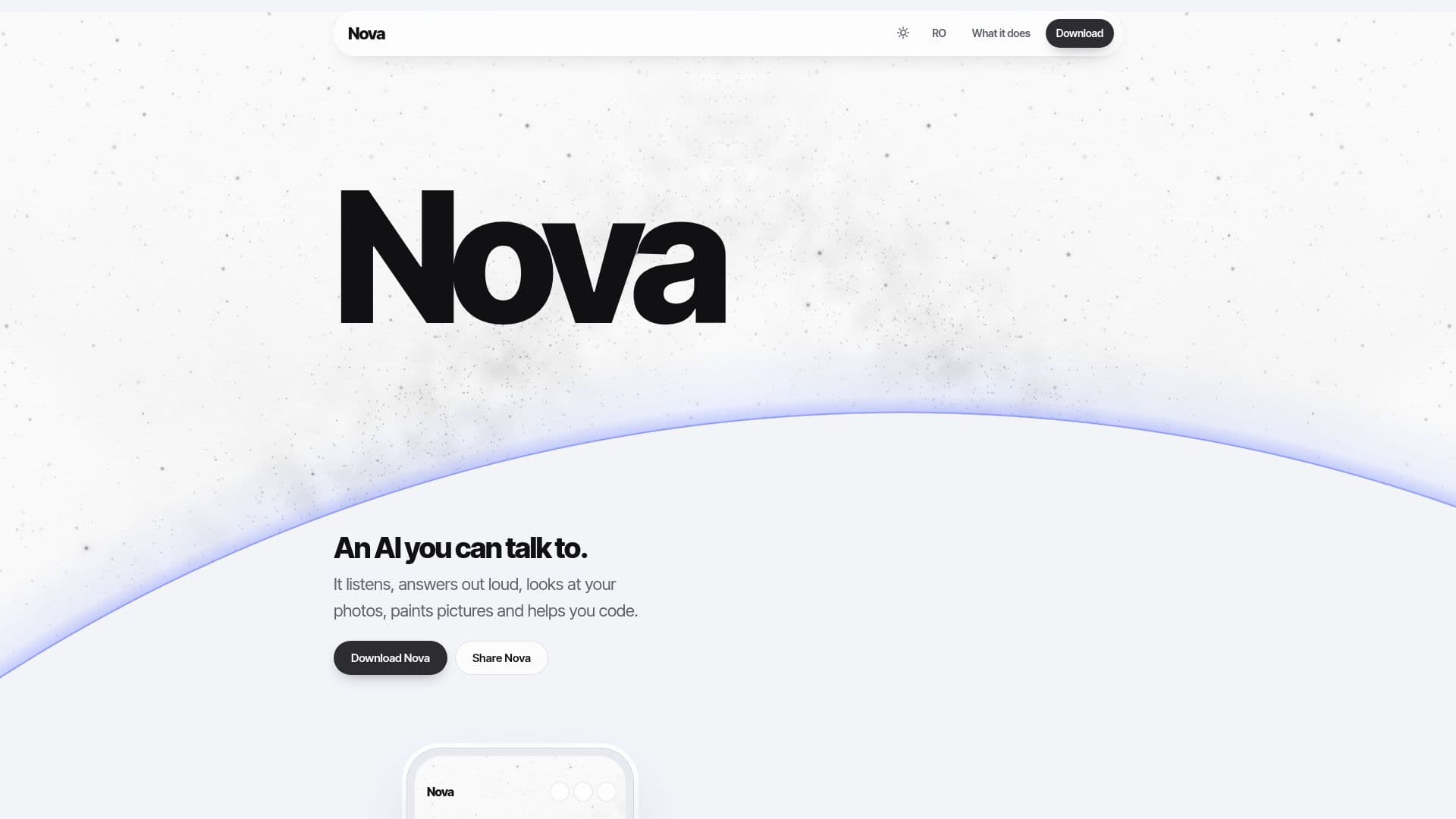
Nova is a versatile and free AI assistant designed to simplify daily tasks and creative endeavors across multiple platforms. Users can engage with Nova through natural voice conversations, eliminating the need for typing. The assistant supports both English and Romanian, responding in the same language with a natural voice, and can handle almost any other language as well. This makes it accessible and intuitive for a diverse user base.
Read More
One of Nova's key features is its ability to interact with visual content. Users can upload photos or PDFs and ask Nova to describe their contents, summarize documents, or explain errors shown on a screen. Beyond analysis, Nova can also generate images based on user prompts, offering options for a natural photo look or a hand-drawn style. These generated pictures can be saved or set as wallpaper directly from the chat.
For productivity, Nova offers robust document handling capabilities. It can convert chat content into Word documents, Excel tables, or PDFs for download. Users can also save any chat as a Word, PDF, or plain text file. Developers and coders will find Nova particularly useful, as it provides code snippets in a dedicated box with a convenient "Copy code" button, ready for pasting into an editor.
Nova enhances personal organization with its reminder function. Users can simply say, "remind me at 6 to practise guitar," and Nova will set the reminder, with notifications popping up on Android even when the app is closed. The assistant also remembers user-specific information, such as names or ongoing projects, across chats, with an option to view or delete these notes in settings.
Privacy is a core aspect of Nova's design. The user's Google Gemini key remains on their device, and chats are stored locally unless the user logs in and enables sync. The platform is entirely ad-free and does not track user activity. Nova also integrates web search, allowing users to ask about current news or paste links, with sources provided directly under the answer. The interface is customizable, featuring a visual theme inspired by a sunrise, with glowing and pulsing effects during interaction, and options to change the background.
- CategoryAI Personal Assistants
- Pricing ModelFree
- DeploymentCloud
- PlatformsAndroid, Windows, iPhone, Web
Nova's Core Features
Voice Chat: Talk out loud to the AI assistant for hands-free interaction.
Photo Analysis: Ask questions about uploaded photos and PDFs.
Image Generation: Create pictures based on prompts, with natural or hand-drawn styles.
Code Assistance: Receive code snippets with a dedicated copy button.
Document Conversion: Convert chats into Word, Excel, or PDF files.
Reminder Setting: Set time-based reminders that notify even when the app is closed.
Multi-language Support: Interact in English, Romanian, or other languages with natural voice responses.
Personalized Memory: Nova remembers user details and ongoing projects across chats.
Web Search: Ask questions about current events or paste links for information retrieval with sources.
Data Privacy: User's Gemini key and chats stay on device unless sync is enabled; no ads or tracking.
Customizable Interface: Choose visual themes and backgrounds.
Cross-Device Sync: Log in to sync chats across phone, PC, and web.
How to use Nova?
Install Nova: Download the app for Android or Windows, or add the web app to your iPhone home screen from Safari.
Obtain Gemini Key: Get a free Google Gemini key from aistudio.google.com.
Launch and Configure: Open Nova, log in, and paste your Gemini key (saved only on your device).
Start Voice Chat: Tap the microphone icon to speak, or enable conversation mode for continuous hands-free dialogue.
Ask About Photos: Tap '+' to select a picture or PDF and ask Nova questions about its content.
Generate Images: Request a drawing and choose between natural photo or hand-drawn styles.
Get Code Help: Ask for code, and use the 'Copy code' button to paste it into your editor.
Set Reminders: Use voice commands like "remind me at 6 to practise guitar" to set alerts.
Nova's Use Cases
- Hands-Free Communication
- Visual Content Analysis
- Creative Image Generation
- Coding Support
- Document Creation & Conversion
- Personal Reminders
- Multilingual Interaction
- Information Retrieval
- Personalized Assistance