Description
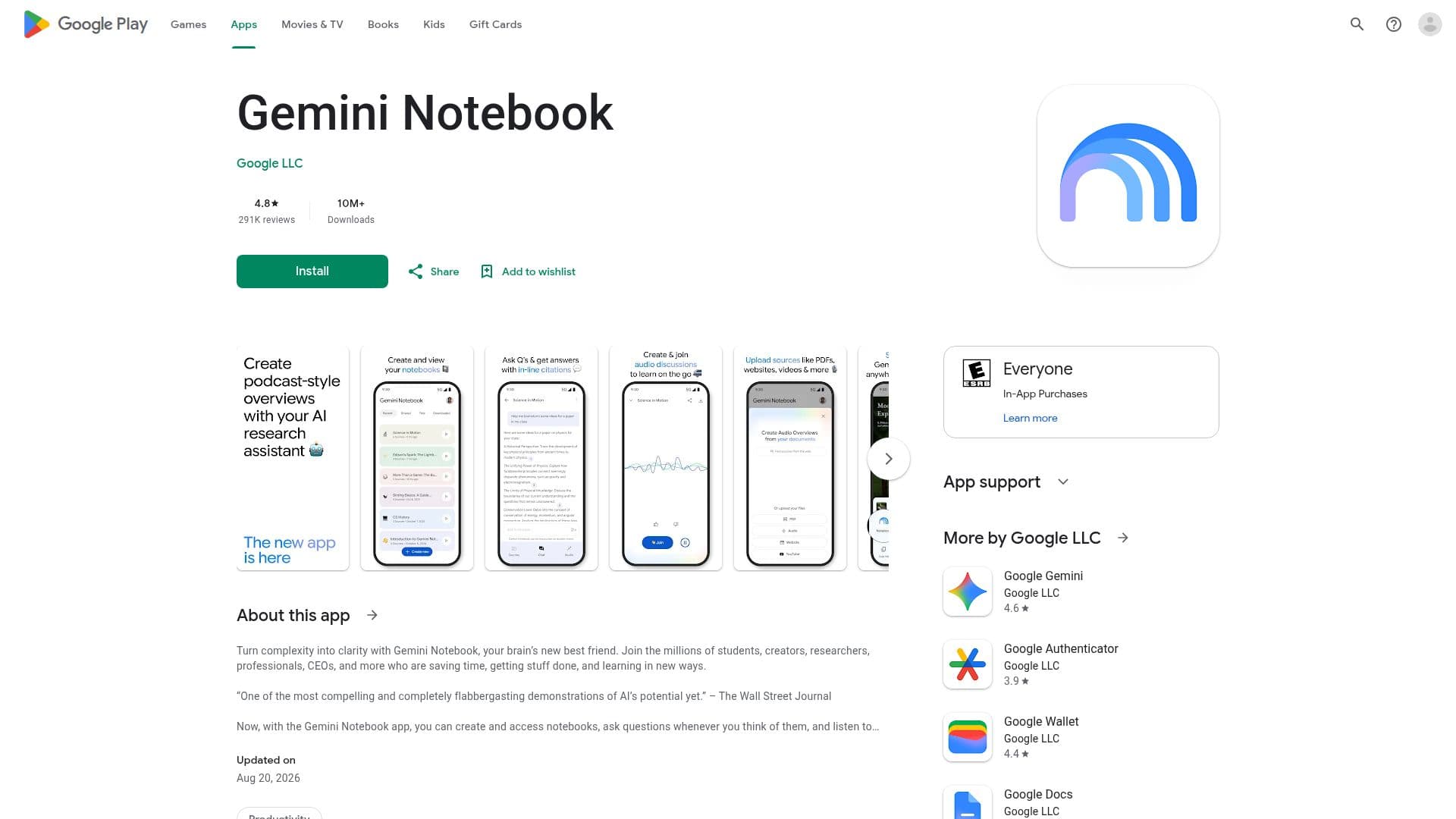
NotebookLM, available as Gemini Notebook on Google Play, serves as a personalized AI research assistant designed to help users understand various topics effectively. This innovative application leverages advanced AI technology to provide tailored research assistance, making it a valuable tool for students, professionals, and anyone seeking to enhance their knowledge.
The app is free to download and use, making it accessible to a wide audience. With over 10 million downloads and a high store rating of 4.8 out of 5 from approximately 291,070 ratings, NotebookLM has proven to be a reliable choice for users looking to improve their research capabilities. The application is categorized under productivity, emphasizing its focus on helping users manage their time and resources efficiently.
NotebookLM prioritizes user privacy and data security. It does not share data with third parties, and users can request the deletion of their data at any time. Additionally, data is encrypted during transit, ensuring that sensitive information remains secure. The app may collect personal information, audio, and other data types, but it is committed to maintaining user confidentiality.
The primary audience for NotebookLM includes students, researchers, and professionals who require a dependable tool for gathering and organizing information. By utilizing this app, users can streamline their research processes, making it easier to access and comprehend complex topics. The personalized AI assistant adapts to individual user needs, providing relevant information and insights tailored to specific queries.
In summary, NotebookLM offers a powerful solution for anyone looking to enhance their understanding of various subjects. With its user-friendly interface, commitment to privacy, and advanced AI capabilities, it stands out as a top choice in the productivity app category.
NotebookLM's Core Features
Personalized AI research assistant
Data encryption in transit
No data shared with third parties
User data deletion request available
Free to download
High store rating of 4.8/5
Over 10 million downloads
Supports various data types
How to use NotebookLM?
Download: Install NotebookLM from Google Play.
Open: Launch the app on your mobile device.
Ask: Input your research question or topic.
Explore: Review the personalized insights and information provided.
NotebookLM's Use Cases
- Academic Research
- Professional Development
- Personal Learning
- Content Creation
- Study Aid