
Description
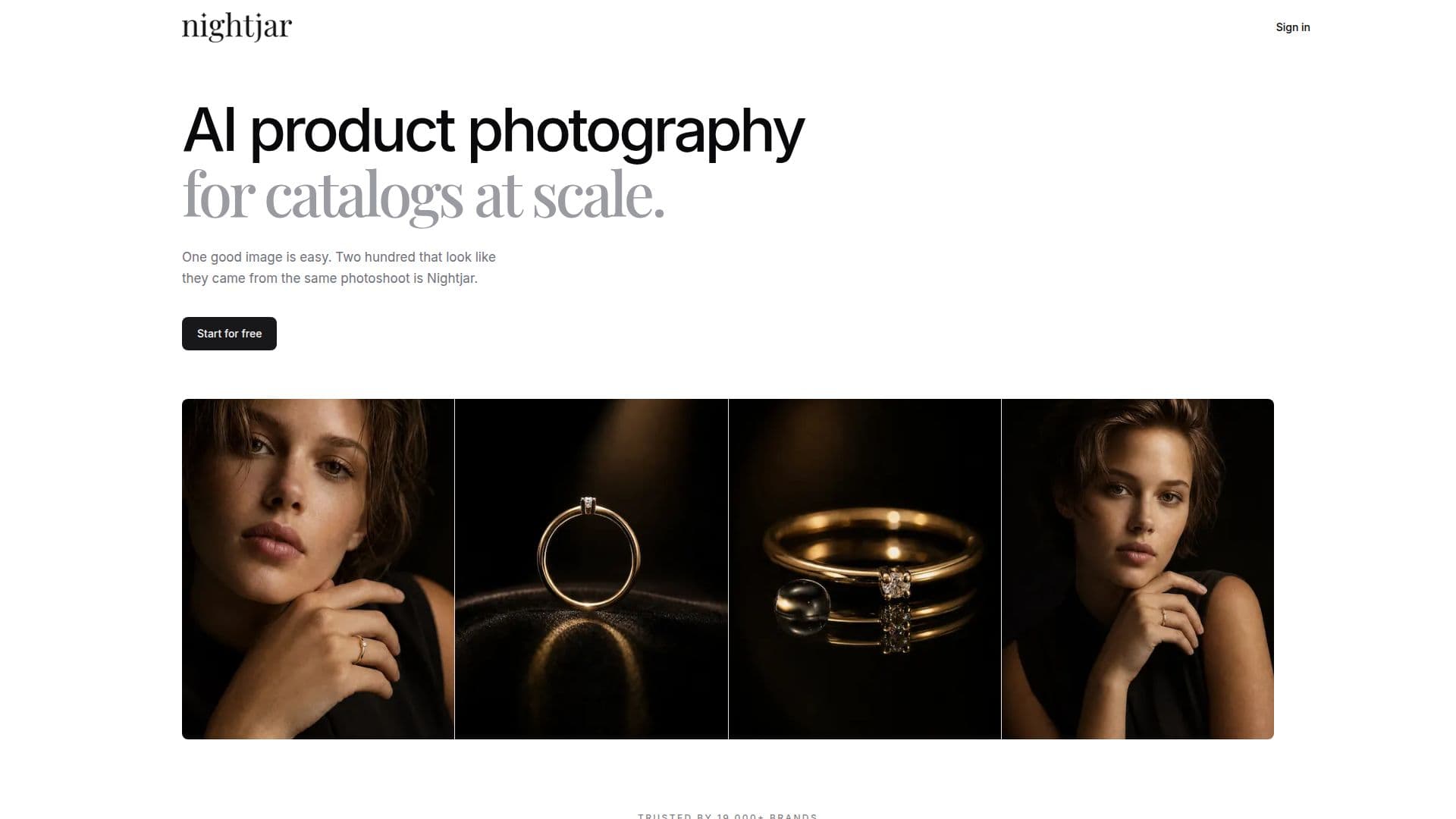
Nightjar is an AI-powered product photography tool designed specifically for e-commerce brands. It allows businesses to create consistent and on-brand images at scale, eliminating the need for traditional photoshoots. The platform offers a range of features including editing with text, upscaling, virtual try-ons, and recoloring, all of which can be customized to fit the brand's specific needs.
Read More
Nightjar's API integration enables seamless automation of product photography, allowing brands to generate, edit, and upscale images directly from their own software. This feature is particularly beneficial for businesses that frequently add new products or need to refresh their catalogs. The API uses the same credits and product information as the web app, ensuring consistency across all platforms.
Pricing for Nightjar starts at $25 per month for 150 credits, with higher-volume plans available. New users can try the service with 6 free credits, requiring no credit card for initial access. Each credit can be used to generate a 1K or 2K image, while a 4K image requires two credits. The platform also includes a built-in visual review system that compares generated images with reference photos to ensure accuracy and consistency.
Nightjar is designed for teams, allowing multiple users to share a single library and credit balance. This collaborative approach ensures that all team members can work from the same product information and visual direction, enhancing workflow efficiency. The platform is also integrated with popular e-commerce platforms like Shopify, making it easy for brands to manage their product photography directly from their existing systems.
- CategoryAI Product Photography
- Pricing ModelFreemium
- DeploymentCloud
- PlatformsWeb, Shopify
Nightjar's Core Features
AI-driven product photography
Consistent and on-brand images
API integration for automation
Editing with text and upscaling
Virtual try-ons and recoloring
Built-in visual review system
Team collaboration features
Integration with Shopify
How to use Nightjar?
Sign up: Create a Nightjar account
Upload: Add your product photos and details
Configure: Set up your desired photography style
Use: Generate and edit images using the API
Review: Ensure image consistency with visual reviews
Optimize: Adjust settings for future projects
Nightjar's Use Cases
- Catalog Consistency
- Automated Photography
- Team Collaboration
- E-commerce Integration
- Product Launches