Description
EcomDesignLab is an AI creative suite aimed at fashion and e-commerce brands. It runs as a web app; no listing for it exists on the Apple App Store, so it is used entirely through a browser rather than a native mobile app.
Read More
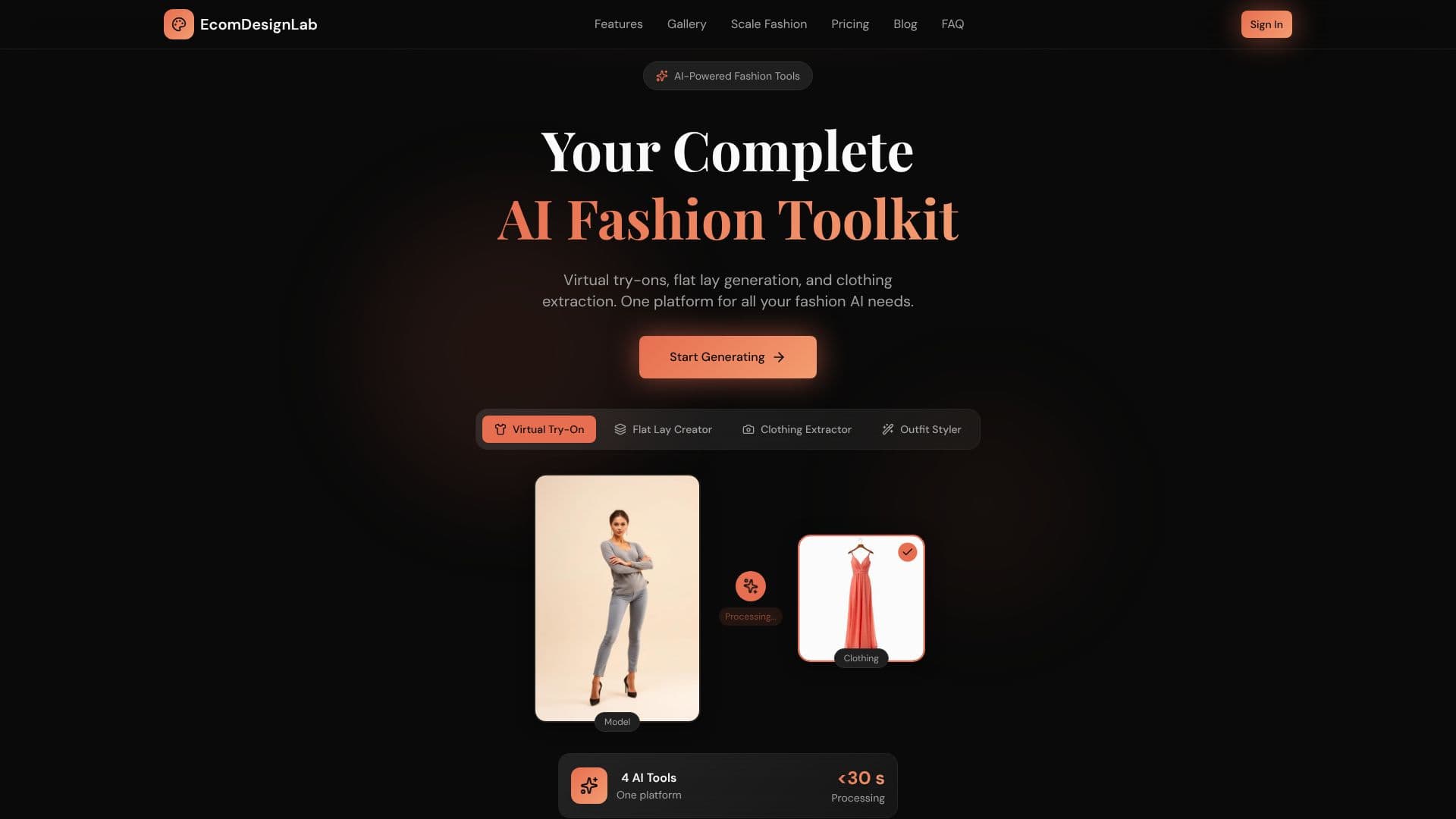
The suite is built around four tools drawing on a single credit pool. Product to Model turns a flat-lay product photo into a realistic on-model photo without a photoshoot. Model Swap changes the person in an existing image while keeping the product, pose, lighting and background consistent, useful for matching a brand's target audience without a reshoot. Consistent Models keeps the same AI model's face and look across an entire set of images. Virtual Try-On generates on-model imagery from a range of AI models, poses and scenes, or from an uploaded model photo for a specific brand face.
Beyond generating people in clothes, EcomDesignLab produces standard product photography, packshots on pure white, lifestyle scenes, flat-lays and ghost-mannequin shots, plus one-click transparent cutouts for listings and marketplace requirements. It can also animate a generated still into a 5-second video ad using a motion preset such as a gentle zoom, a runway walk or a soft breeze. An AI Refinement Studio lets a user fix details, changing a background, brightening lighting or adding accessories, with a prompt instead of regenerating the whole image.
Pricing runs three tiers. Starter is $35 a month for 30 try-on generations, a basic model library, 10 background options and standard-resolution exports. Professional is $105 a month for 100 generations, full model library access, unlimited backgrounds, 4K exports, custom model uploads, API access and priority support. Enterprise is custom-priced, adding unlimited generations, custom model training, a white-label option, a dedicated account manager, an SLA and on-premise deployment.
EcomDesignLab targets fashion and apparel brands that need catalog and advertising imagery at volume without a traditional studio shoot. Part of its on-site FAQ and closing section still refers to the product by an older name, StyleAI, a leftover from an unedited template; treat any exact customer-count figures tied to that section with some caution.
- CategoryAI Product Photography
- Pricing ModelTiered (Free, Starter, Professional, Enterprise)
- DeploymentCloud
- PlatformsWeb
EcomDesignLab's Core Features
Product to Model: turns flat-lay photos into on-model shots
Model Swap: changes the model while keeping product, pose, lighting and background
Consistent Models: reuses the same AI model's face across a shoot
Virtual Try-On with a range of AI models, poses and scenes, or an uploaded model
Product photography presets: pure white packshots, lifestyle scenes, flat-lays, ghost-mannequin shots
One-click transparent cutouts for marketplace-ready listings
5-second video ads animated from a generated still, with motion presets
AI Refinement Studio for prompt-based edits without a full regeneration
Shared credit balance across all tools with a per-generation ledger
How to use EcomDesignLab?
Upload a product photo: Start from a single flat-lay or existing product image.
Pick a tool: Choose Virtual Try-On, Product Photography, Cutouts or Video Ads.
Generate: The AI produces the on-model image, packshot, cutout or short video clip.
Refine if needed: Use the AI Refinement Studio to adjust background, lighting or accessories with a prompt.
Download and use: Export the result for listings, ads or marketplace requirements.
EcomDesignLab's Use Cases
- Catalog photography
- Ad creative
- Marketplace listings
- Brand consistency