
Description
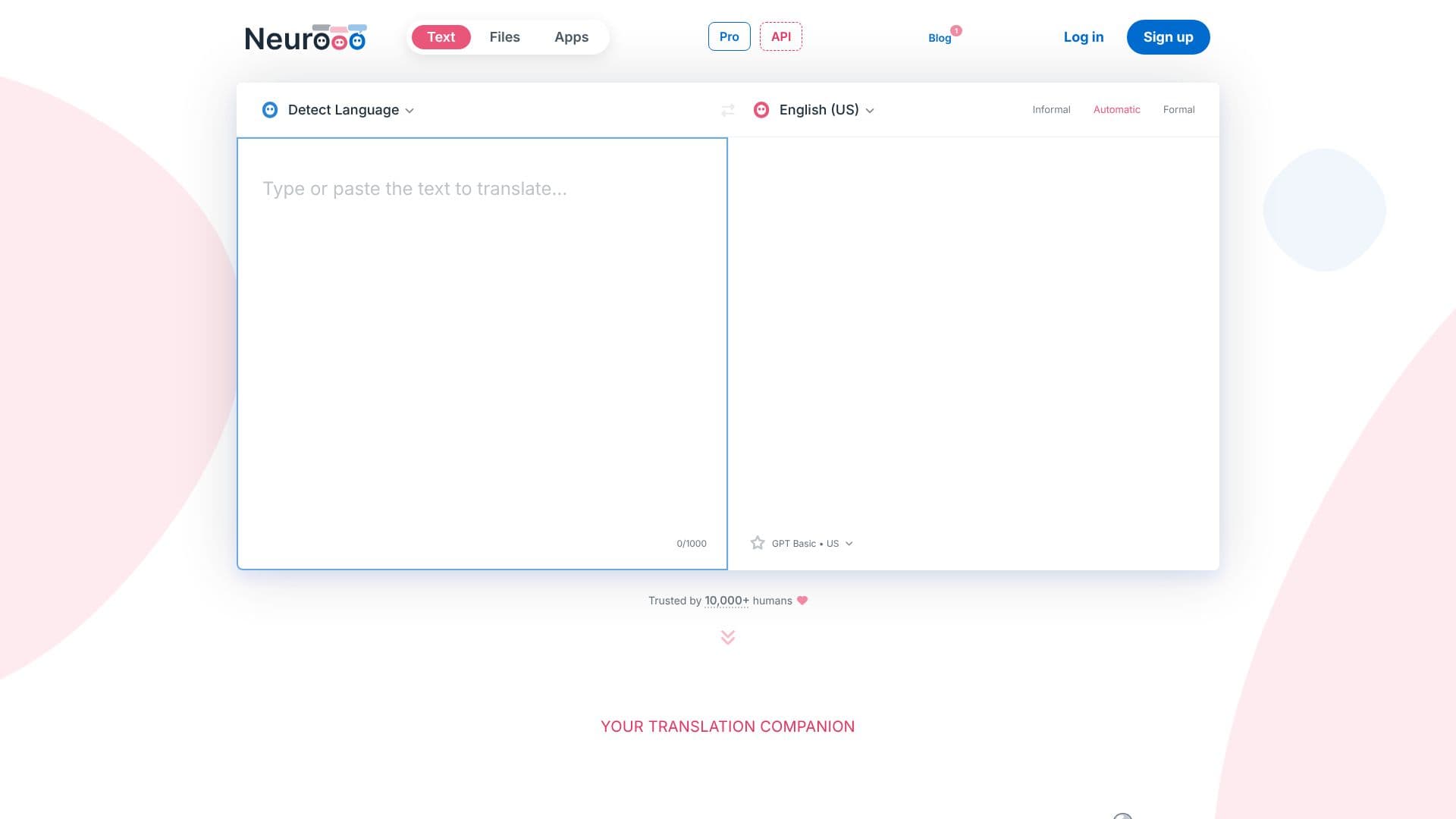
Neurooo positions itself as an advanced translation companion, leveraging artificial intelligence to deliver superior machine translations across more than 100 languages. Unlike conventional tools, Neurooo's reliance on generalist AI models enables a deeper understanding of text context and natural language generation, making its translations more nuanced and human-like.
Read More
One of Neurooo's key strengths lies in its ability to accurately translate idioms and colloquialisms that often challenge other translation services. For instance, it can correctly interpret phrases like "faire les 400 coups" into natural English equivalents, rather than literal translations. This is attributed to the underlying AI models, such as GPT-4o mini, which are trained on vast datasets, allowing them to grasp subtle meanings and adapt translations to specific situations.
Neurooo also demonstrates a remarkable capacity for deducing context and correcting errors in source texts. Even poorly written, badly formatted, or ambiguous input can be transformed into high-quality translations with appropriate context and without spelling mistakes. This feature is particularly valuable for users who need reliable translations from less-than-perfect source material.
Furthermore, Neurooo offers users control over the tone of their translations, allowing them to choose between formal and informal styles. This is crucial for professional communication, where the appropriate level of formality can significantly impact the message's reception. Users can select the desired tone with a single click, ensuring their translated content aligns with their communication goals.
Users can also fine-tune translations to match their personal style or specific context. By clicking on individual words, alternative wordings can be displayed and selected, allowing for direct application of changes. This level of customization ensures that the final translation is not only accurate but also perfectly tailored.
Neurooo is available as a desktop application for Windows and Mac, enabling users to translate or improve text from any application on their computer via a simple keyboard shortcut. This integration makes it a seamless part of a user's workflow, especially for those working in multilingual environments or dealing with extensive written communication.
- CategoryAI Translators
- Pricing ModelFreemium
- DeploymentDesktop app
- PlatformsWindows, Mac, Web
Neurooo's Core Features
AI-powered machine translation
Supports over 100 languages
Accurate idiom and nuance translation
Context-aware translation engine
Handles poorly written source texts
Formal and informal tone selection
Fine-tuning of translations
Desktop applications for Windows and Mac
Keyboard shortcut integration
High-quality, natural-sounding output
Improved understanding of user intentions
Data privacy options (30-day storage or full)
How to use Neurooo?
Access Neurooo: Use the web interface or download the desktop application for Windows or Mac.
Input Text: Type or paste your text into the translation window, or use the 'Write & Improve' mode.
Select Languages: Choose the source and target languages for your translation.
Adjust Tone: Select 'Formal' or 'Informal' tone for your translation if needed.
Fine-tune: Click on words in the translation to see alternatives and customize the output.
Translate Files: Upload files for translation (feature availability may vary by plan).
Integrate: Use keyboard shortcuts to translate text directly from any application on your desktop.
Neurooo's Use Cases
- Multilingual Communication
- Document Translation
- Content Improvement
- Idiom Translation
- Professional Correspondence
- Cross-border Business
- Translator Assistance