Description
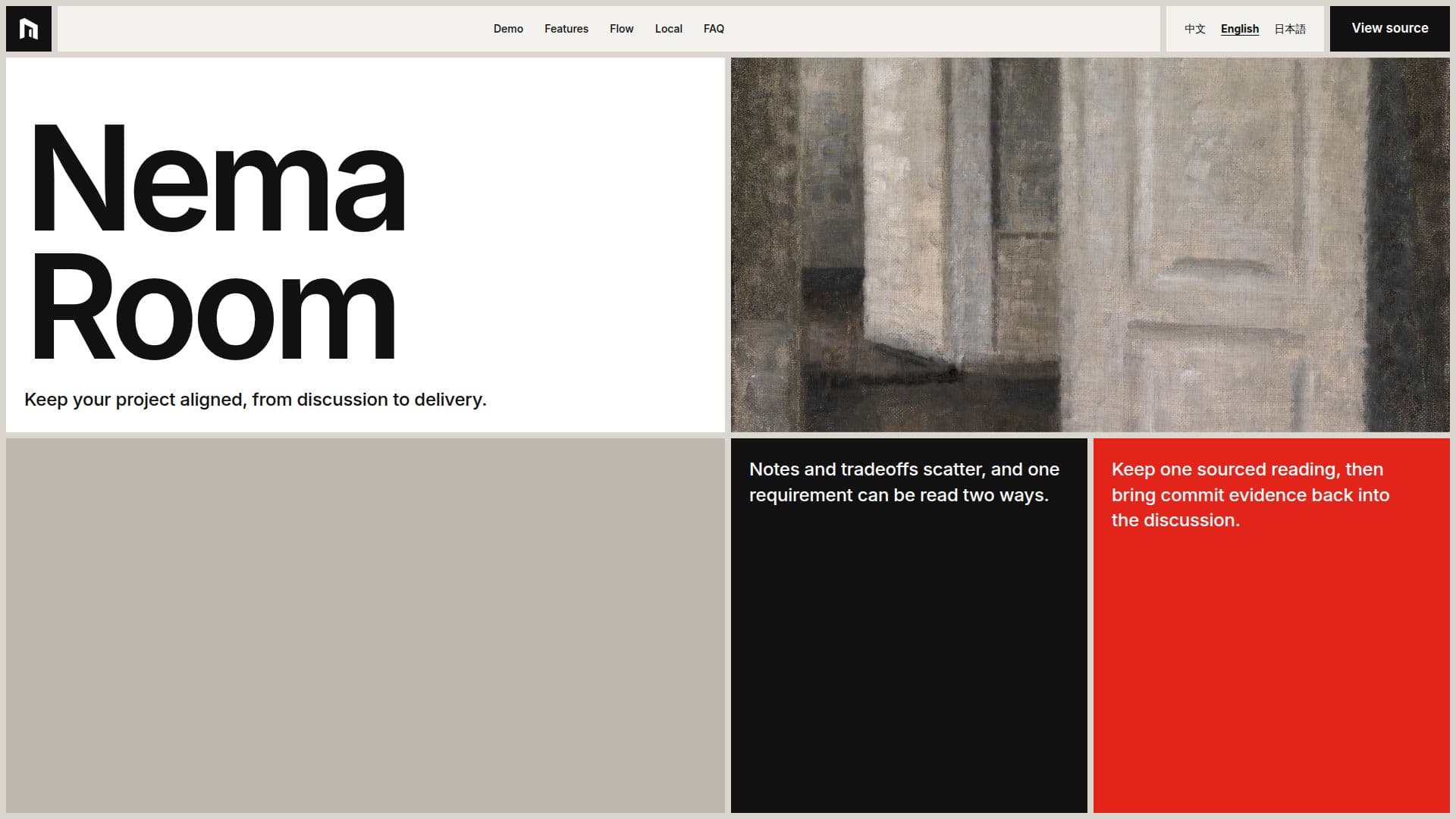
Nema Room functions as a local copilot for project alignment, converting informal chat discussions into a structured knowledge base. It operates by allowing users to turn messages into categorized entries, distinguishing between statements made, decisions settled, and questions inferred by the agent. This process ensures that every piece of information is sourced and attributed, preventing misunderstandings and maintaining clarity throughout a project's lifecycle.
Read More
The tool integrates deeply with Git, using a local repository as its knowledge base. This means every change, decision, and question is recorded with full version control, providing a transparent history of the project's evolution. Nema Room can also read snapshots of your local code repository, enabling discussions to be informed by existing code and ensuring diagrams are marked as stale if the underlying code changes.
A key capability is its proactive questioning system. When unclear points arise or a statement conflicts with an active decision, Nema Room automatically generates questions, marking those requiring user input in red. This mechanism ensures that critical ambiguities are resolved before they can impact development, promoting a more aligned and efficient workflow.
Nema Room is open-source under the MIT license. While the application itself is free, generating entries involves calling a model, meaning costs or quotas depend on the user's chosen provider, such as a ChatGPT or Claude subscription, or a personal API key. The application runs entirely on the user's computer, with the database and knowledge base stored locally. Only relevant text for entry generation is sent to the selected model provider, ensuring data privacy and control.
It supports multiple interface languages, including Chinese, English, and Japanese, allowing users to switch seamlessly. The application is available for Windows x64 and Apple Silicon, with Linux versions accessible via Web/Compose. It requires Git 2.31 or later to be installed on the machine. The name "Nema" is derived from "nemawashi," a Japanese concept emphasizing understanding before making a decision, reflecting the tool's core philosophy of visible disagreements and evidence-backed decisions.
- CategoryAI Project Management
- Pricing ModelOpen Source
- DeploymentLocal Desktop App
- PlatformsWindows, macOS, Linux
Nema Room's Core Features
Transforms chat messages into structured entries
Categorizes entries as stated, decided, or inferred
Maintains a Git-based knowledge base for all changes
Reads local code repositories to inform discussions
Identifies and flags conflicting statements or unclear points as questions
Supports multiple interface languages (Chinese, English, Japanese)
Runs locally on Windows x64 and Apple Silicon
Integrates with ChatGPT and Claude for model calls
Provides commit reports back into discussions
Uses PGlite for local database storage
Open-source under the MIT license
Ensures data privacy with local storage and loopback network
Supports coding agents like Codex and Claude Code
Tracks diagram staleness based on code changes
Offers installer and portable ZIP options for Windows
How to use Nema Room?
Download and Install: Obtain the latest release for Windows x64 (installer or ZIP) or Apple Silicon (disk image).
Ensure Git: Verify Git 2.31 or later is installed on your machine.
Start Nema Room: Run the application; for Windows ZIP, unzip and execute Nema.exe.
Bind Repository: Bind a local Git repository to allow Nema to read code snapshots.
Engage in Discussion: Use the chat interface for project discussions.
Convert to Entries: Turn on messages to file them as stated, decided, or inferred entries.
Address Questions: Answer open questions marked in red to resolve ambiguities.
Approve Work: Approve generated specs and plans for coding agents.
Nema Room's Use Cases
- Project Documentation
- Decision Tracking
- Requirement Management
- Code Alignment
- Conflict Resolution
- Developer Workflow Enhancement
- Knowledge Base Creation
- Audit Trail Generation