Description
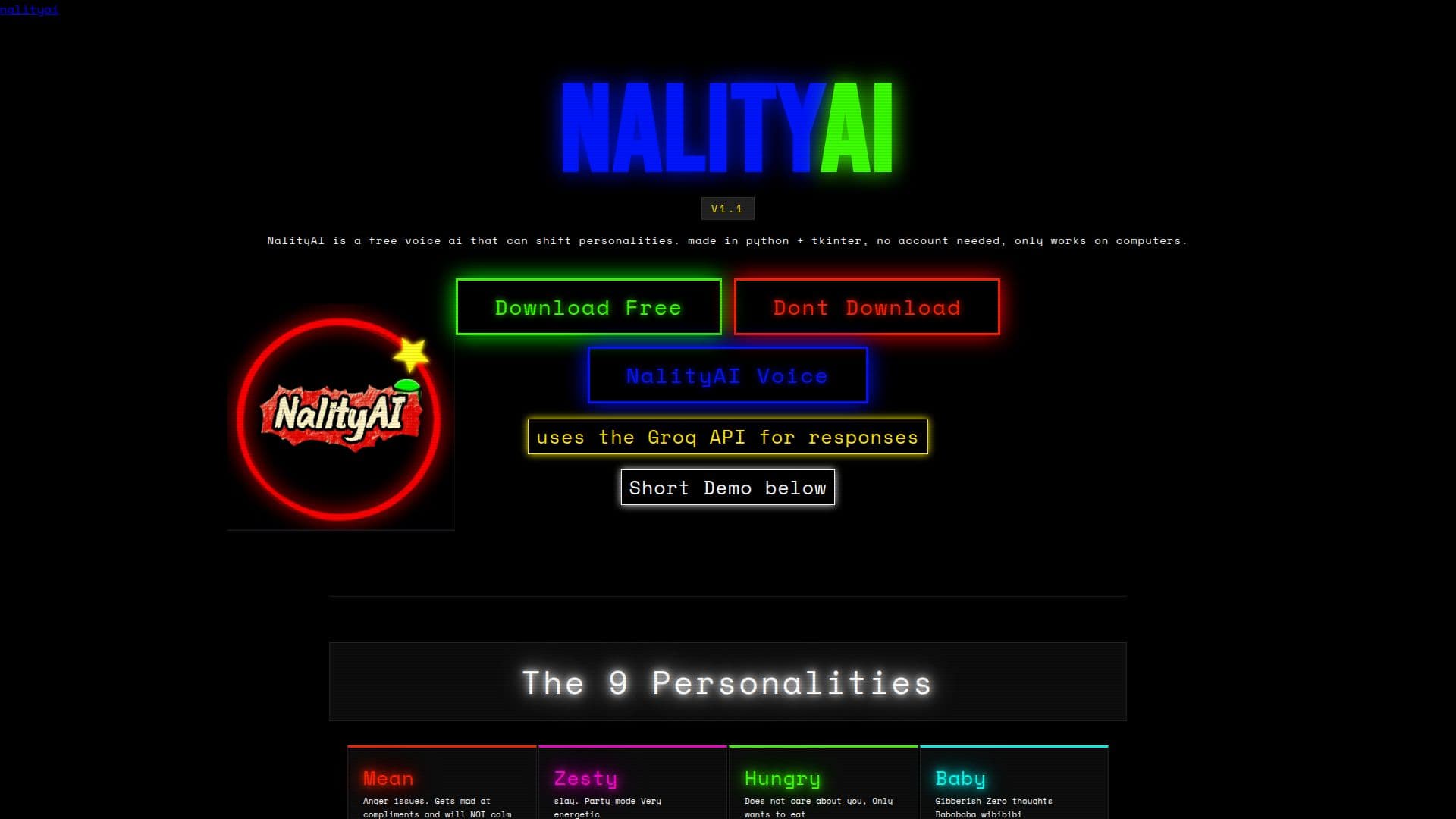
NalityAI is a free, desktop-based voice AI application designed to offer a unique interactive experience by allowing users to switch between nine distinct personalities. Developed using Python and Tkinter, this application runs locally on computers, ensuring privacy and eliminating the need for an account or internet connection for its core functionality.
Read More
The application's primary feature is its ability to adopt various personalities, ranging from 'depressed' and 'mean' to 'fast talker' and 'tung tung tung sahur'. This diverse range of personas allows for varied interactions and can be changed simply by speaking a command to the AI, such as "change your personality to (the one you want)". Users can also revert to the normal personality by saying "go back to normal" or "change back to normal."
Changing personalities takes approximately 3-5 seconds. The application provides clear instructions on how to confirm a successful personality shift: if NalityAI does not respond immediately after the pause, it indicates the change was successful. If it responds normally, the change did not occur, and the user should try again. To ensure optimal performance, users are advised to wait for NalityAI to finish speaking before giving a command and to avoid long pauses mid-sentence, which might cause the AI to cut off.
Beyond its personality-shifting capabilities, NalityAI offers customization options for its interface. Users can personalize the AI's typing speed, font, and text color, allowing for a more tailored and comfortable user experience. As a completely free application with no paid features, NalityAI provides an accessible and entertaining way to interact with a voice AI that offers more than just standard responses.
- CategoryChatbots & Companions
- Pricing ModelFree
- DeploymentDesktop
- PlatformsComputers
NalityAI's Core Features
Free desktop voice AI application
Built with Python and Tkinter
9 distinct switchable personalities
Personalities include depressed, mean, philosophical, fast talker, tung tung tung sahur
No account needed for use
Works locally on computers
Voice command personality switching
Reset to normal personality command
Customizable typing speed
Customizable font
Customizable text color
Clear instructions for personality changes
No paid features
How to use NalityAI?
Download NalityAI: Obtain the free desktop application from the official website.
Install and Launch: Follow the installation instructions and launch the NalityAI application on your computer.
Initiate Personality Change: Say "change your personality to (the one you want)" to NalityAI.
Confirm Change: Wait 3-5 seconds; if NalityAI doesn't respond, the personality has changed. If it responds normally, try again.
Interact with New Personality: Speak to NalityAI, ensuring it finishes talking before you speak and avoiding mid-sentence gaps.
Reset Personality: Say "go back to normal" or "change back to normal" to revert to the default personality.
Customize Settings: Adjust typing speed, font, and text color through the application's settings.
NalityAI's Use Cases
- Interactive Entertainment
- Voice AI Exploration
- Personalized AI Interaction
- Local AI Utility
- Creative Storytelling