Description
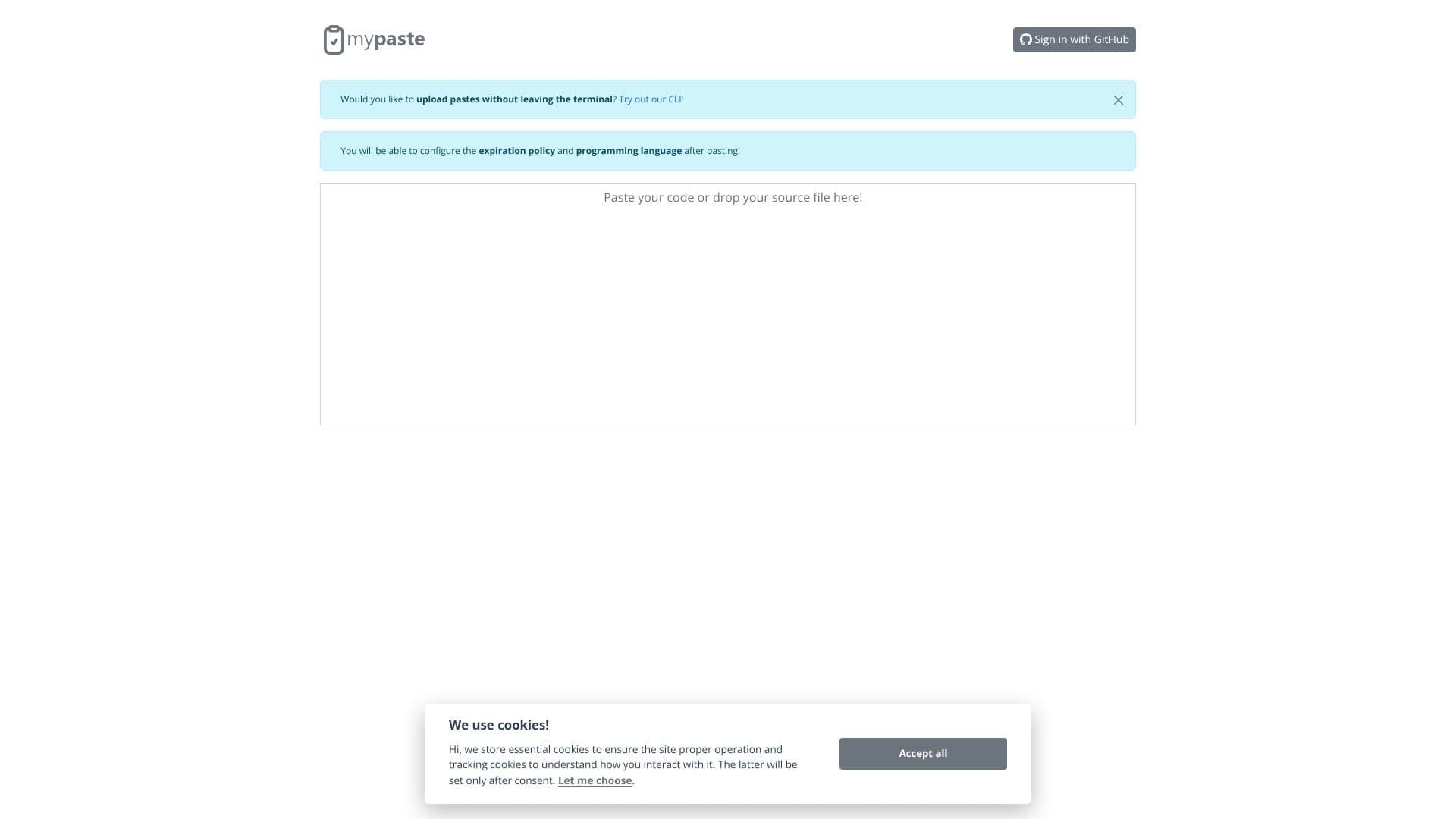
MyPaste offers a streamlined solution for developers and technical professionals to share code snippets and text quickly and efficiently. The platform distinguishes itself with intelligent programming language detection, automatically identifying the syntax of pasted code to provide accurate highlighting and formatting. This feature significantly enhances readability and understanding when sharing code with colleagues or the wider community.
Read More
Beyond its web interface, MyPaste provides a powerful Command Line Interface (CLI) tool. This CLI allows users to upload pastes directly from their terminal environment without needing to switch contexts or open a web browser. This integration is particularly beneficial for developers who spend a significant amount of time in their command line, enabling a more fluid and uninterrupted workflow. The CLI also offers advanced configuration options, allowing users to set specific expiration policies for their pastes and explicitly define the programming language, ensuring precise presentation and controlled access.
User experience is central to MyPaste's design. The platform prioritizes ease of use while offering robust functionality. The intelligent features, such as automatic language detection and the convenient CLI, are built to save time and reduce friction in the code-sharing process. The ability to customize paste settings further empowers users to tailor their shared content to specific needs, whether for debugging, collaboration, or documentation purposes.
MyPaste is an ideal tool for software developers, system administrators, technical writers, and anyone who frequently needs to share code or technical information. Its focus on intelligent features and terminal integration makes it a valuable asset for improving productivity and communication within technical teams and the broader developer ecosystem. The service aims to simplify the often cumbersome task of sharing code, making it as straightforward as possible.
- CategoryOther AI Tools
- Pricing ModelFree
- DeploymentCloud
- PlatformsWeb, Command line
MyPaste's Core Features
Intelligent programming language detection for accurate syntax highlighting.
Web-based interface for easy code pasting and sharing.
Command Line Interface (CLI) for terminal-based pasting.
Configurable expiration policies for pastes.
Manual programming language selection for pastes.
Clean and modern user interface.
Focus on fast and efficient code sharing.
Enhances code readability through proper formatting.
Supports quick sharing of code snippets.
Provides a streamlined workflow for developers.
How to use MyPaste?
Paste Code: Access the MyPaste website or use the CLI to paste your code or text.
Configure Settings: Select the programming language and set an expiration policy for your paste.
Share Link: Obtain a unique URL for your paste to share with others.
Access Pastes: Recipients can view the shared code with syntax highlighting via the provided link.
Use CLI: Install and configure the MyPaste CLI for direct terminal uploads.
Manage Pastes: Utilize CLI options to set expiration and language during terminal uploads.
MyPaste's Use Cases
- Share Code Snippets
- Technical Documentation
- Bug Reporting
- Terminal Workflow
- Code Snippet Archiving
- Pair Programming