
Description
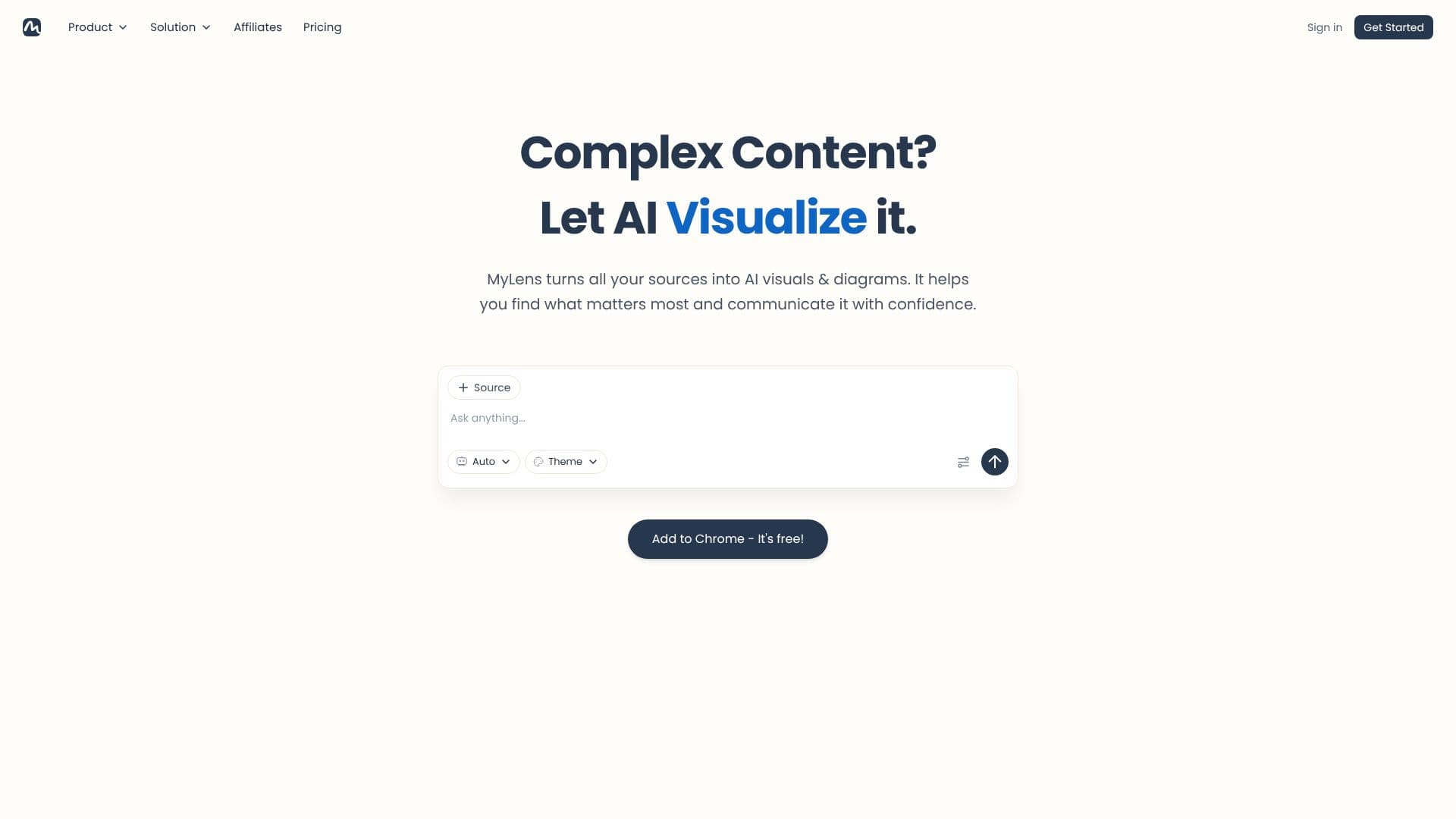
MyLens is a browser-based AI presentation tool. Its own tagline is "let AI present for you": instead of building slides by hand, a user brings a source, picks an AI agent and a visual theme, and MyLens assembles a narrated, interactive presentation from it.
Read More
The workflow runs in steps: bring a source or an idea, choose an agent suited to the job, pick a theme, select a visual style, and share the result as an interactive presentation or a live link. MyLens accepts PDFs, long text pasted from notes or chat transcripts, Word and PowerPoint files, webpage and article links, YouTube videos, images and screenshots, CSV or Excel spreadsheets, and files connected through Google Drive (Docs, Slides, Sheets, and PDFs). It says it identifies the key insights in a source and organizes them into a structured visual rather than a static export.
Every generated slide is described as interactive: viewers can click into a section for an infographic, a source citation, a deeper explanation, or a flashcard quiz. MyLens also adds AI narration to a presentation, so it can be watched with or without the creator presenting live. A Chrome extension lets users turn a webpage, such as a dashboard, article, or YouTube page, into a visualization directly from the browser.
MyLens markets itself to consultants, marketers, teachers, book editors and authors, students, and legal, IT, and medical professionals building presentations from existing material. Pricing is credit-based: a Free plan gives 15 AI credits a month with a 1,000-source-character limit and one source per storyboard. Paid tiers raise both limits: Pro at $12 per member per month (billed yearly) adds multi-source storyboards and manual editing; Premium at $24 per member per month, its most popular tier, adds a brand kit and priority support; Business at $120 per member per month adds a deeper web search and a dedicated customer success manager. MyLens states it does not use uploaded data to train its models or share it with others.
- CategoryAI Presentation Makers
- Pricing ModelFreemium
- DeploymentCloud
- PlatformsWeb, Chrome Extension
MyLens's Core Features
Converts documents, slides, spreadsheets, webpages, and videos into interactive visual presentations
Lets users choose a specific AI agent and visual theme before generating a presentation
Adds AI narration so a presentation can be watched with or without a live presenter
Makes every slide clickable, with infographics, citations, and flashcard quizzes on demand
Imports YouTube videos and extracts key topics without watching the full video
Connects to Google Drive to pull in Docs, Slides, Sheets, and PDFs directly
Includes a Chrome extension that turns any webpage into an interactive visualization
Offers credit-based plans with rising source limits and multi-source storyboards on paid tiers
How to use MyLens?
Add a source: Upload a document, paste text, or drop in a link, video, or spreadsheet.
Pick an agent: Choose the AI agent suited to the type of presentation you need.
Choose a theme and visual: Select a visual style so the presentation matches your purpose.
Explore the draft: Click through the generated slides to expand explanations, citations, or quizzes.
Add narration: Turn on AI narration so the presentation can play back without a live presenter.
Share it: Send a link so your audience can view and interact with the presentation themselves.
MyLens's Use Cases
- Consulting decks
- Classroom lessons
- Video summaries
- Sales and marketing decks