Description
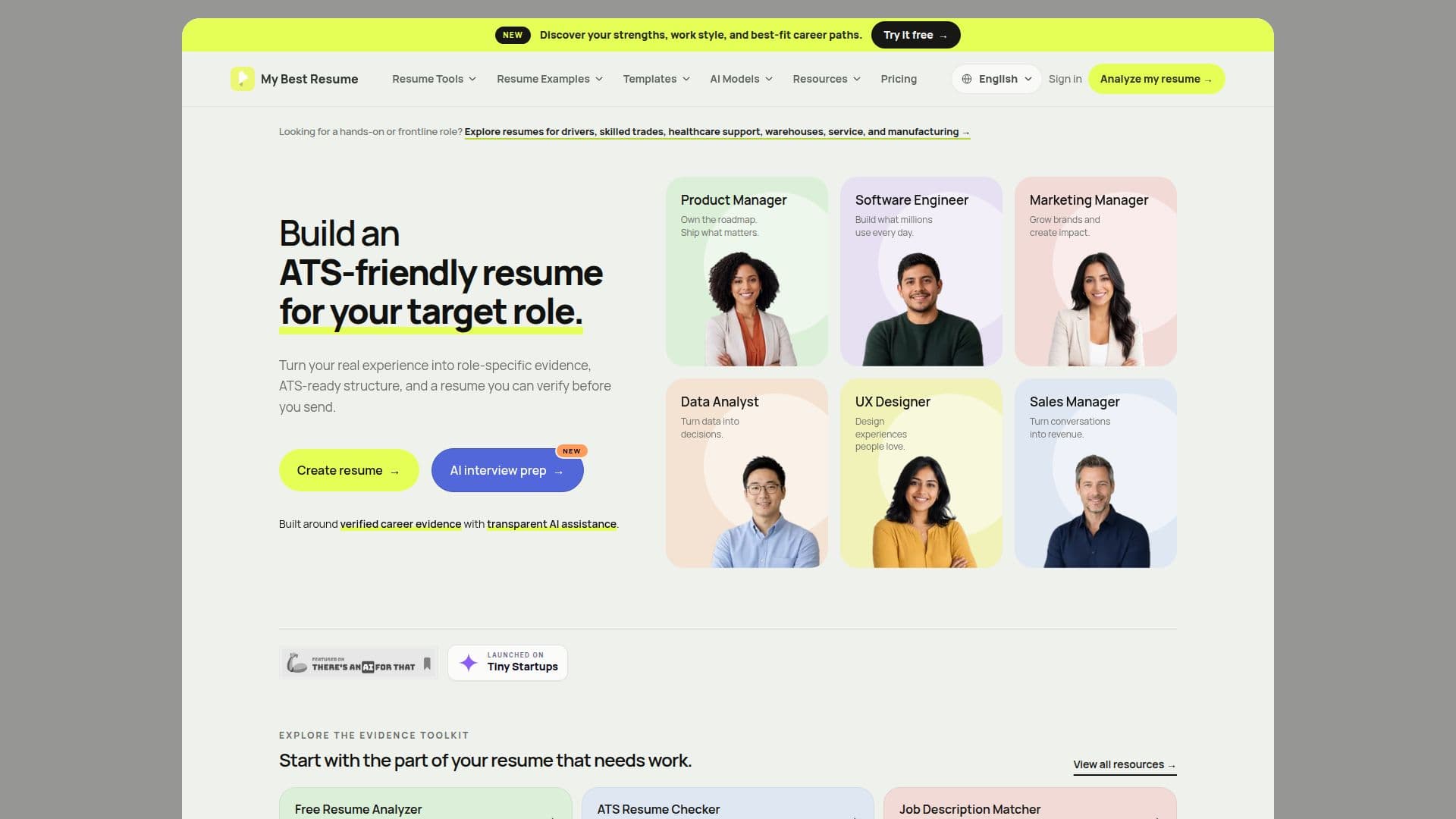
My Best Resume is an evidence-first AI resume builder for job seekers who want a resume tailored to a specific target role. Users upload an existing resume as a PDF, DOCX, or image (processed with OCR), or complete a guided questionnaire. The tool first produces a free strengths report that surfaces achievements, ownership, scope, and recurring capabilities that may be hidden by weak wording, before any payment is required.
Read More
After reviewing the strengths preview, the user selects a target role or pastes a job description. The product compares the user's evidence against the priorities, skills, seniority signals, and language of that role, showing where the story is strong and where it needs more support. Generated claims are designed to trace back to the uploaded resume or to information the user explicitly confirms, and the workflow asks follow-up questions rather than inventing numbers.
The finished resume can be produced in multiple templates, from Classic ATS and Minimal to Executive and more design-forward options, and downloaded as a formatted PDF, editable DOCX, and plain text. Purchases include a seven-day edit window with re-downloads and up to 20 regenerations.
Pricing is one-time rather than subscription-based: the first targeted resume is $1.99 and each additional resume is $4.99. Optional add-ons include a full Career Direction Report and an Interview Intelligence Brief, plus an optional Career Momentum membership at $8.88 per month. Payments are handled by Stripe. My Best Resume is operated by luxenastudio.
- CategoryAI Resume Builders
- Pricing ModelPaid
- DeploymentCloud
- PlatformsWeb
My Best Resume's Core Features
Resume upload with PDF, DOCX, and image OCR extraction
Free strengths analysis before any payment
Target-role and job-description fit analysis
Evidence-grounded resume generation that avoids invented claims
ATS-friendly templates including Classic ATS, Minimal, and Executive
PDF, editable DOCX, and plain-text exports
Seven-day edit window with re-downloads and up to 20 regenerations
Optional Career Direction Report and Interview Intelligence Brief
How to use My Best Resume?
Create an account: Sign up free with Google or a magic-link email.
Upload your resume: Add a PDF, DOCX, or image, or use the guided questionnaire.
Review your strengths: Read the free strengths report before paying.
Choose a target role: Enter a role title or paste a job description to align your evidence.
Generate and download: Pick a template, generate the resume, and export as PDF, DOCX, or text.
My Best Resume's Use Cases
- Role-targeted resume
- Career change
- ATS optimization
- Strengths discovery
- Interview preparation