Description
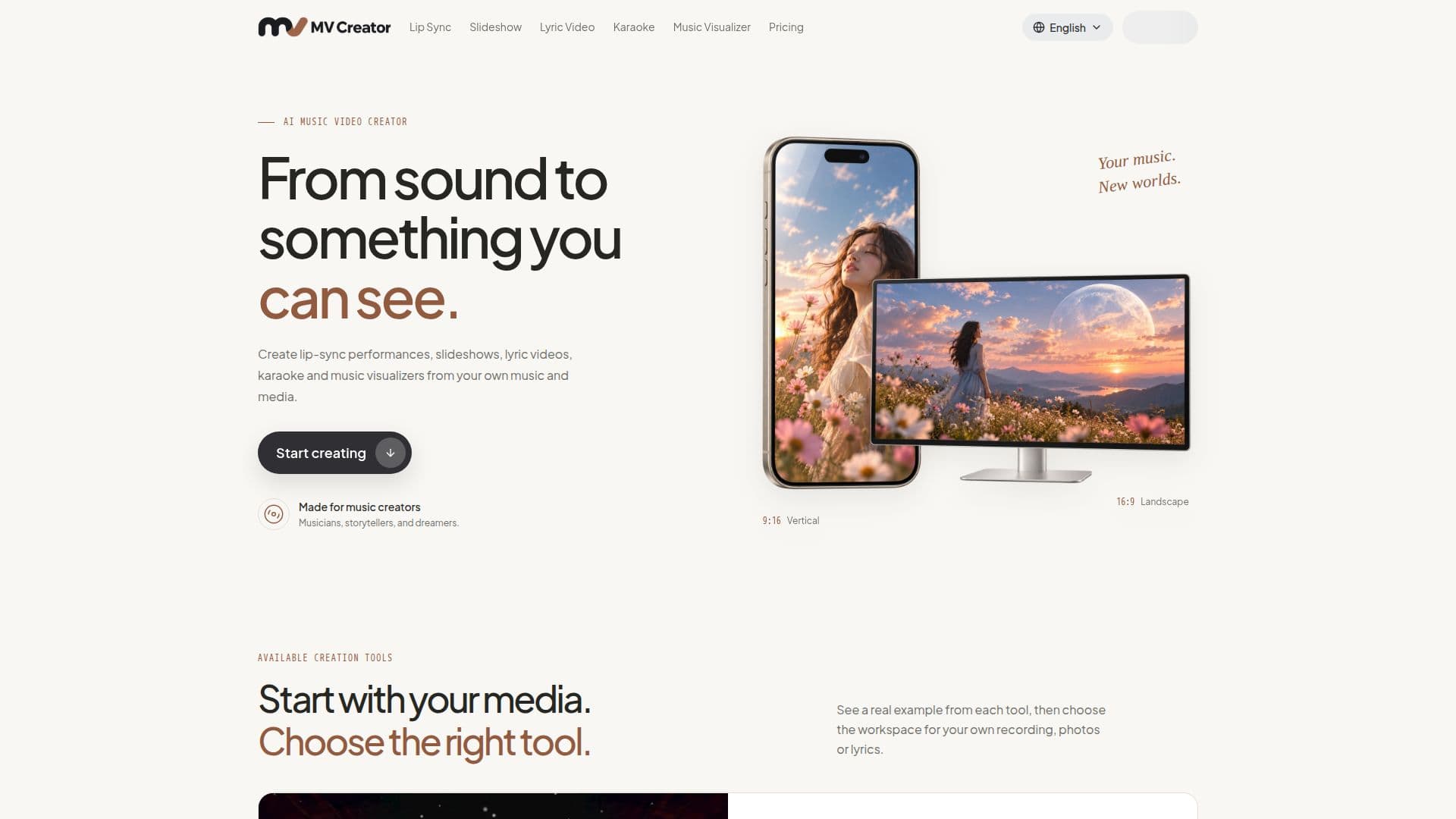
MV Creator is an online platform designed to help musicians and content creators produce a variety of music-related videos from their audio and media assets. It offers a suite of specialized tools, including a Slideshow Maker, Lyric Video Maker, Karaoke Video Maker, Lip Sync AI, and Music Visualizer Maker, each tailored for specific video styles.
Read More
The Slideshow Maker allows users to combine photos with their music, adding optional text or audio spectrums to create simple photo sequences. The Lyric Video Maker enables the creation of animated lyric videos by recognizing, pasting, or importing lyrics and applying various animated text templates. For sing-along experiences, the Karaoke Video Maker provides line-by-line lyric highlighting with chosen audio and optional photo backgrounds. The Lip Sync AI tool animates a character portrait to sing or speak uploaded audio, offering a unique performance style.
Additionally, the Music Visualizer Maker transforms audio into dynamic waveform, spectrum, or radial visualizer videos, requiring no images or lyrics. Users can upload their own songs, images, and lyrics, ensuring creative control over their projects. The platform supports various aspect ratios (16:9, 9:16, 1:1) for slideshows, lyric, and karaoke videos, making content suitable for platforms like YouTube, TikTok, Instagram Reels, and more. Videos are downloadable as MP4 files.
MV Creator operates on a credit-based system, where video generation, AI artwork, and character images are charged separately. A free tier provides 50 monthly credits for watermarked 720p exports of most video types, while paid plans unlock higher resolutions (1080p, 4K), watermark removal, and access to all templates and effects. Users can choose from monthly, yearly, or one-time credit pack subscriptions, with credits valid for a specified period. The platform emphasizes ease of use, allowing creators to preview their videos and review credit costs before final generation.
- CategoryAI Video Generators
- Pricing ModelFreemium
- DeploymentCloud
- PlatformsWeb
MV Creator's Core Features
Lip Sync AI for animating portraits to sing or speak
Slideshow Maker for combining photos with music
Lyric Video Maker with 19 animated text templates
Karaoke Video Maker with line-by-line lyric highlighting
Music Visualizer Maker for audio-reactive visuals
Support for custom audio (MP3, WAV, M4A)
Upload custom images (JPEG, PNG, WebP) and lyrics (LRC, SRT)
Automatic lyric recognition and timing adjustment
Multiple aspect ratios: 16:9 (Landscape), 9:16 (Portrait), 1:1 (Square)
Download videos in MP4 format
Credit-based pricing model with free monthly credits
1080p and 4K export options (paid plans)
Watermark removal (paid plans)
AI artwork and character generation (paid plans)
Preview functionality before video generation
How to use MV Creator?
Select Tool: Choose from Lip Sync AI, Slideshow, Lyric, Karaoke, or Music Visualizer based on your project.
Upload Media: Add your song (MP3, WAV, M4A), images (JPEG, PNG, WebP), or lyrics (LRC, SRT, or paste text).
Customize Content: Arrange photos, select lyric templates, adjust timing, or choose visualizer styles and colors.
Preview and Refine: Watch a preview of your video and make any necessary adjustments to timing or visual elements.
Review Quote: Check the credit cost for your video generation before proceeding.
Generate and Download: Create your video and download the finished MP4 file from your history.
MV Creator's Use Cases
- Music Release Visuals
- Social Media Content
- Karaoke Practice
- Artist Promotion
- Podcast Highlights
- Instrumental Visuals
- Photo Storytelling
- Lyric Video Production