
Description
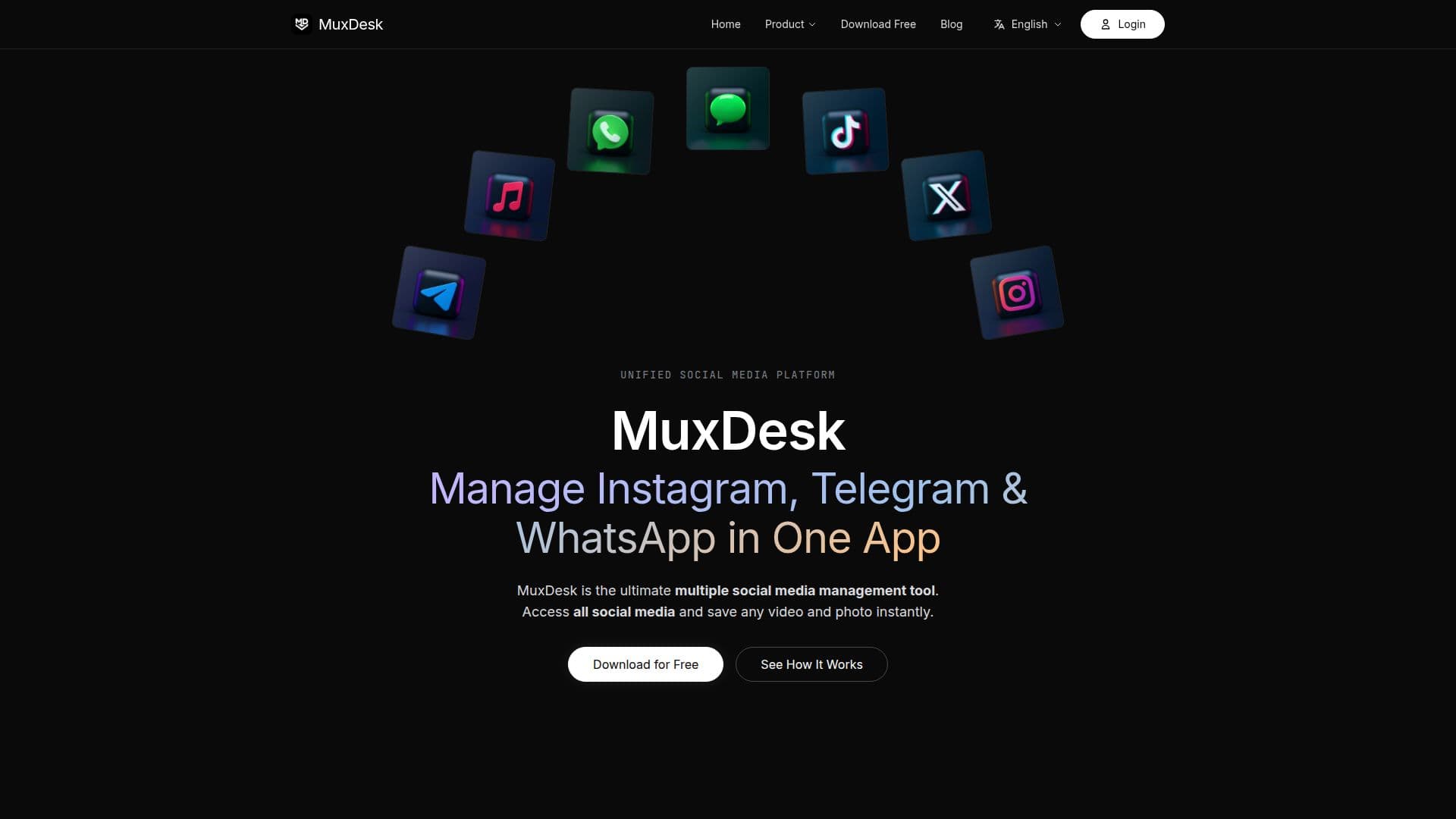
MuxDesk is a unified desktop application designed for managing multiple social media accounts across Instagram, Telegram, and WhatsApp. It provides a secure environment where users can operate various accounts simultaneously without the need to log out. This feature is particularly beneficial for users who manage multiple profiles or accounts, such as social media managers, content creators, and e-commerce teams.
Read More
One of the standout features of MuxDesk is its one-click media backup capability. As users browse their social feeds, the app automatically detects videos and images, allowing for easy saving to local drives in original quality. This functionality is essential for users who need to archive content or download assets for their projects. MuxDesk ensures that users can back up their own content and any authorized material without the hassle of third-party tools.
The app is designed with user privacy in mind. MuxDesk operates sandboxed instances of each social media platform's official web version, meaning that login credentials are never stored or accessed by the app itself. This approach guarantees that user data remains secure while providing a seamless experience.
MuxDesk is available for both Windows and macOS, making it accessible to a wide range of users. The application is free to install, with a basic usage quota, while a Pro plan is available for those who require additional features such as HD sync and batch sync capabilities. This makes MuxDesk a versatile tool for various user needs, from casual users to professional content managers.
In summary, MuxDesk is built for overseas creators, cross-border e-commerce teams, and content agencies. It serves as a powerful tool for managing multiple accounts, saving reference assets, and organizing content efficiently. With its user-friendly interface and robust features, MuxDesk is positioned to enhance the social media management experience for its users.
- CategorySocial Media Schedulers
- Pricing ModelFreemium
- DeploymentDesktop app
- PlatformsWindows, macOS
MuxDesk's Core Features
Manage multiple accounts side-by-side
One-click media backup
Batch-sync media from channels
Isolated workspaces for each account
Cross-platform support (Windows, macOS)
Built-in media detection
HD sync with Pro plan
Task board for tracking sync progress
How to use MuxDesk?
Download & Install: Get MuxDesk for free on Windows or macOS. Installation takes less than a minute.
Add Your Accounts: Connect all your social media accounts in one click. Multiple accounts per platform supported.
Browse & Save: Browse all your feeds from one place. See media you like? One click to download it locally.
Utilize Batch Sync: Use the batch sync feature to download entire albums or channels efficiently.
MuxDesk's Use Cases
- Social Media Management
- Content Backup
- Research and Study
- E-commerce Operations
- Content Creation