
Description
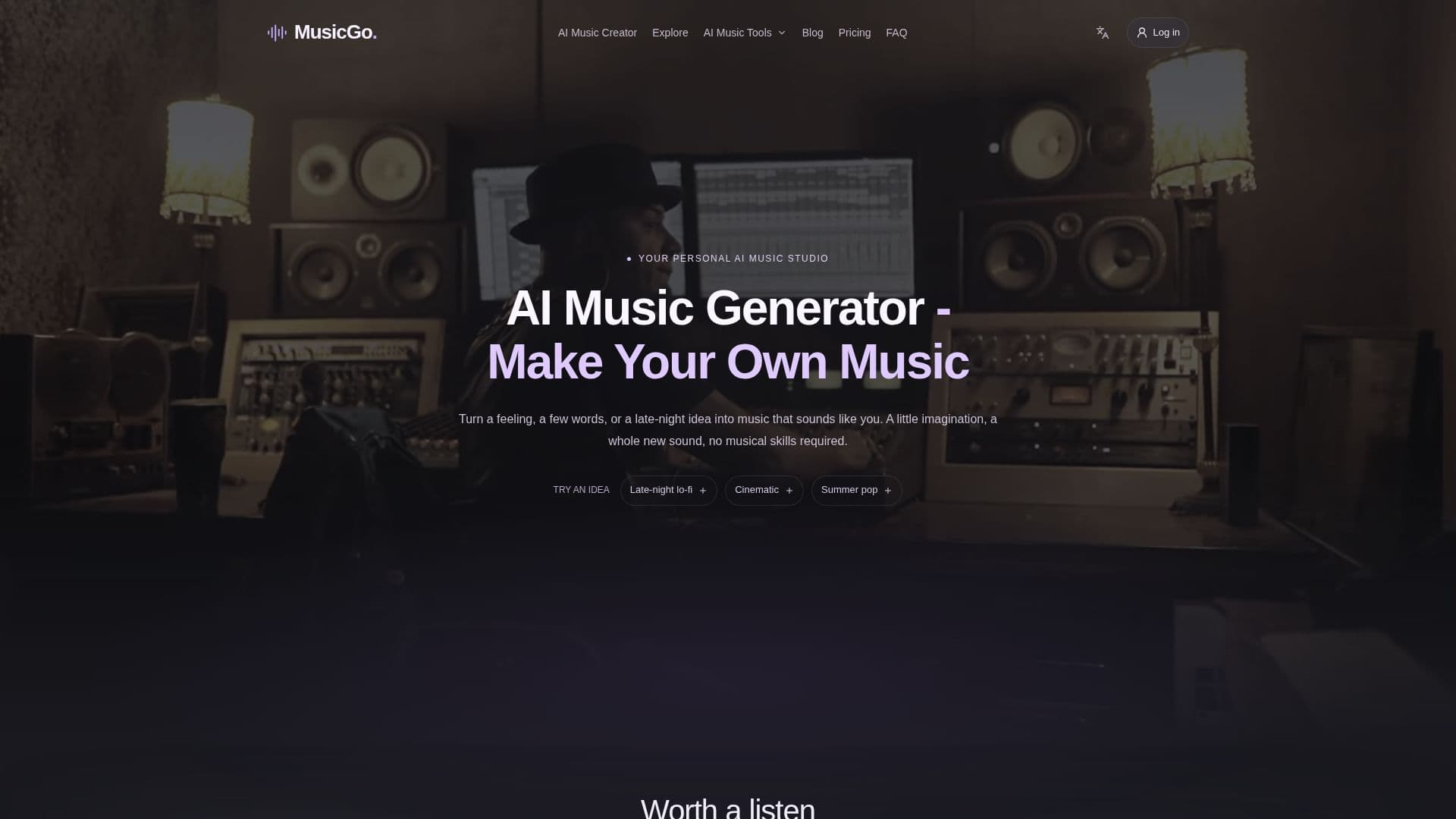
MusicGo is an intuitive, browser-based AI music generator designed to help creators turn their ideas, feelings, or a few words into complete songs. The platform simplifies the music creation process, making it accessible even for those without formal music theory training. Users can begin by describing the desired style, mood, and instruments, then choose between a female or male voice, or opt for instrumental music. The ability to add custom lyrics further enhances creative control, allowing users to guide the narrative of their generated tracks.
Read More
The core functionality revolves around prompt-to-music generation, where a simple text description can evolve into a full track. Beyond basic song creation, MusicGo offers a suite of tools including background music generation for various stories, lyric generation from a theme, and vocal separation to isolate vocals from instrumentals. Users can also extend existing songs, retrieve lyrics from audio, and even animate a portrait to sing a chosen song with the AI Singing Photo feature. The platform supports a wide array of genres, including pop, electronic, lo-fi, jazz, rock, hip-hop, classical, ambient, folk, and R&B.
MusicGo operates on a freemium model, providing new accounts with 15 free credits to start. Song generation typically costs 10 credits per song, with one song produced per request. Other tools, such as lyric generation or vocal separation, have varying credit costs, which are clearly displayed before submission. The platform offers monthly and yearly subscription plans (Starter, Creator, Pro) that grant a set number of credits each month, or users can purchase one-time credit packs that never expire. Payments are processed securely through Creem, supporting various methods like Mastercard, Visa, American Express, Apple Pay, Google Pay, and PayPal.
MusicGo is designed for individual creators and can be integrated into existing team workflows, though it currently does not offer shared workspaces or multi-seat billing. The platform emphasizes creative control, clear costs, and ease of use, allowing anyone to explore melodies, shape moods, and develop musical ideas without complicated setups. It also provides prompt templates and a creative workspace to inspire and guide users through the music-making journey.
- CategoryAI Music Generators
- Pricing ModelFreemium
- DeploymentCloud
- PlatformsBrowser-based
MusicGo's Core Features
Prompt-to-music generation
Background music creation
Generate lyrics from a theme
Vocal separation from instrumentals
Extend existing songs
Get lyrics from audio
AI Singing Photo Generator
Image to Music conversion
Video to Music conversion
Audio converter
Genre, mood, and instrument description input
Choice of vocal or instrumental music
Optional custom lyric input
Music templates for inspiration
Browser-based studio
How to use MusicGo?
Describe Music: Enter a description of the genre, mood, and instruments you desire for your song.
Choose Style: Select whether you want a vocal or instrumental track, and optionally add your own lyrics.
Explore Templates: Use the 'Explore' section or template picker to find a starting point and edit its style prompt.
Generate Song: Sign in to the studio, review the credit cost, and submit your request to generate one song.
Manage Creations: Access your completed results in 'My works' and download them.
Manage Subscription: Log in and use the Creem customer portal to manage billing, payment methods, or cancellation.
MusicGo's Use Cases
- Songwriting and Composition
- Background Music for Content
- Lyric Generation
- Vocal and Instrumental Separation
- Song Extension
- Music for Visual Media
- Animated Singing Videos
- Audio Conversion
- Creative Exploration