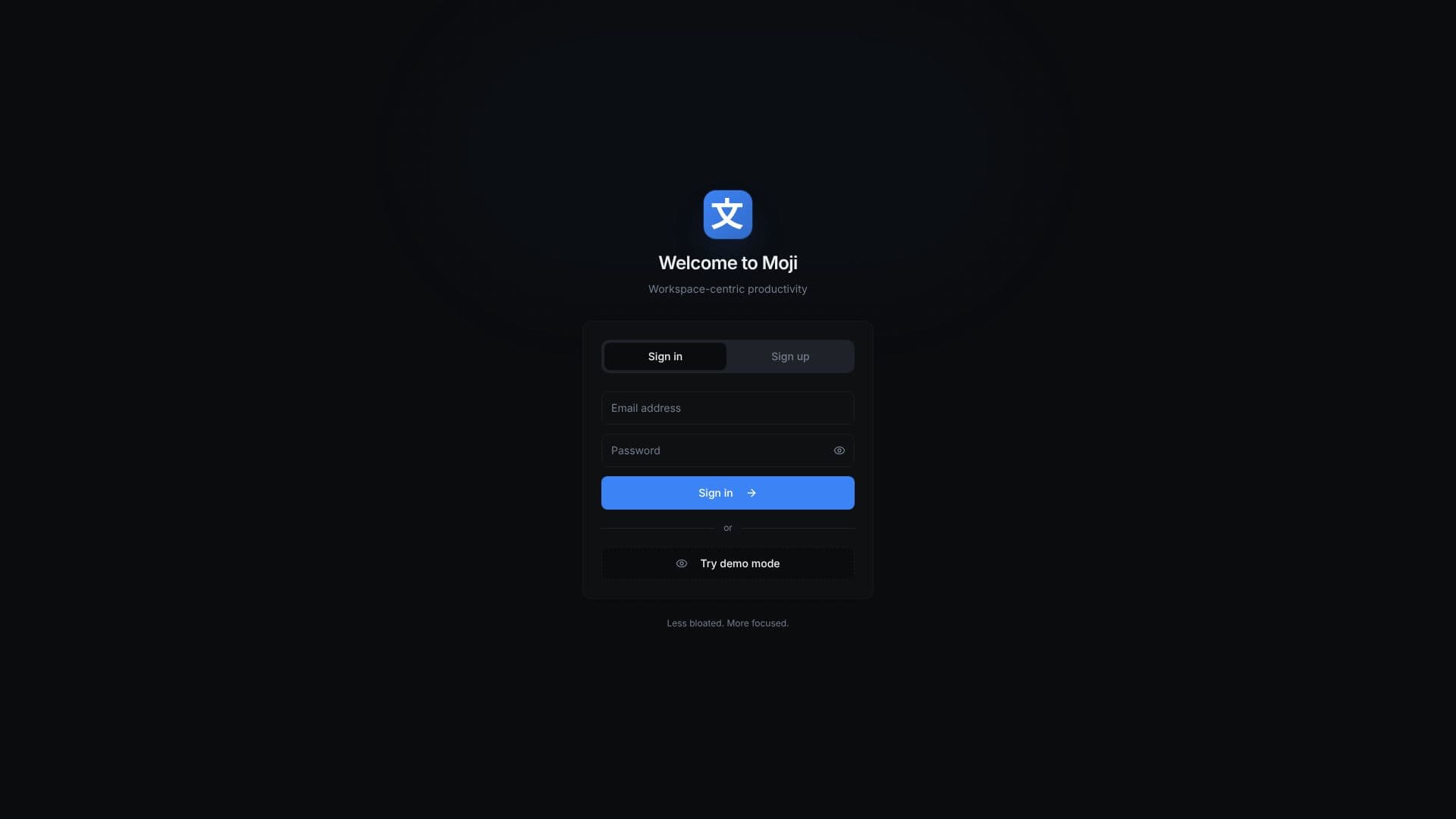
Description
Moji presents a novel approach to digital productivity, emphasizing a workspace-centric design. Unlike cluttered, feature-heavy applications, Moji aims to be less bloated and more focused, providing users with a streamlined environment for managing their tasks and notes. The core philosophy revolves around creating a dedicated space where users can concentrate on what matters most: getting things done.
Read More
Moji's interface is built around the concept of workspaces, allowing users to compartmentalize different projects, areas of life, or teams. This organizational structure helps in reducing distractions and maintaining a clear overview of ongoing activities. Within each workspace, users can manage their to-do lists and jot down important notes, ensuring that all relevant information is readily accessible and organized.
The application is designed for individuals and teams seeking a more efficient and less overwhelming productivity solution. By stripping away unnecessary complexity, Moji empowers users to enhance their focus and improve their workflow. The emphasis on a clean, intuitive design means that users can quickly adapt to the platform and start leveraging its benefits immediately.
Key capabilities include robust to-do list management, allowing for task creation, prioritization, and tracking. Note-taking features are integrated seamlessly, enabling users to capture ideas, meeting minutes, or any other essential information directly within their productive workspace. The workspace-centric model is the defining feature, promoting a structured and organized approach to managing diverse responsibilities.
Moji is ideal for professionals, students, and anyone looking to optimize their personal or professional organization. Its value proposition lies in its ability to simplify productivity, reduce digital clutter, and foster a more focused work environment. By choosing Moji, users opt for a tool that prioritizes clarity, efficiency, and effective task management.
- CategoryProductivity
- Pricing ModelFreemium
- DeploymentCloud
- PlatformsWeb
Moji's Core Features
Workspace-centric productivity environment
Focused design to reduce bloat
Integrated to-do list management
Note-taking capabilities within workspaces
Streamlined user interface
Task prioritization and tracking
Organized information management
Enhanced focus on core productivity tasks
Support for individual and team use
Intuitive and easy-to-learn platform
How to use Moji?
Sign in: Access your Moji account or try demo mode.
Create Workspace: Set up distinct workspaces for different projects or areas.
Add Tasks: Populate your workspaces with to-do items.
Take Notes: Jot down important information within your workspaces.
Organize: Manage and prioritize your tasks and notes effectively.
Focus: Utilize the streamlined environment to enhance productivity.
Moji's Use Cases
- Personal Task Management
- Project Organization
- Team Collaboration
- Note Taking
- Focused Work Sessions
- Information Hub