Description
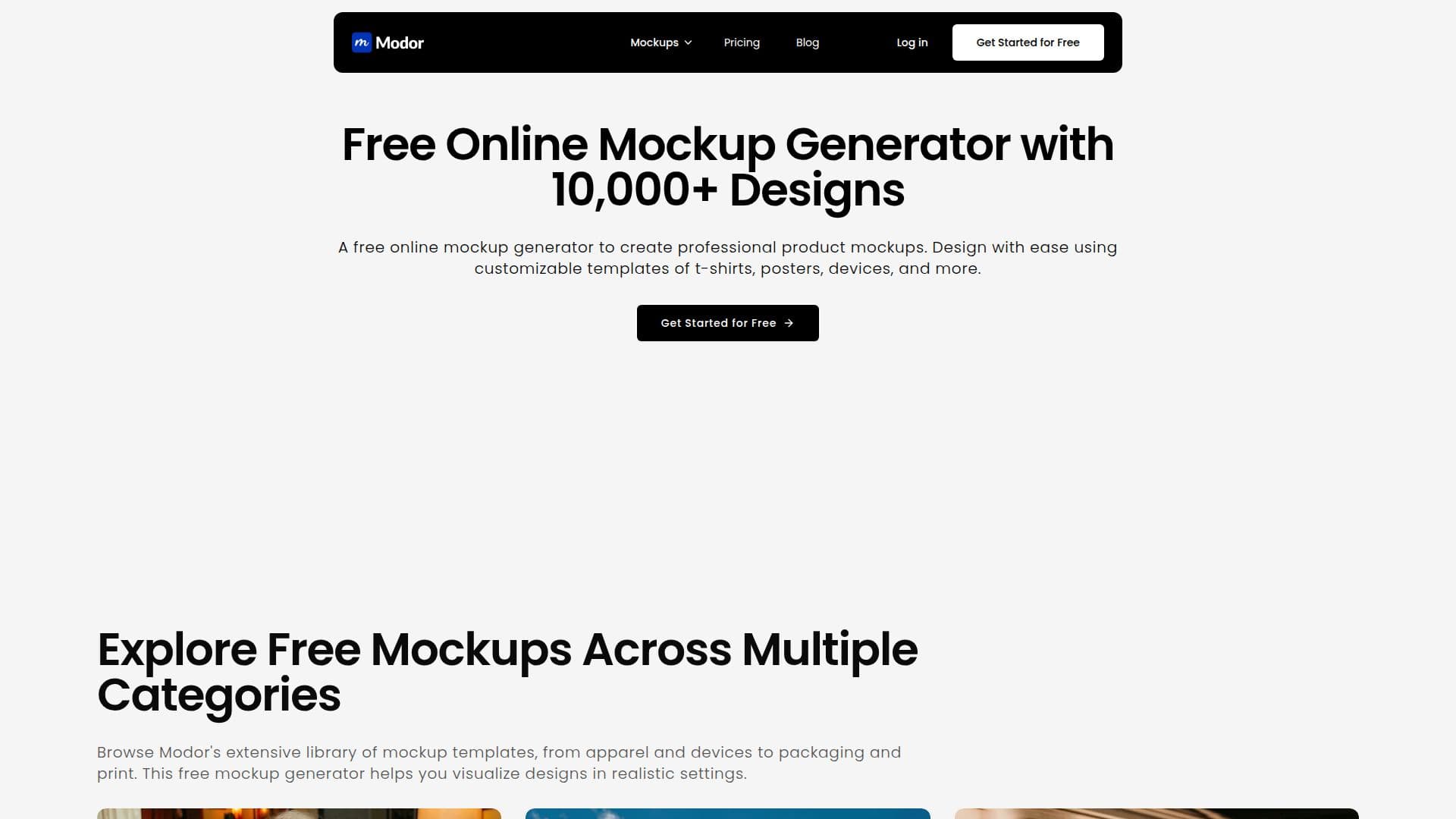
Modor is a free online mockup generator that lets users showcase designs on realistic templates such as product packaging, apparel, and digital devices without advanced editing skills. Users upload a design, select a template, adjust positioning and lighting, and download the final image, with no watermark on free exports and no downloads or Photoshop expertise required.
Read More
The platform includes AI-assisted features for smart object placement, auto-scaling, and lighting adjustments to streamline mockup creation, along with full customization of colors, backgrounds, and shadow effects for added realism. Its library holds more than 10,000 professionally designed templates across apparel like T-shirts, hoodies, and sweatshirts, tech devices like phones and iPads, packaging like boxes and labels, and stationery like business cards, posters, and flyers.
Mockups can be auto-formatted and resized for Instagram, Facebook, and other social platforms, and exported as high-resolution PNG, JPEG, or PDF with realistic shadows and lighting for presentations and e-commerce listings. A drag-and-drop editor makes customization effortless.
Modor offers a free plan with a limited selection of templates, easy editor, and no watermarks, while a Pro plan adds commercial use, over 5,000 premium mockups, unlimited high-quality exports, more saved projects, brand asset management, and support, with subscriptions manageable and cancelable anytime.
- CategoryAI Product Photography
- Pricing ModelFreemium
- DeploymentCloud
- PlatformsWeb
Modor's Core Features
Over 10,000 professionally designed mockup templates
AI-assisted object placement, auto-scaling, and lighting
Full customization of colors, backgrounds, and shadows
Apparel, device, packaging, and stationery categories
No watermarks on free exports
Auto-formatting and resizing for social platforms
HD PNG, JPEG, and PDF exports
Drag-and-drop editor with no design skills needed
How to use Modor?
Upload your design: Add the artwork or design you want to showcase.
Select a template: Choose from the mockup library across apparel, devices, packaging, and print.
Customize: Adjust positioning, lighting, colors, and background.
Download: Export the final high-resolution mockup image.
Modor's Use Cases
- Apparel mockups
- Device and app screenshots
- Packaging and print
- E-commerce listings