Description
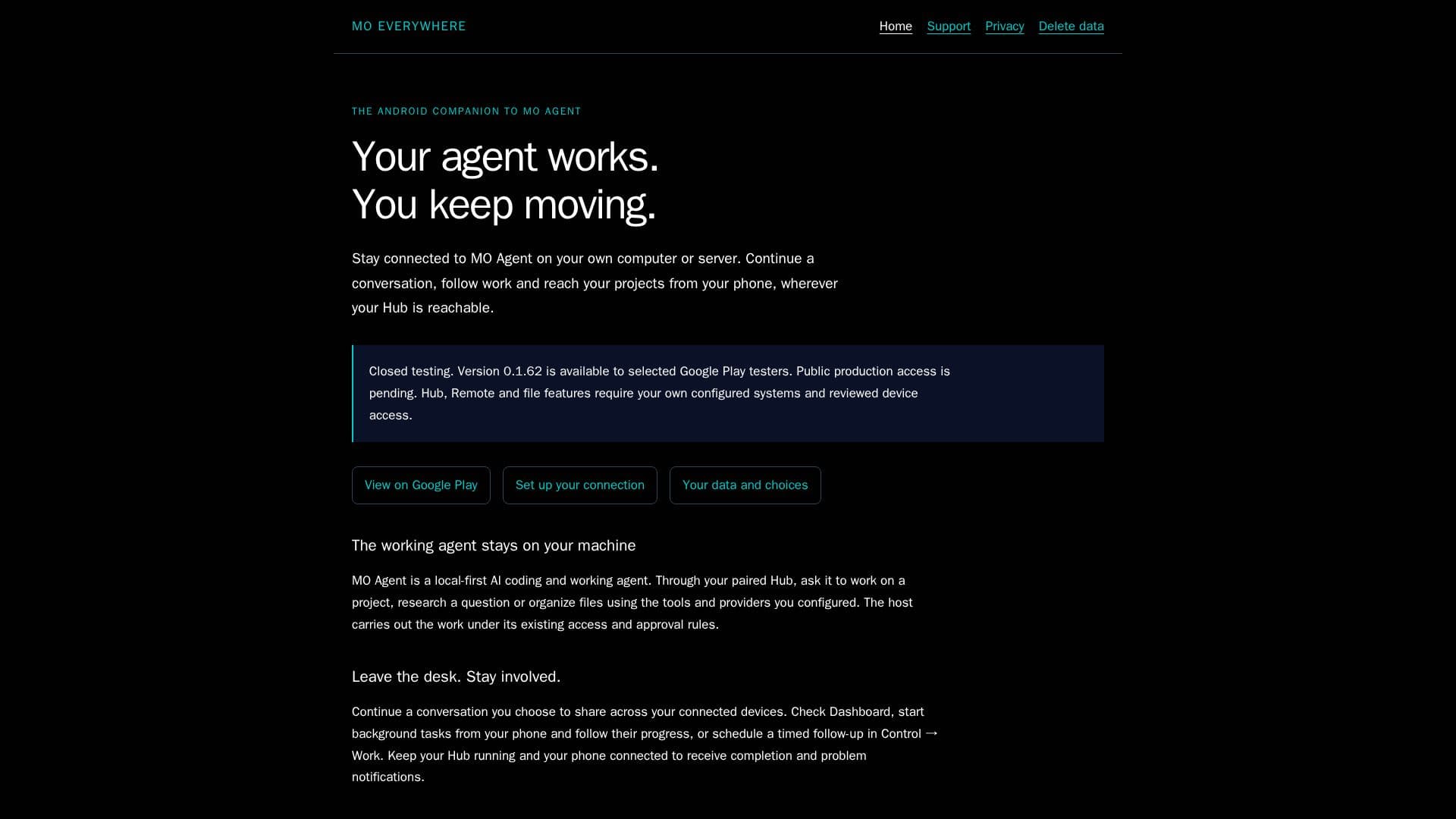
MO Everywhere is designed as an Android companion app for MO Agent, allowing users to maintain connectivity with their projects and conversations while away from their primary workstation. The app facilitates interaction with MO Agent, a local-first AI coding and working agent, through a paired Hub. Users can continue conversations, follow work progress, and manage projects directly from their phone, provided their Hub is accessible.
Read More
The app is currently in closed testing, with version 0.1.62 available to selected testers on Google Play. Public production access is pending. MO Everywhere requires users to have their own configured systems and reviewed device access for Hub, Remote, and file features.
MO Agent operates locally on the user's machine, executing tasks such as project work, research, and file organization under existing access and approval rules. Users can initiate background tasks, schedule follow-ups, and receive notifications about task completion and issues.
The app supports phone chat using an HTTPS OpenAI-compatible provider, model, and API key, although it does not run the full MO Agent tool runtime. Users can browse authorized file sources, exchange documents, and open compatible Desktop hosts and terminal workspaces using touch, cursor, and keyboard controls.
Pairing with the Hub requires deliberate review of permissions, ensuring scoped and revocable access. Conversations and files are shared explicitly, and Hub provider keys remain on the Hub. The app offers optional microphone and camera access, and users can report problems with AI responses.
MO Everywhere does not include a hosted Hub, AI subscription, or unlimited AI usage. Users must follow the MO Agent installation guide and configure their MO Hub for full functionality.
- CategoryProductivity
- DeploymentClosed Testing
- PlatformsAndroid
MO Everywhere's Core Features
Android companion app for MO Agent
Local-first AI coding and working agent
Closed testing on Google Play
Hub, Remote, and file features
Phone chat with OpenAI-compatible provider
Authorized file browsing and document exchange
Scoped and revocable access
Optional microphone and camera access
How to use MO Everywhere?
Configure: Set up your MO Hub and device permissions
Pair: Connect your Android device with MO Agent
Use: Manage projects and conversations from your phone
Optimize: Review permissions and access settings
MO Everywhere's Use Cases
- Project Management
- Conversation Continuation
- File Browsing
- Document Exchange
- Task Scheduling