
Description
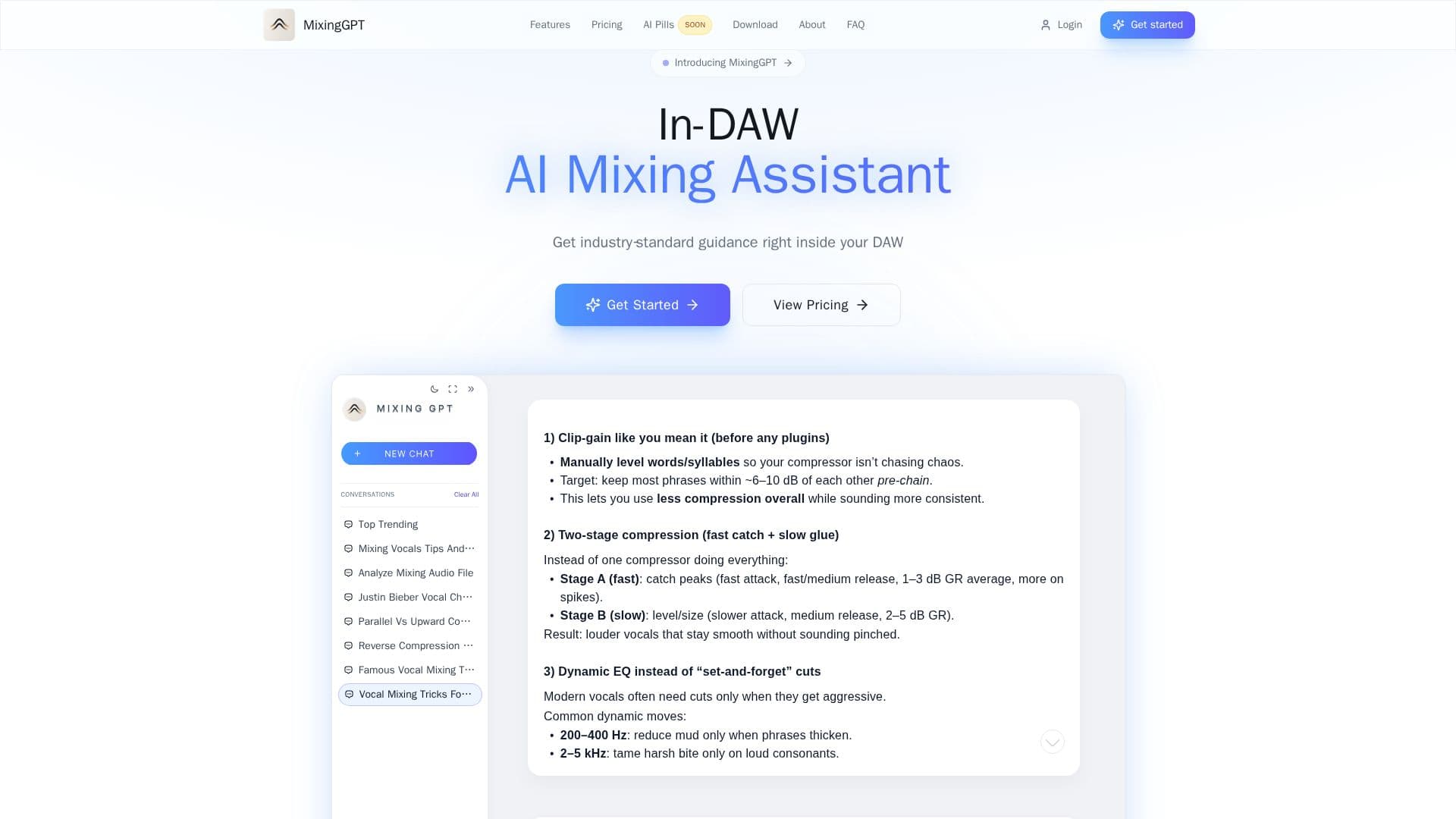
MixingGPT is an AI-powered mixing assistant plugin that integrates directly into your digital audio workstation (DAW). It is specifically designed for music producers and mixing engineers who seek practical, industry-level mixing guidance without leaving their DAW environment. MixingGPT supports a wide range of DAWs, including Logic Pro, Ableton Live, FL Studio, Studio One, Cubase, Nuendo, Reaper, Bitwig, and GarageBand. It offers real-time mixing guidance, audio analysis, and vocal chain recommendations, helping users make informed decisions on EQ, compression, vocal chains, bus routing, mix balance, and more.
Read More
The plugin is available as a VST/AU plugin for both Mac and PC, ensuring compatibility with most professional workflows. MixingGPT is built on a curated knowledge base of real-world professional sessions, providing actionable guidance tailored to specific tracks and mixing challenges. Users can upload audio files for detailed feedback on mix quality and suggestions, as well as screenshots of plugin settings for instant analysis and recommendations.
MixingGPT offers several pricing plans, including a free tier with limited credits and paid plans that provide additional features and higher usage quotas. The Starter plan costs $9 per month, offering 75 credits, while the Pro plan is priced at $19 per month with 200 credits. The Studio plan, recommended for professional use, costs $49 per month and includes 600 credits, exclusive presets, and weekly breakdowns of trending techniques.
MixingGPT is designed to empower producers and engineers by providing precise, reliable guidance that enhances creativity without disrupting workflow. It is a valuable tool for anyone looking to improve their mixing skills and achieve professional-quality results.
- CategoryAI Music Generators
- Pricing ModelFreemium
- DeploymentVST/AU Plugin
- PlatformsMac, PC
MixingGPT AI Mixing Assistant's Core Features
Real-time mixing guidance
Audio analysis and feedback
Vocal chain recommendations
Supports multiple DAWs
Screenshot analysis for plugin settings
Available as VST/AU plugin
Curated knowledge base
Multiple pricing plans
How to use MixingGPT AI Mixing Assistant?
Download: Install the plugin for Mac or PC
Configure: Load MixingGPT in your DAW
Use: Get real-time mixing guidance and analysis
Optimize: Apply actionable feedback to improve your mix
MixingGPT AI Mixing Assistant's Use Cases
- Real-time mixing
- Audio analysis
- Vocal chain setup
- Plugin settings analysis
- DAW integration