
Description
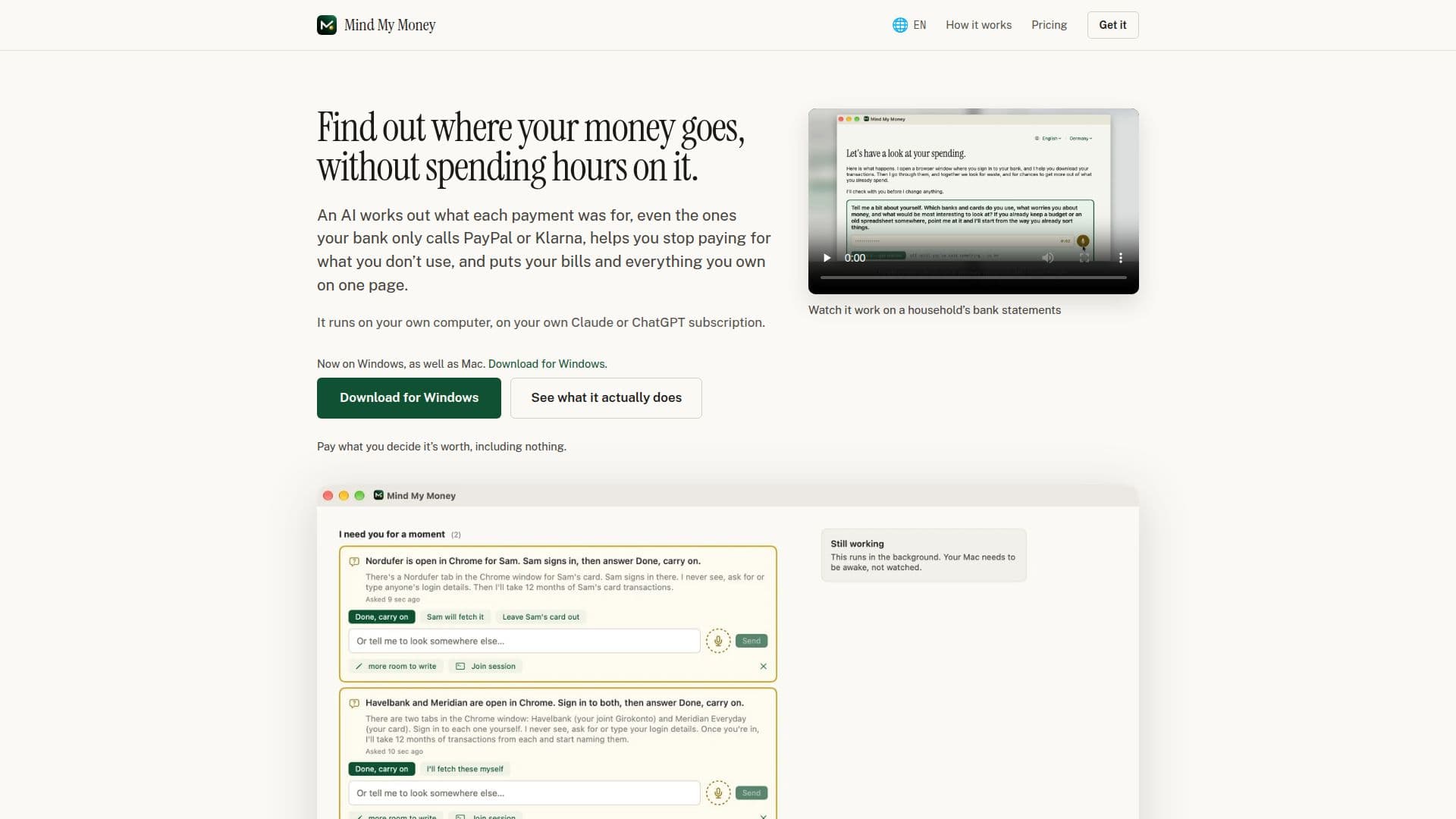
Mind My Money is a financial management tool designed to help users gain a clear understanding of their spending habits. By analyzing bank transactions, it identifies where money is spent and highlights unused subscriptions, allowing users to make informed financial decisions. The tool operates on both Mac and Windows platforms, utilizing a real browser session to access bank data securely. Users sign in to their bank accounts themselves, ensuring privacy and control over their financial information.
Read More
The application leverages AI to categorize transactions, even those labeled generically by banks, such as PayPal or Klarna, by cross-referencing receipts, emails, and other digital traces. This process helps users see a comprehensive view of their monthly spending, including changes from previous months and detailed breakdowns of shopping expenses.
Mind My Money also assists in managing recurring payments by asking users if they wish to continue with certain subscriptions. It can cancel unwanted services directly on the company's website, potentially moving users to cheaper plans and tracking the savings achieved.
The tool is designed for households that struggle to keep track of their finances, offering a solution for those who suspect they are paying for unused services or have been procrastinating on switching utility contracts. Users can choose to pay what they believe the service is worth, with the option to use it for free indefinitely.
Mind My Money emphasizes user responsibility and security, advising caution when approving transactions and ensuring users understand the implications of AI-driven actions. It is not a substitute for professional financial advice but serves as a tool to simplify and organize personal finance management.
- CategoryPersonal Finance Assistants
- Pricing ModelFreemium
- DeploymentLocal
- PlatformsMac, Windows
Mind My Money's Core Features
Transaction categorization
Unused subscription identification
Recurring payment management
Secure browser-based operation
AI-driven transaction analysis
User-controlled data privacy
Cross-platform compatibility
Pay-what-you-decide pricing
How to use Mind My Money?
Install: Download and install on Mac or Windows
Configure: Set up a browser profile for financial data
Analyze: Use AI to categorize and analyze transactions
Manage: Review and manage subscriptions and payments
Mind My Money's Use Cases
- Expense Tracking
- Subscription Management
- Financial Overview
- Budget Optimization
- Bill Management