
Description
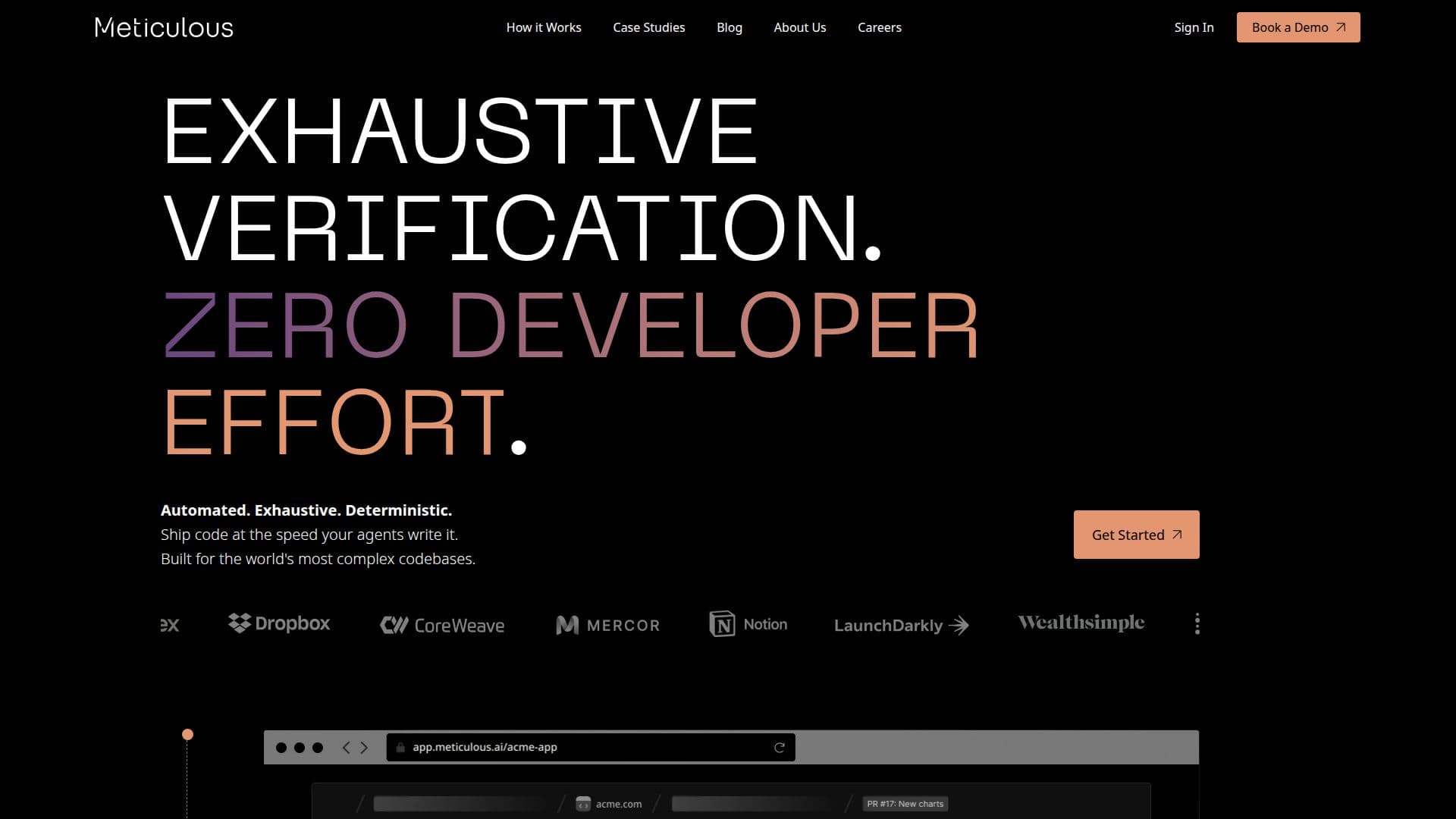
Meticulous AI is an innovative tool designed to automate the creation and maintenance of visual frontend browser tests. It provides a level of coverage that is difficult to achieve with manually written tests. By monitoring daily interactions with applications, Meticulous generates a continuously evolving test suite that covers every aspect of the codebase, including user flows and edge cases. This ensures that developers can ship reliable, regression-free code at a faster pace.
The tool works by adding a script tag to local development, staging, and preview environments to record sessions. Meticulous then tracks the code branches executed by each interaction, curating a suite of visual end-to-end tests. This approach eliminates the need for developers to write, fix, or maintain tests, as the tests automatically evolve with the application.
Meticulous is built from the Chromium level up with a deterministic scheduling engine, making it the only testing tool that eliminates flakes. This technology allows for lightning-fast test execution, even for the most complex applications. Tests are heavily parallelized across a compute cluster, allowing thousands of screens to be tested in under 120 seconds.
The tool integrates seamlessly with existing CI systems and supports frameworks like React, Vue, Angular, and more. It is trusted by over 100 organizations, including Notion and LaunchDarkly, for its ability to transform frontend reliability and save developer time. Meticulous is backed by top investors and is SOC2 Type II compliant, ensuring high security standards.
Meticulous AI's Core Features
Automated visual frontend testing
Zero maintenance required
Deterministic scheduling engine
Integration with CI systems
Supports multiple frameworks
Parallelized test execution
SOC2 Type II compliant
Eliminates test flakes
Session recording and replay
Comprehensive code coverage
No false positives
Lightning-fast test execution
Continuous test suite evolution
Visual diffs on pull requests
Trusted by leading organizations
How to use Meticulous AI?
Configure: Add the Meticulous script tag to your environment
Use: Record sessions during development
Integrate: Set up CI integration for automated testing
Review: Analyze visual diffs on pull requests
Meticulous AI's Use Cases
- Automated Testing
- Code Reliability
- CI Integration
- Complex Applications
- Visual Diffs