
Description
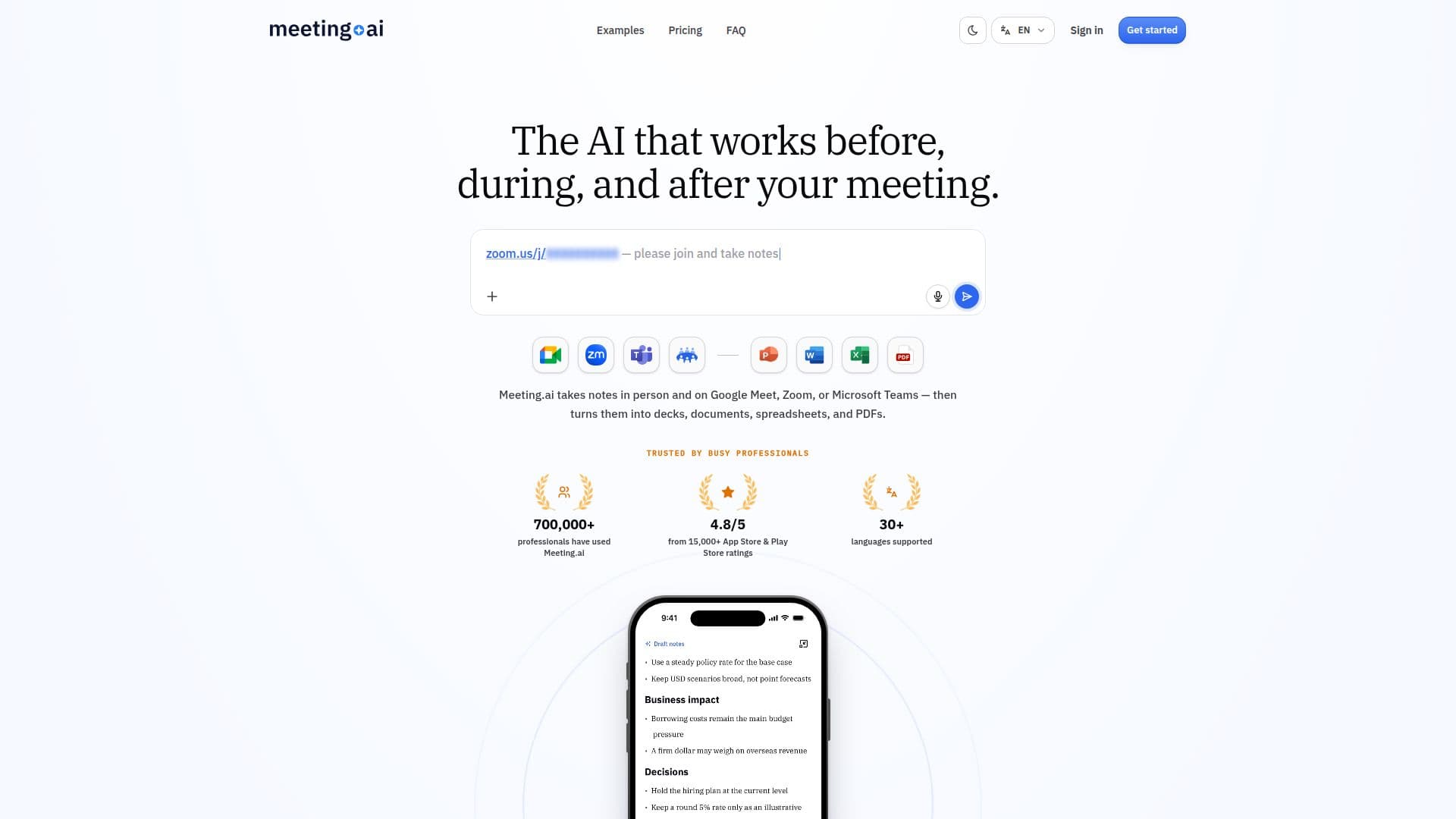
Meeting.ai is an AI work assistant that operates before, during, and after meetings. Before a meeting, it researches the company, people, and topic to return a sourced brief and can draft a ready-to-present slide deck and supporting numbers. During a meeting, it records and transcribes in 30+ languages in the browser, on mobile, or with a bot in Google Meet, Zoom, and Microsoft Teams, and users can also upload existing audio or video recordings.
Read More
After a meeting, Meeting.ai writes accurate notes and minutes automatically and can generate documents, spreadsheets, revised follow-up decks, short audio recaps, and Visual Notes, all grounded in what was actually said. Output formats include decks (PPTX), documents (DOCX), spreadsheets (XLSX), PDF minutes, and research briefs.
Meeting.ai builds a searchable meeting history, so users can ask a question and get an answer drawn from past meetings with the source meeting linked. Its transcription supports over 30 languages and handles accents, and the platform positions itself as an agent for work built on a team's meetings.
Meeting.ai is free to start, and paid plans use a monthly coin allowance: Starter at $20/month, Pro at $100/month, and Max at $200/month, with coins spent on meeting time, document generation, and research tasks. The company states meeting content is encrypted in transit, protected by access controls, never sold, and never used to train public AI models, with export and deletion available at any time.
- CategoryAI Meeting Assistants
- Pricing ModelFreemium
- DeploymentCloud, Mobile app
- PlatformsWeb, iOS, Android
Meeting.ai's Core Features
AI assistant for before, during, and after meetings
Pre-meeting research briefs and draft decks
Recording and transcription in 30+ languages
Bot capture for Google Meet, Zoom, and Teams, plus browser and mobile
Automatic minutes and notes grounded in the conversation
Generates PPTX, DOCX, XLSX, PDF, and Visual Notes
Searchable meeting history with sourced answers
Upload of existing audio and video recordings
How to use Meeting.ai?
Start free: Create a Meeting.ai account.
Prepare: Give the agent a topic, report, or past notes to get a brief and a draft deck.
Record: Capture your meeting via browser, mobile, or a bot in Meet, Zoom, or Teams.
Get deliverables: Receive minutes and generate decks, documents, spreadsheets, or recaps.
Ask your history: Query past meetings and get answers linked to the source meeting.
Meeting.ai's Use Cases
- Meeting preparation
- Notes and minutes
- Document generation
- Follow-up work
- Meeting knowledge search